iPhone "No Service / Searching": SIM, Software, or Logic Board?
If your iPhone keeps showing 'No Service' or 'Searching', the causes range from the SIM to the modem area on the logic board. The cheap-to-expensive elimination order, step by step.
By İlham Hüseynov · Device repair since 2005 · Apple board-level specialist
Content updated:
"No Service", "Searching", an unreadable IMEI, or calls that keep dropping… Cellular complaints are among the most misdiagnosed fault families, because the causes stretch from the SIM card to software, from the antennas to the modem area on the logic board.
This guide applies the golden rule of board-level work to this fault: eliminate from cheap to expensive, from outside in.
1. Exhaust the cheap possibilities: SIM, line, software
Before touching the board, rule out:
- Try another SIM, and try this SIM in another phone — is the problem the line or the device?
- Carrier/coverage: do other phones get signal in the same spot?
- Reset network settings, check for updates; if needed, do a restore. A restore rules out software-side modem lock-ups.
- The device's registration/lock status (carrier lock, blacklist) can be queried — that's not a hardware fault, but it produces the same symptom.
These steps solve a serious share of cellular complaints without picking up a screwdriver.
2. The critical indicator: does the IMEI read?
Check the IMEI under Settings → General → About (or by dialing *#06#):
- IMEI shows but there's no service → the modem is alive; suspicion moves to the antenna/RF chain or the line/registration side.
- IMEI blank/unreadable → the modem area never introduces itself to the system; this picture points strongly at the logic board.
This single check is one of the most valuable clues, splitting the diagnosis into two separate paths.
3. Antenna and connector inspection
If the IMEI reads but signal is weak or absent, look at the mechanical side of the RF chain:
- Antenna flex cables and coaxial connectors may be unseated, crushed or oxidized — reassembly mistakes are a classic on previously opened devices.
- Chassis deformation (drop/bend) can ruin antenna contact points.
- On devices with liquid history, oxide on the connectors seriously weakens the signal.
Microscope inspection of the connectors plus properly reseating the antennas resolves many cases in this family.
4. Board side: diagnosing the modem area
If the IMEI won't read, or a restore aborts with a specific error, the modem area on the board is next. This area has its own supply rails and data lines talking to the processor:
- Modem supplies are measured — a missing rail means the area never wakes up.
- Diode mode hunts for shorts/breaks on the lines; liquid and impact love leaving traces here.
- Modem-area faults sit among the advanced cases: diagnosis demands schematic/boardview reading and disciplined, systematic measurement.
Important note: some ICs in this area are paired to the device; uninformed part swapping can leave the phone worse off. That's why diagnosis is worth more than intervention.
Why does the order matter?
Two extreme mistakes show up in cellular faults: calling everything "software" and spending weeks on restores, or the opposite — stamping it "modem failure" immediately and diving into heavy intervention. Both are diagnosis-free work.
The systematic order (SIM/software → IMEI check → antenna/connectors → modem-area measurement) shrinks the suspect list at every step; intervention comes only after the evidence is in.
How this fault looked on the bench
Real repairs from İlham's bench, published on Facebook 2021–2025. The text is the original post, unedited.
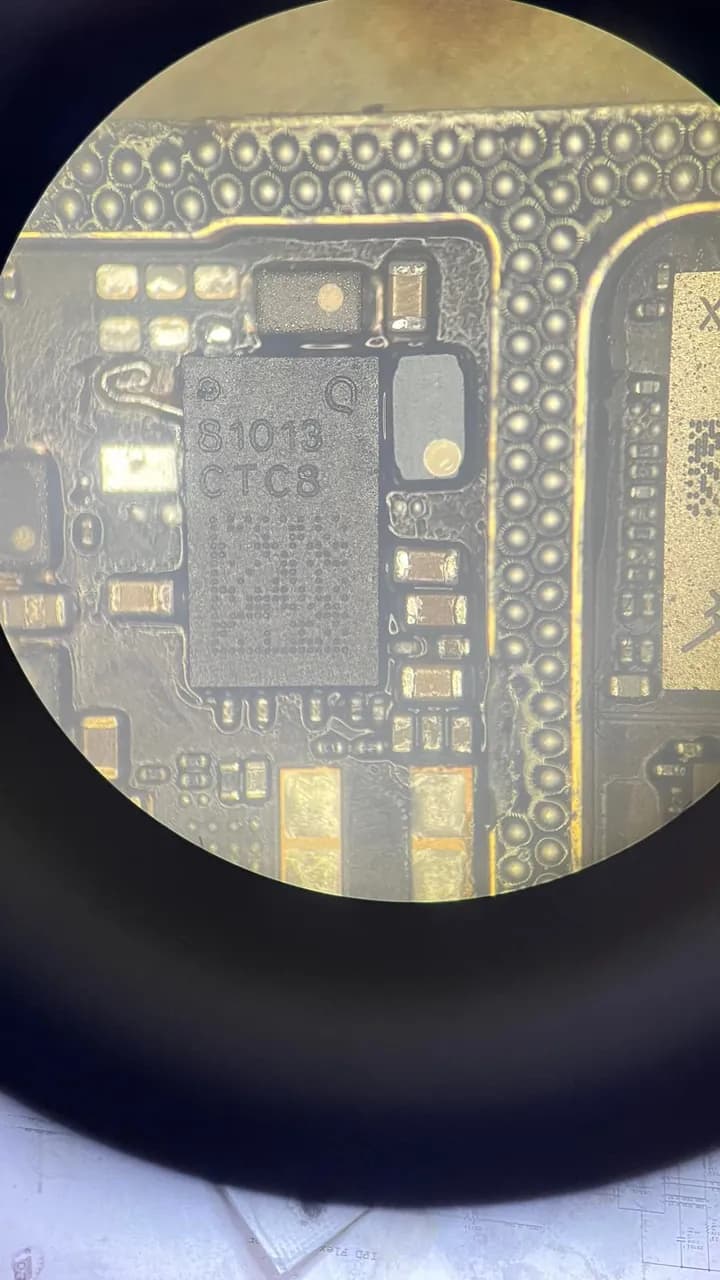
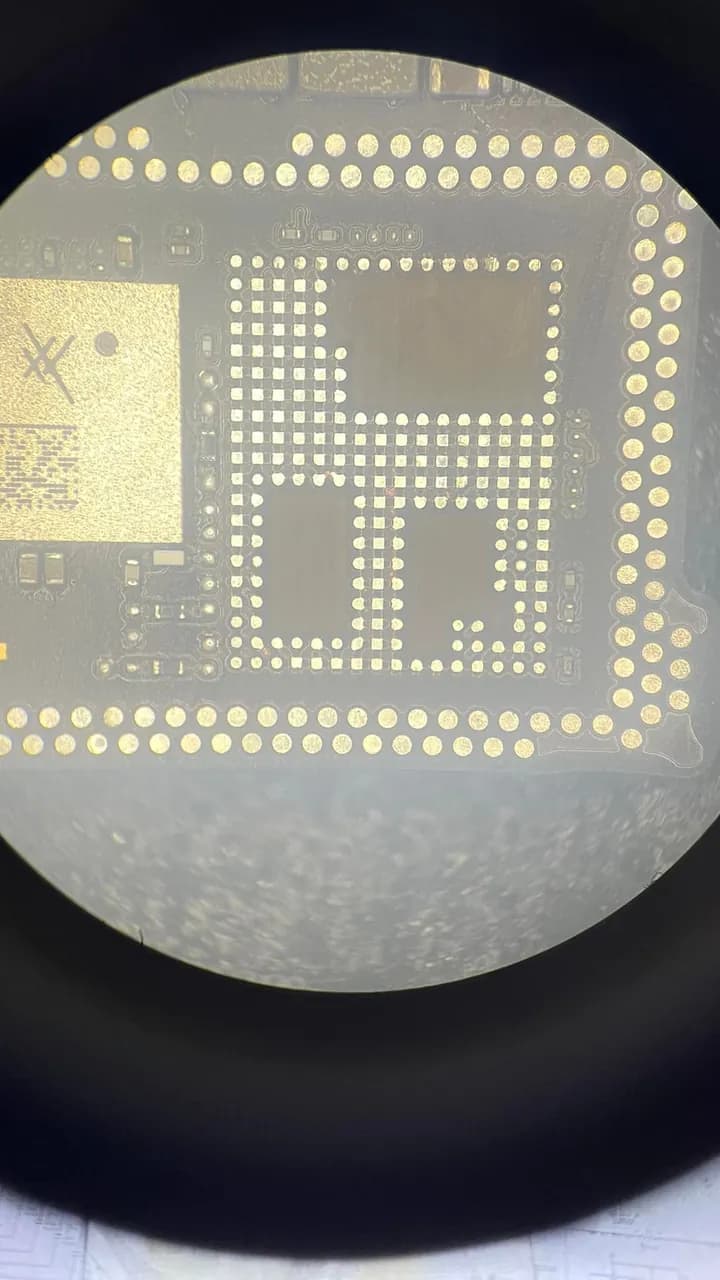
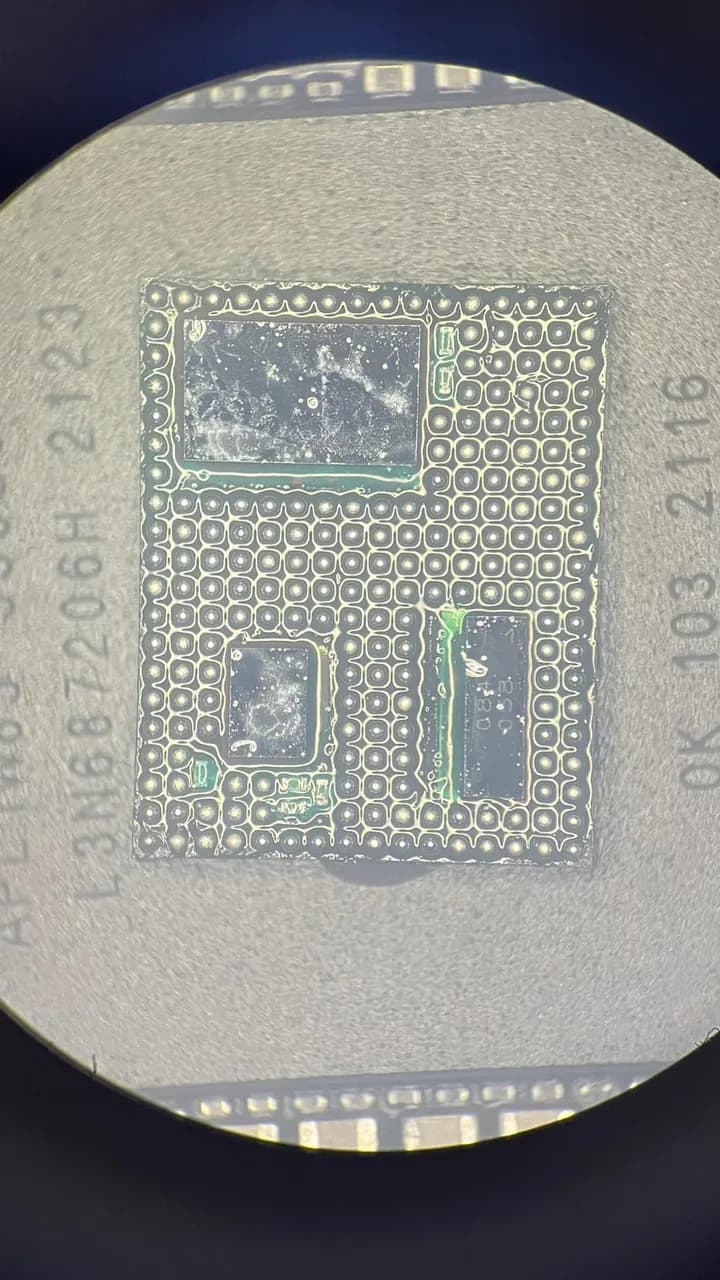
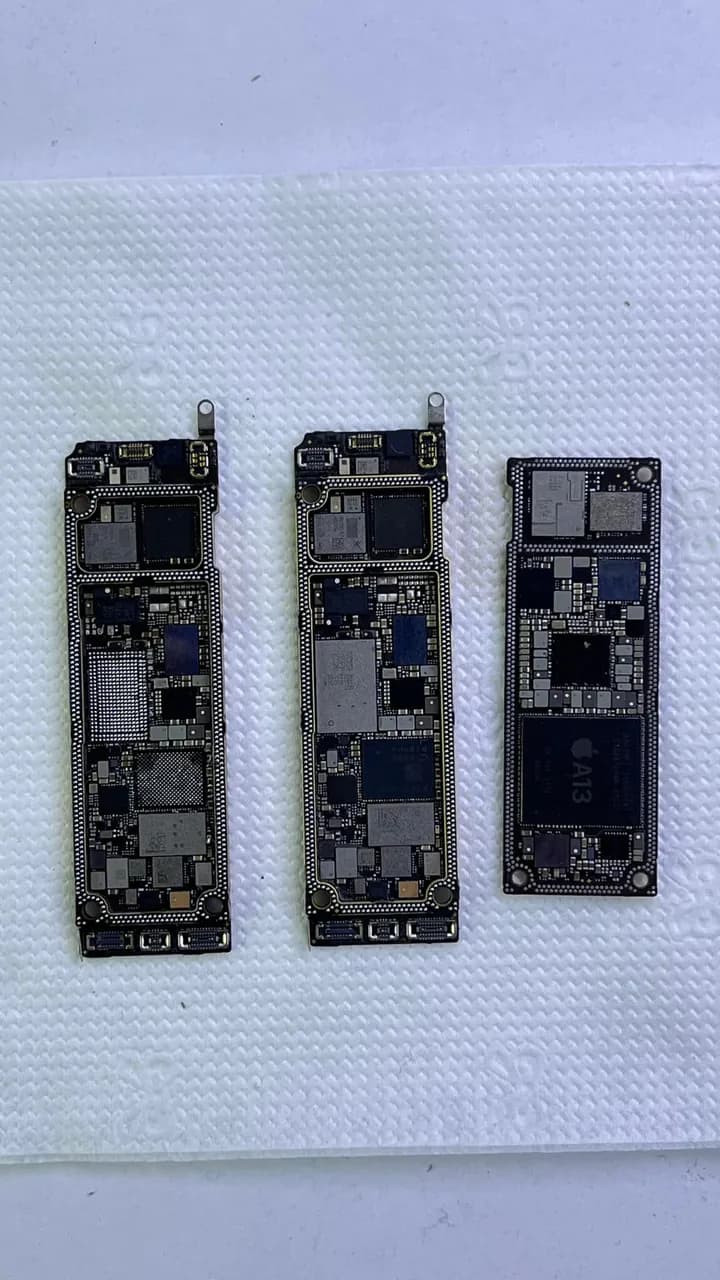
Status: Previous repair attempts were made on the lower board, which unfortunately caused irreversible damage. Our Diagnosis and Solution: We replaced the damaged lower board with a new one and successfully transferred all necessary data. Afterward, we identified the root cause of the network issue in the upper board's VFE_HI_3V15V line, which had a short circuit. By replacing the faulty PA_HB_K component, we resolved the issue completely. 👉 Contact us: 🔗 www.elmateknikservis.com Antalya – Muratpaşa Your devices are in safe hands!
Frequently asked questions
My iPhone says 'No Service' but the IMEI shows — is it a board fault?
If the IMEI reads, the modem area is most likely alive; focus first on SIM/line, registration status and the antenna/connector side. Board suspicion grows in the picture where the IMEI won't read at all.
I restored the phone and there's still no service. Is it definitely hardware?
If the restore completed cleanly and the problem persists, the hardware odds rise seriously — but do the IMEI check and antenna inspection first. If the restore aborts with a specific error, that's a separate clue pointing at the modem area.
Cellular died after liquid contact — coincidence?
Probably not. The modem area and RF connectors are sensitive to liquid damage; corrosion can sever supply or signal lines. Liquid history plus cellular loss together make board-level diagnosis the right address.
- · Cellular/modem diagnostic methodology — the IMEI indicator and elimination order
- · USTA Academy — supply measurement and schematic reading modules
Technical reference documents
These manufacturer and project documents explain the measurement methods or support procedures discussed here. Board-specific values still require the correct model schematic and measurement conditions.
Related guides
Want to learn this systematically?
AkademiUsta · Apple Board-Level Repair — 6 Modules · 80 Days. Module 1 (8 days) is completely free — no time limit, no credit card.
This topic in the program · Module 1 · Day 1Map out the repair workflow and the tool landscapeStart FreeOr write to İlham on WhatsAppSource: USTA Academy methodology — cellular/modem diagnostic order (teaser)