Apple Activation Lock, Firmware Passwords and MDM Explained
Distinguish Apple Activation Lock, Intel Mac firmware passwords and MDM enrollment. Identify the right support process for a device with verified ownership.
By İlham Hüseynov · Device repair since 2005 · Apple board-level specialist
Content updated:
A device can have working hardware and still stop at an ownership or management screen. An Apple Account prompt, an Intel Mac firmware password and an organization's Remote Management screen describe different situations. Treating all of them as a board fault leads to the wrong repair.
This guide separates those layers and explains which owner or administrator should handle each one. Record the exact screen and model, then verify the customer's authority to request service. It does not provide a way to bypass another person's account or an organization's controls.
Activation Lock: an ownership check
Activation Lock connects a supported device with the owner's Apple Account through Find My. A successful hardware repair does not itself remove that association.
For an authorized owner, follow the options Apple provides on the activation screen or through Find My. If account access is unavailable, use Apple's account-recovery and Activation Lock support channels. Proof of purchase may support a request; it is not a promise that every request will be approved. For an organization-owned device, involve its IT administrator.
Firmware password: an Intel Mac startup restriction
A firmware password on an Intel Mac restricts startup from an alternative disk and access to macOS Recovery. It is separate from the normal macOS login password and from Activation Lock.
On an Intel Mac with a T2 chip, Startup Security Utility includes firmware password protection, Secure Boot settings and permitted boot media. The presence of a T2 chip does not mean the firmware-password feature disappeared.
Apple silicon Macs do not use the classic Intel firmware-password feature. Identify the generation before deciding which support instructions apply. If the owner has forgotten an Intel Mac firmware password, Apple's documented route is an in-person service appointment with proof of purchase.
MDM: management by an organization
Mobile Device Management lets an organization manage devices under its authority. A Remote Management screen during setup is not evidence of a failed logic board.
Ask the responsible administrator to check the enrollment method and the device's status. Removing a management profile and releasing a device from an organization's enrollment inventory are different operations. If the device has genuinely been sold or transferred, the organization may need to release it through Apple Business or Apple School Manager as well as handle its management-service record.
Do not release a device simply because it is being sent for repair. Release and erase/restore steps belong to the authorized organization's transfer process. Apple's current release documentation also warns that its Activation Lock management options are unavailable after release, so the administrator must plan the sequence.
Choose the legitimate service route
| Observed screen or restriction | First responsible party |
|---|---|
| Activation Lock asking for the linked Apple Account | Account owner, or the organization's administrator |
| Intel Mac padlock before Recovery or alternative startup | Owner who knows the firmware password, or Apple service with proof of purchase |
| Remote Management naming an organization | That organization's authorized IT administrator |
Record the device identifier and the customer's authorization through your normal service process. Let the customer enter their credentials themselves; a repair record should not contain their account password.
A factory reset is not a universal release mechanism. Establish the ownership, lock type and data requirements before agreeing to erase, restore or replace parts.
Data recovery is a separate question
Do not promise that clearing a setup screen or replacing a board will recover the customer's files. Encryption, device generation, available credentials and backups affect recovery. Moving storage alone is not a universal way to transfer readable data between modern Apple boards.
Before any erase or restore, agree on the data priority with the verified owner. If data is the objective, preserve the device state and assess that work separately from returning the device to normal setup.
How this fault looked on the bench
Real repairs from İlham's bench, published on Facebook 2021–2025. The text is the original post, unedited.
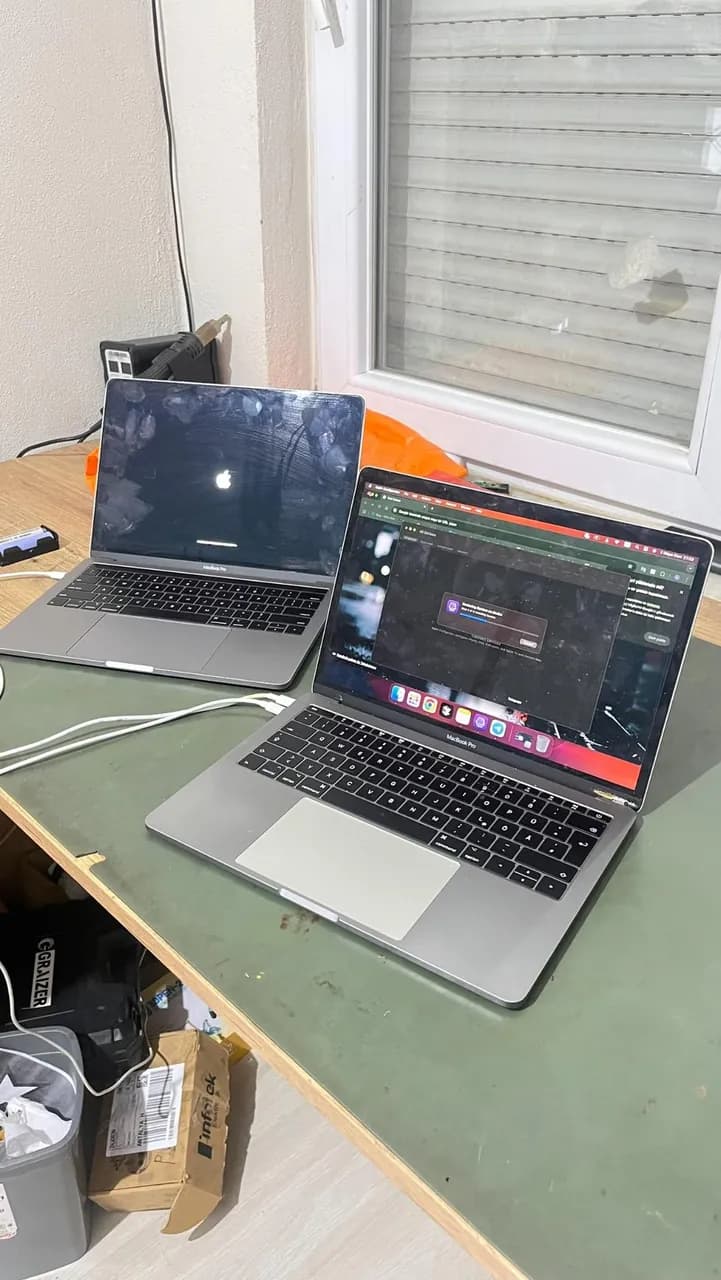
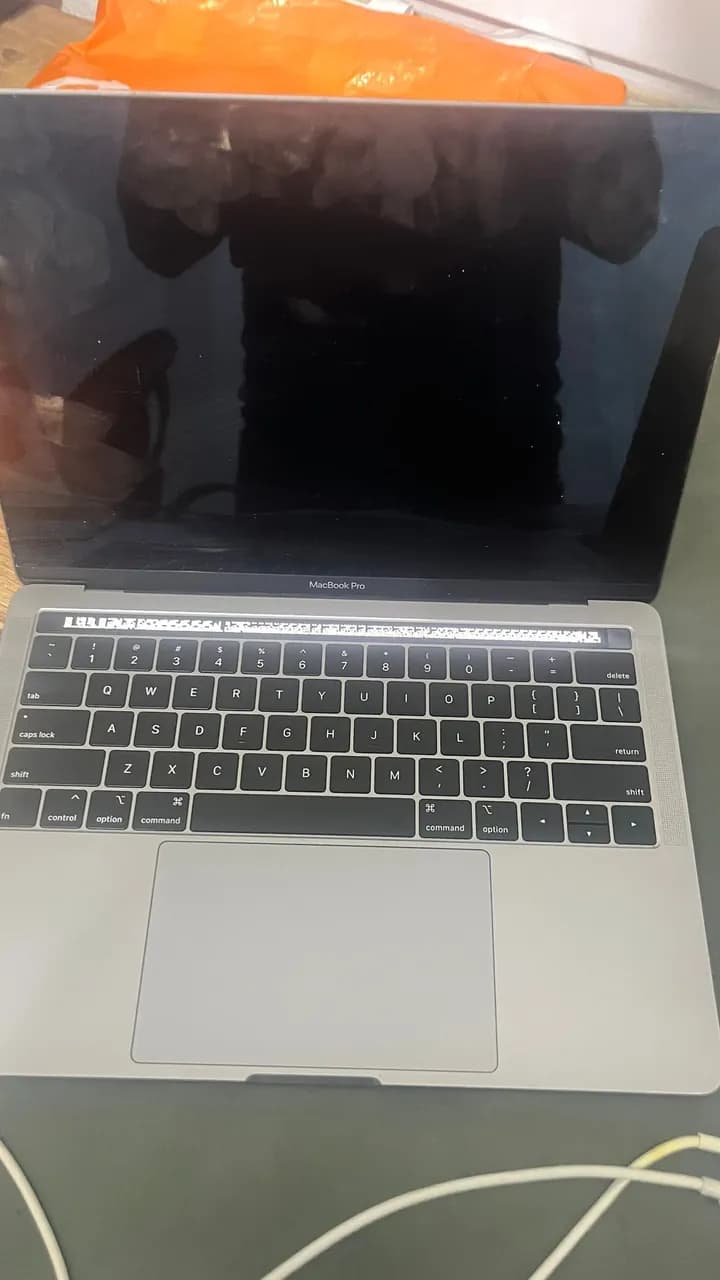
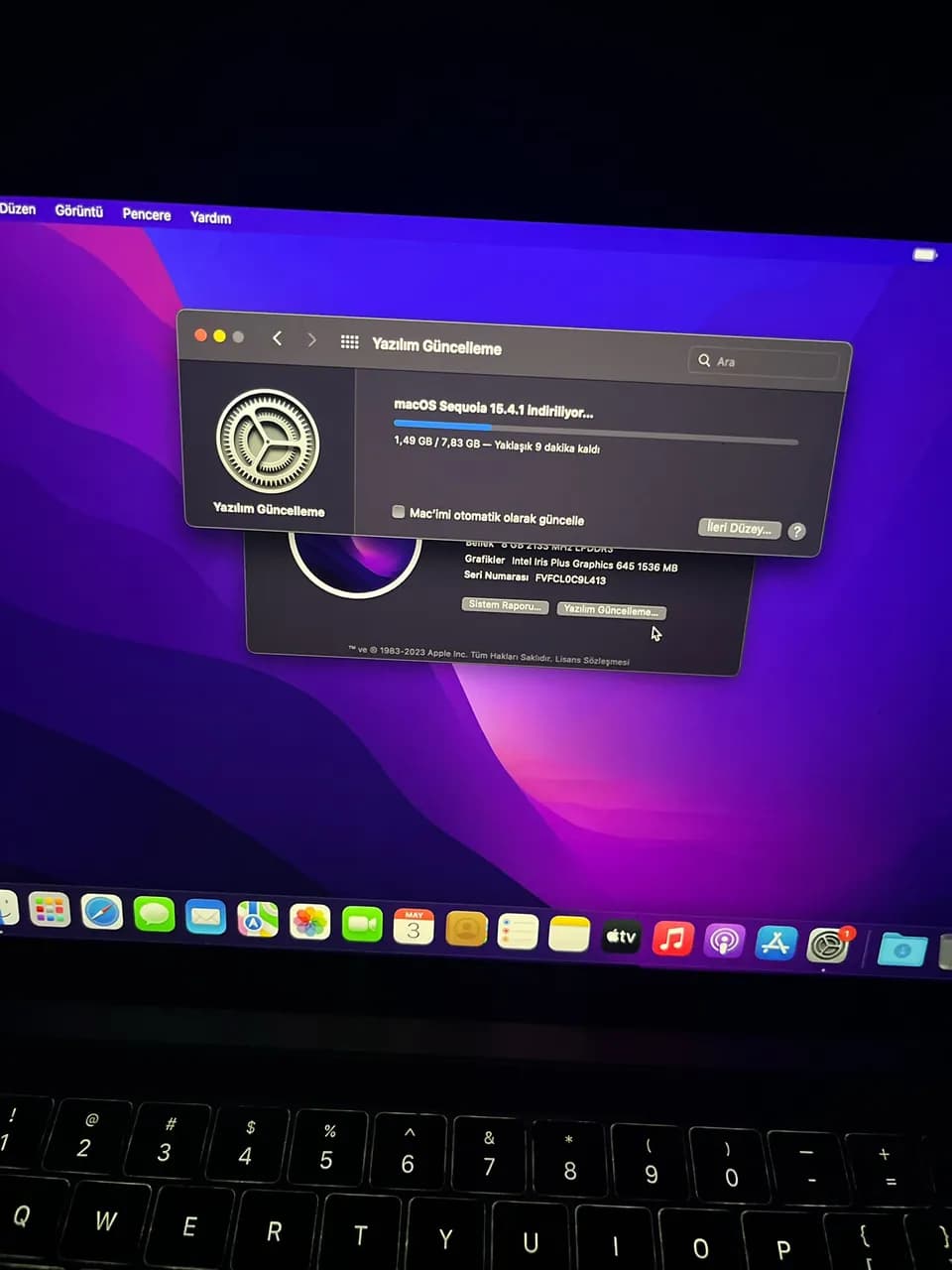
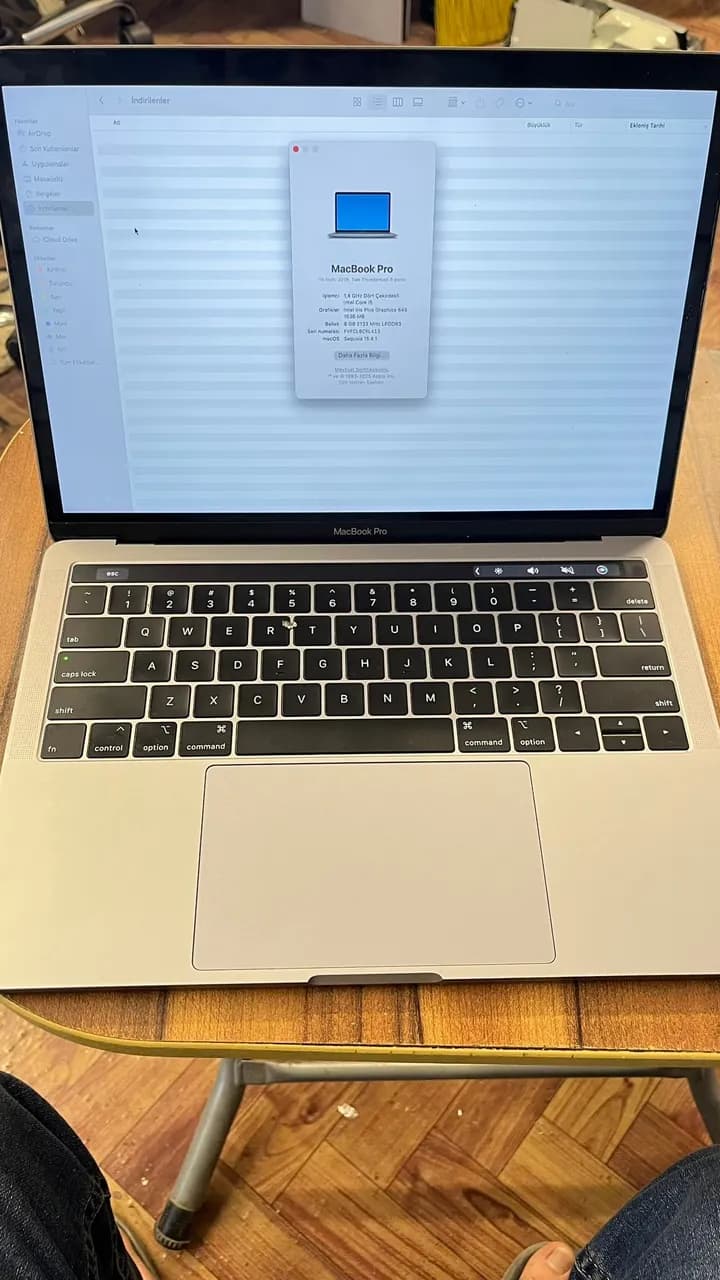
MacBook Pro A2159 – iCloud bypass successfully completed Thanks to our stable and risk-free solution — tested many times on this model — the device is fully operational again. As long as it’s not formatted, all features remain active and updates work flawlessly. Plus, we offer same-day delivery!
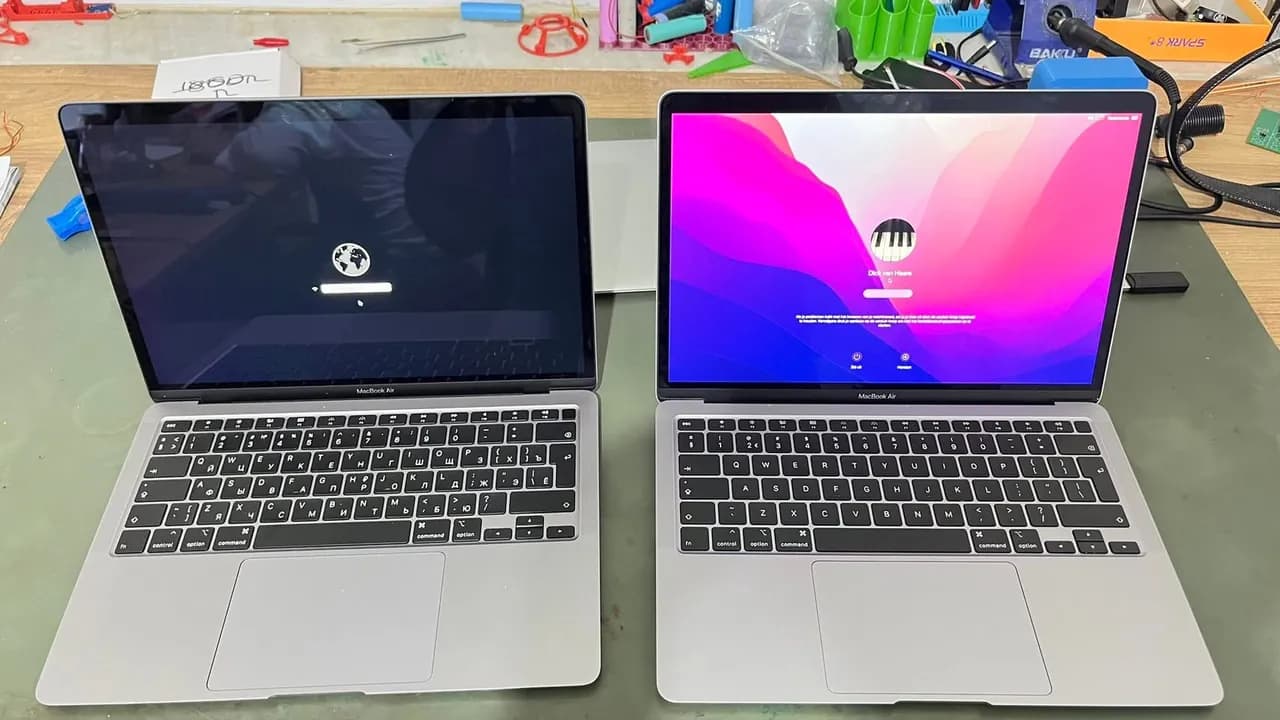
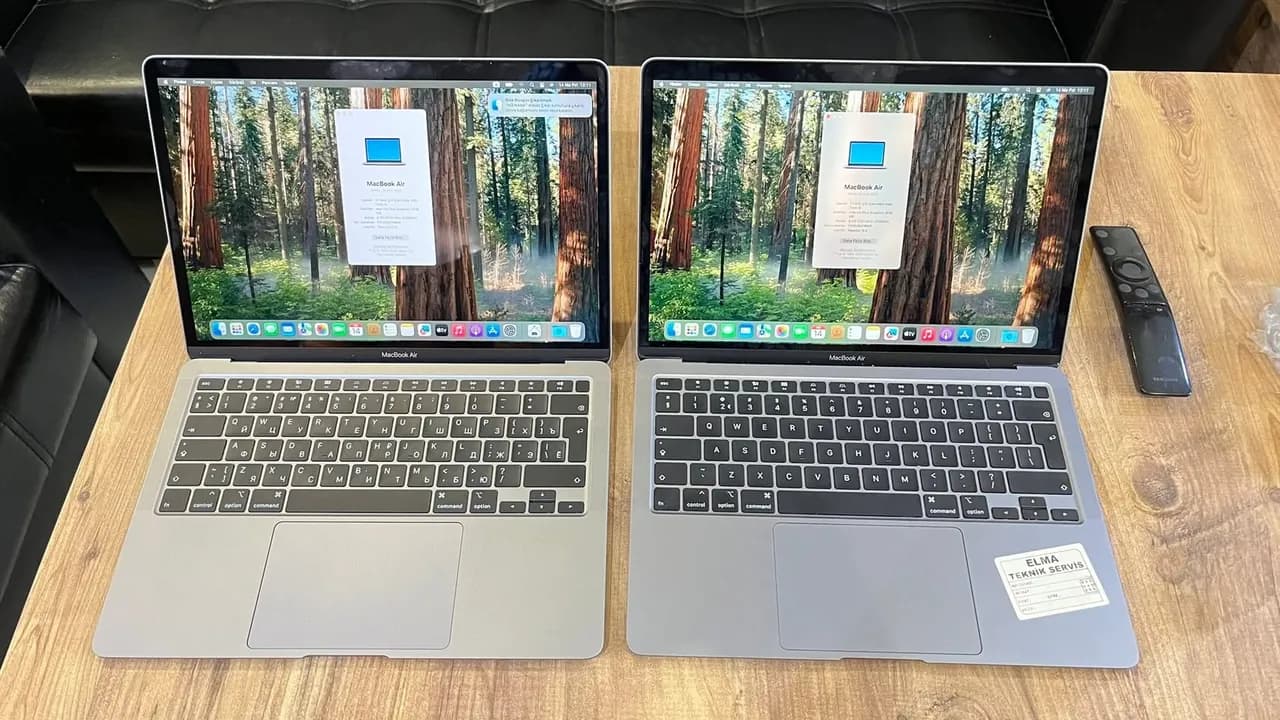
MacBook Air A2179 – 2 iCloud-locked devices successfully bypassed Devices are now fully functional with system updates enabled and stable performance. Note: Do not format the device!
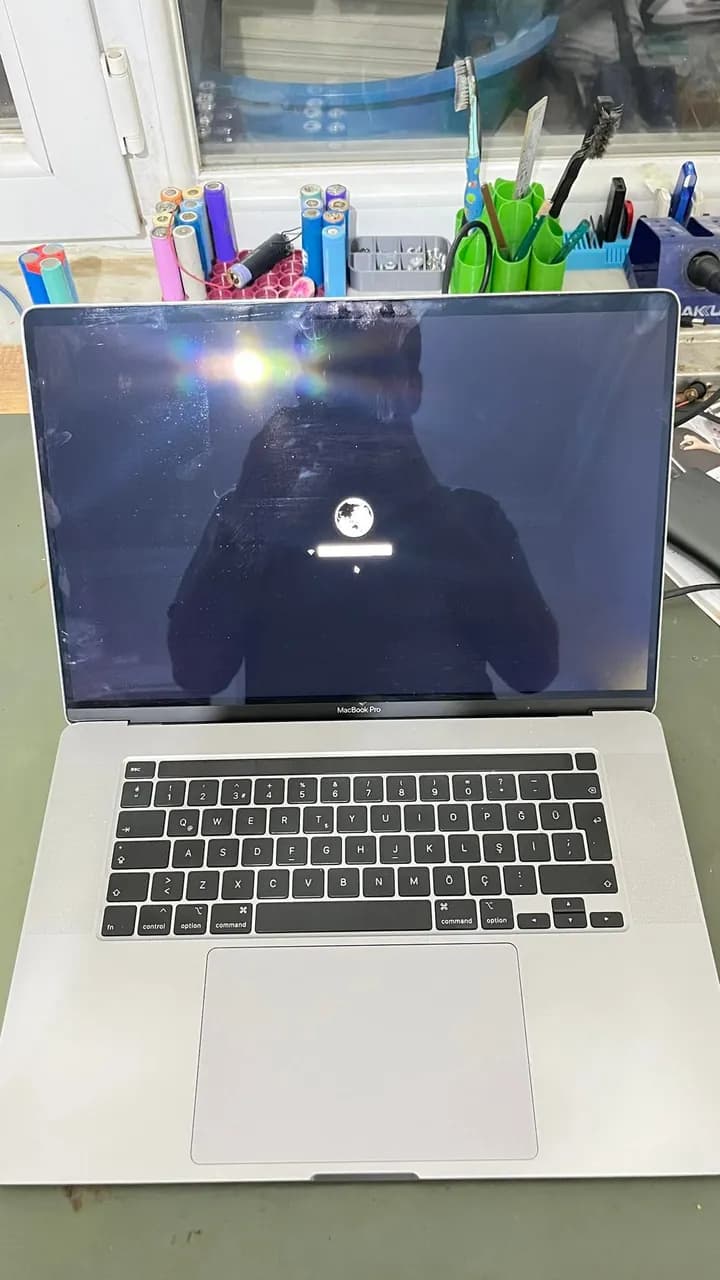
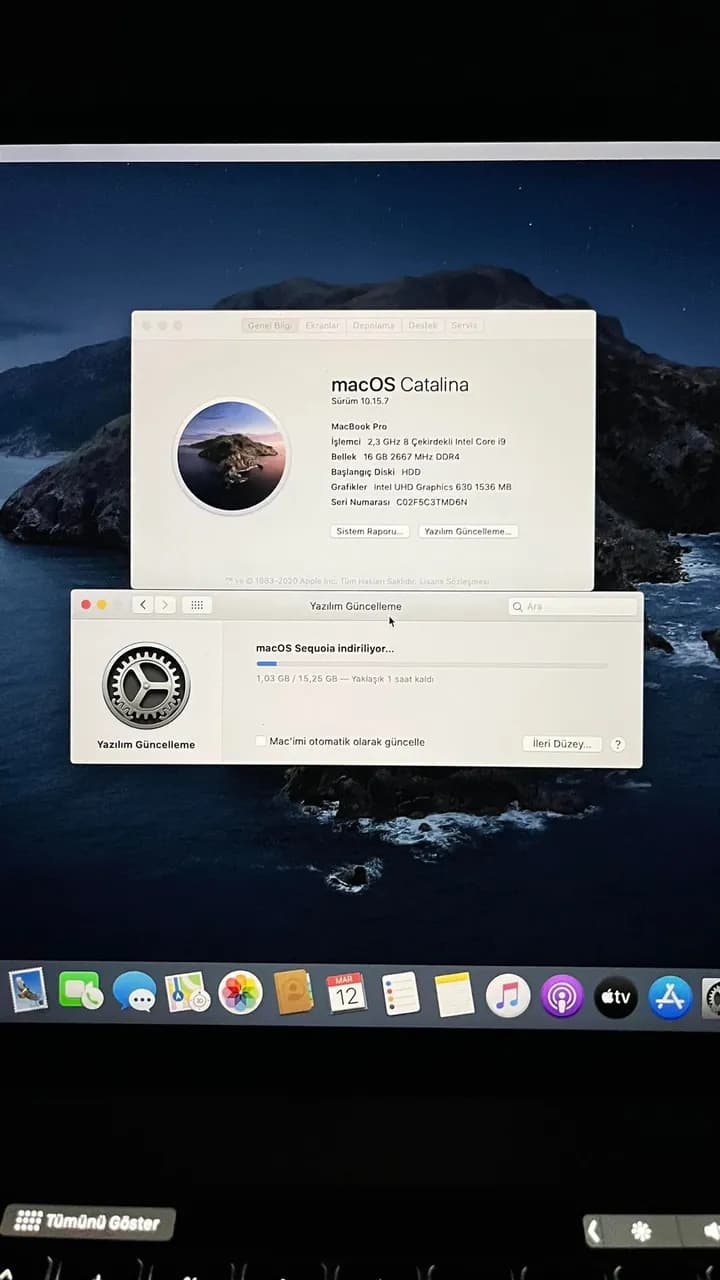
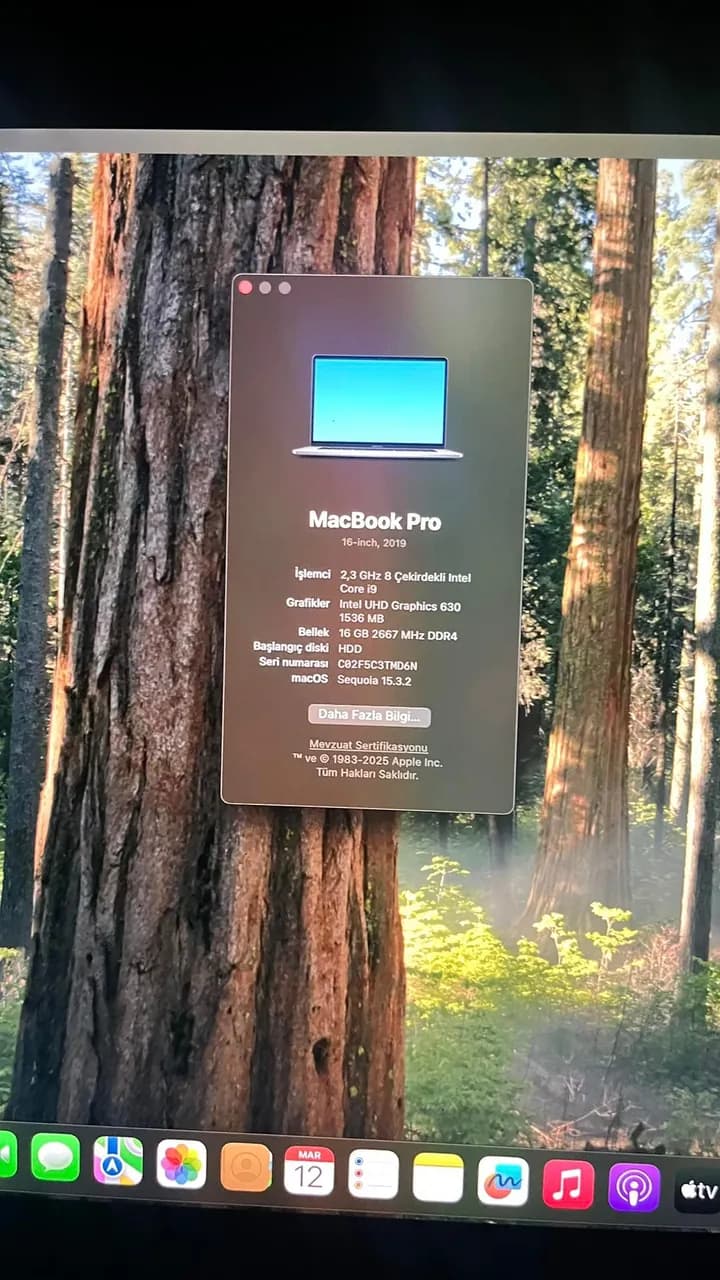
MacBook Pro A1990 – iCloud lock successfully removed As seen in the photo, system updates work flawlessly. Note: Do not format the device!
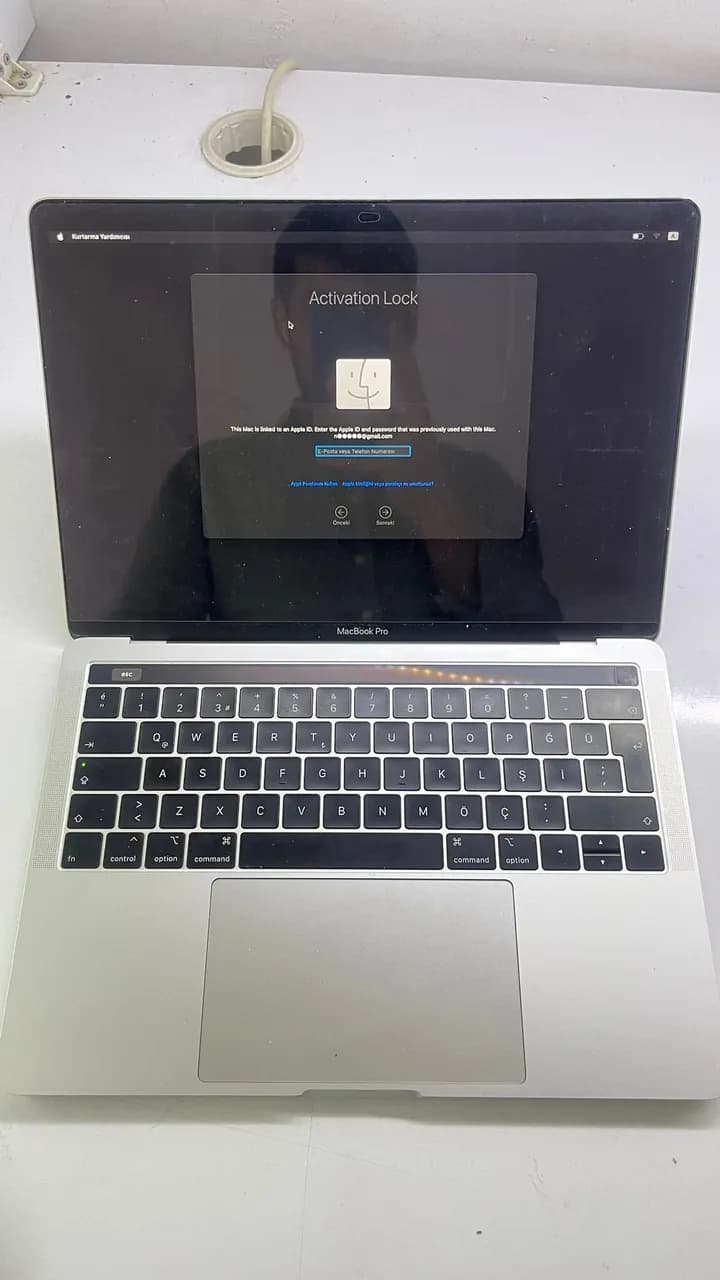
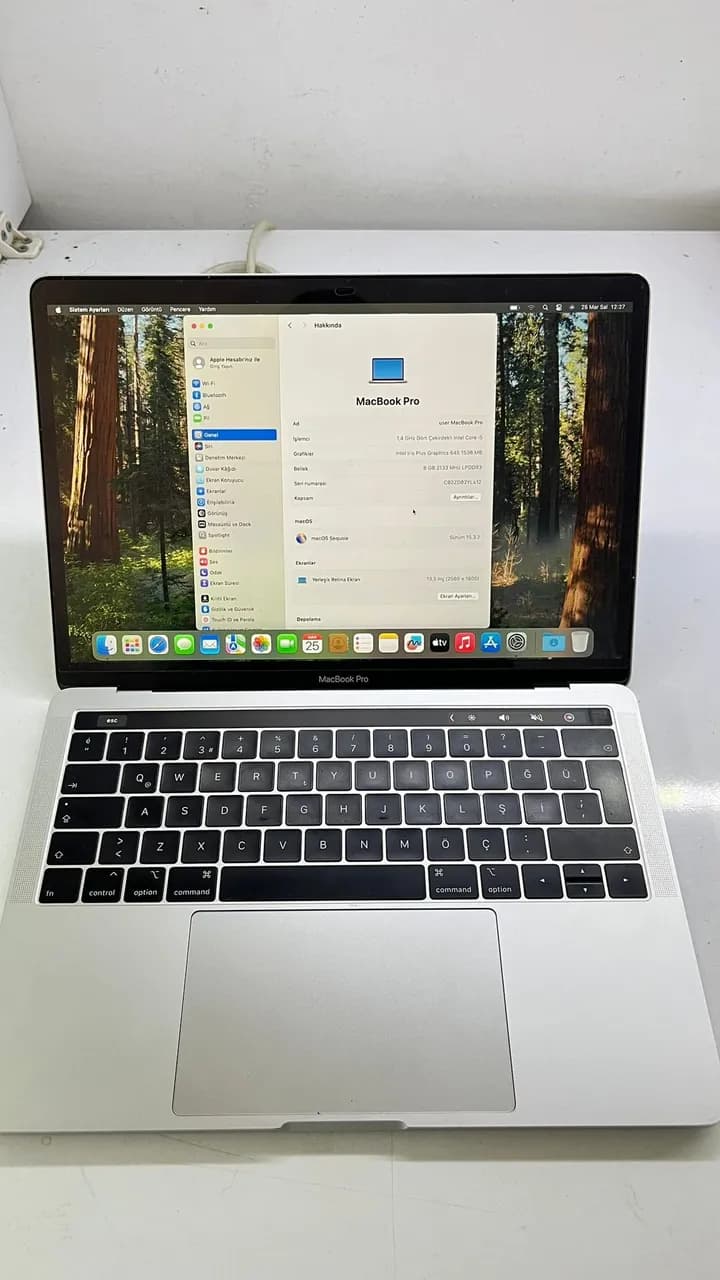
A2159 MacBook Pro | iCloud lock successfully removed on T2 chip device macOS installation completed – good as new!
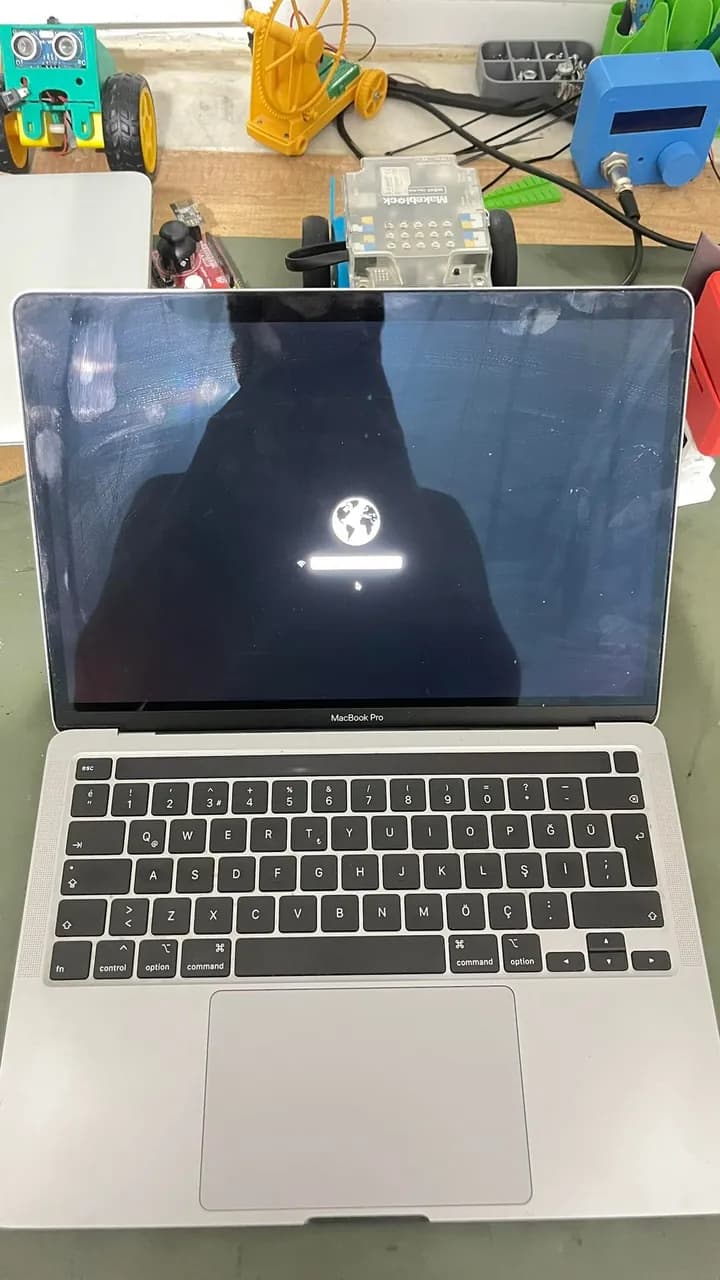
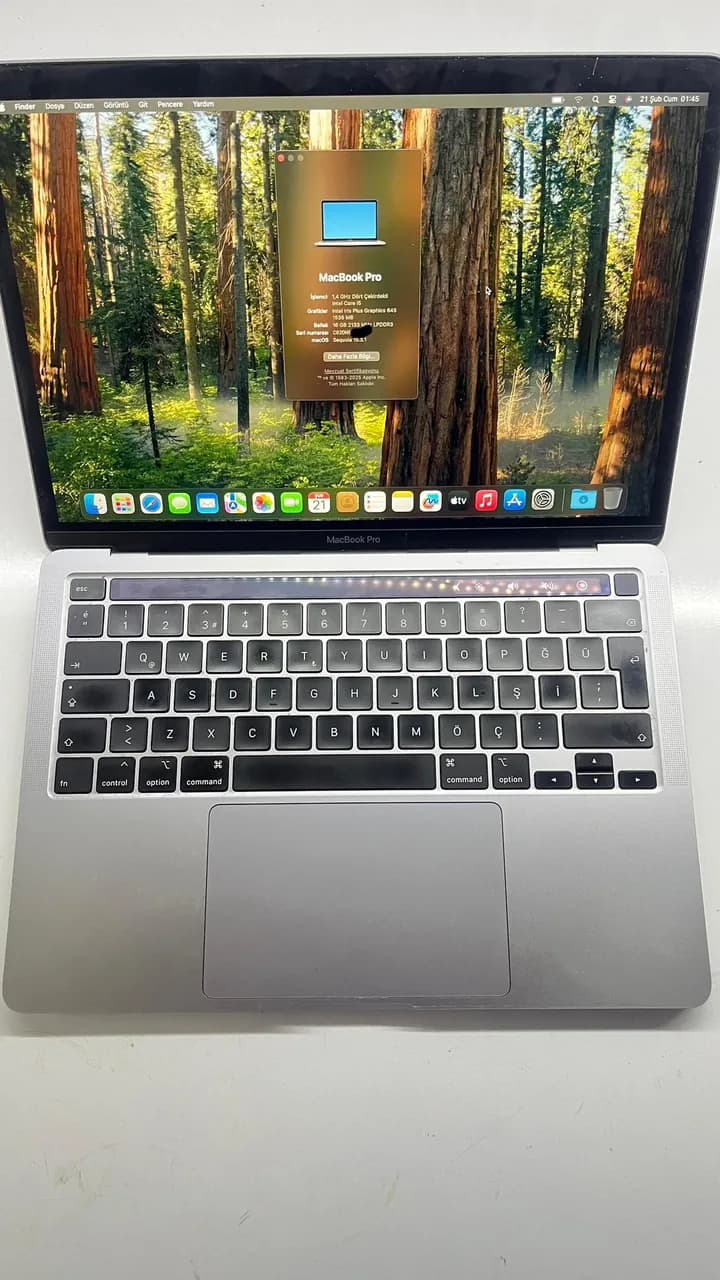
MacBook Pro A2289 (2020) T2 Chip iCloud Unlock This device is now fully functional! Updates, restarts, battery drain—none of these cause any issues. The user can enjoy their MacBook just like any regular computer. Finally, the latest macOS Sequoia version has been installed, and the device is delivered to its owner. Guaranteed by us!
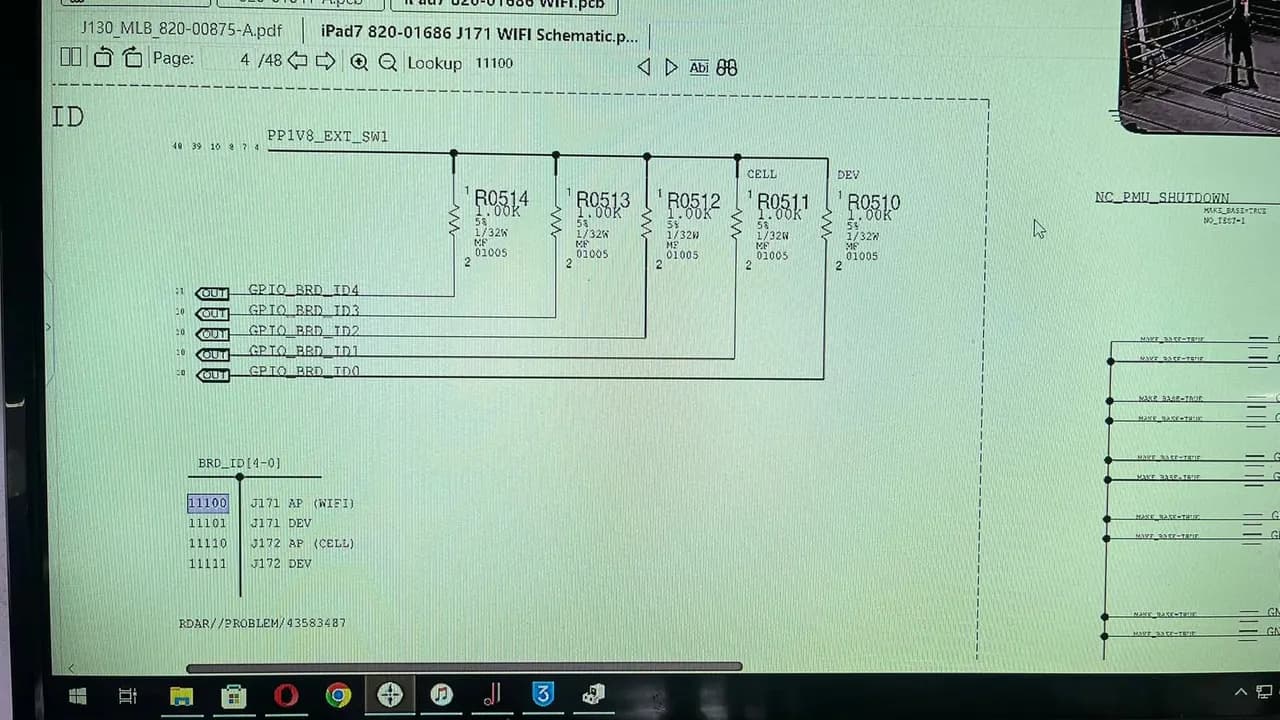
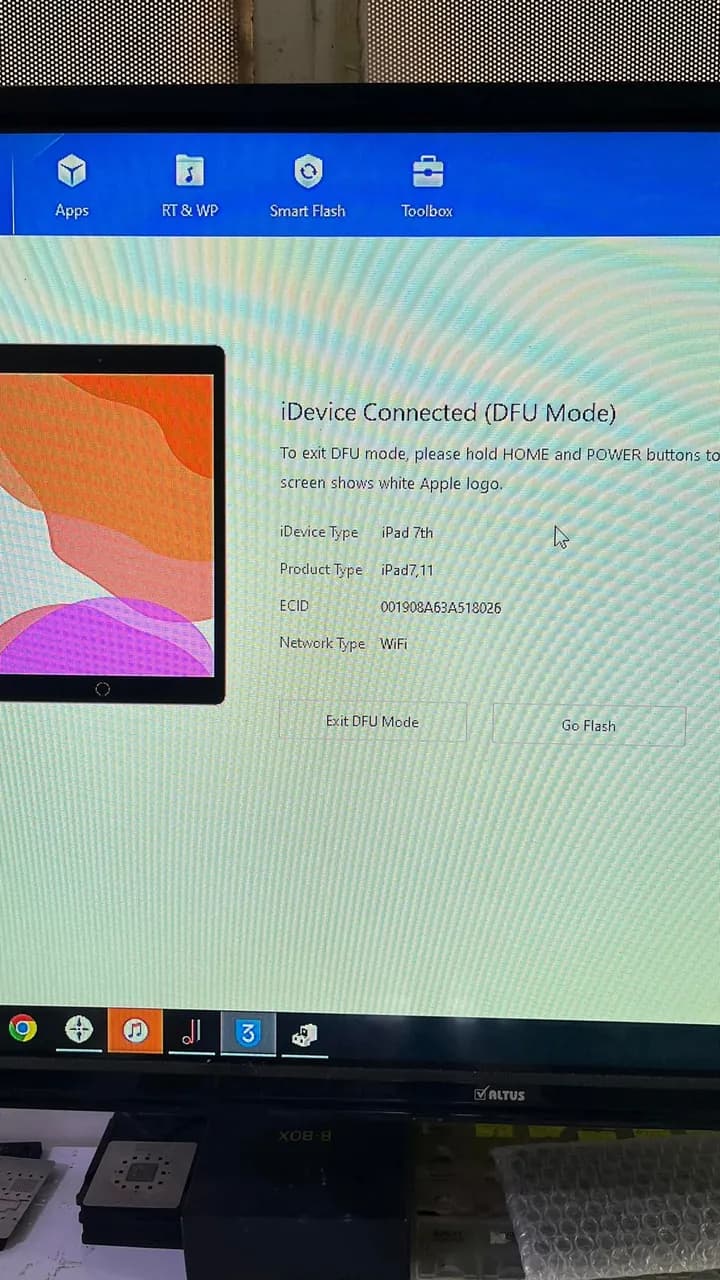
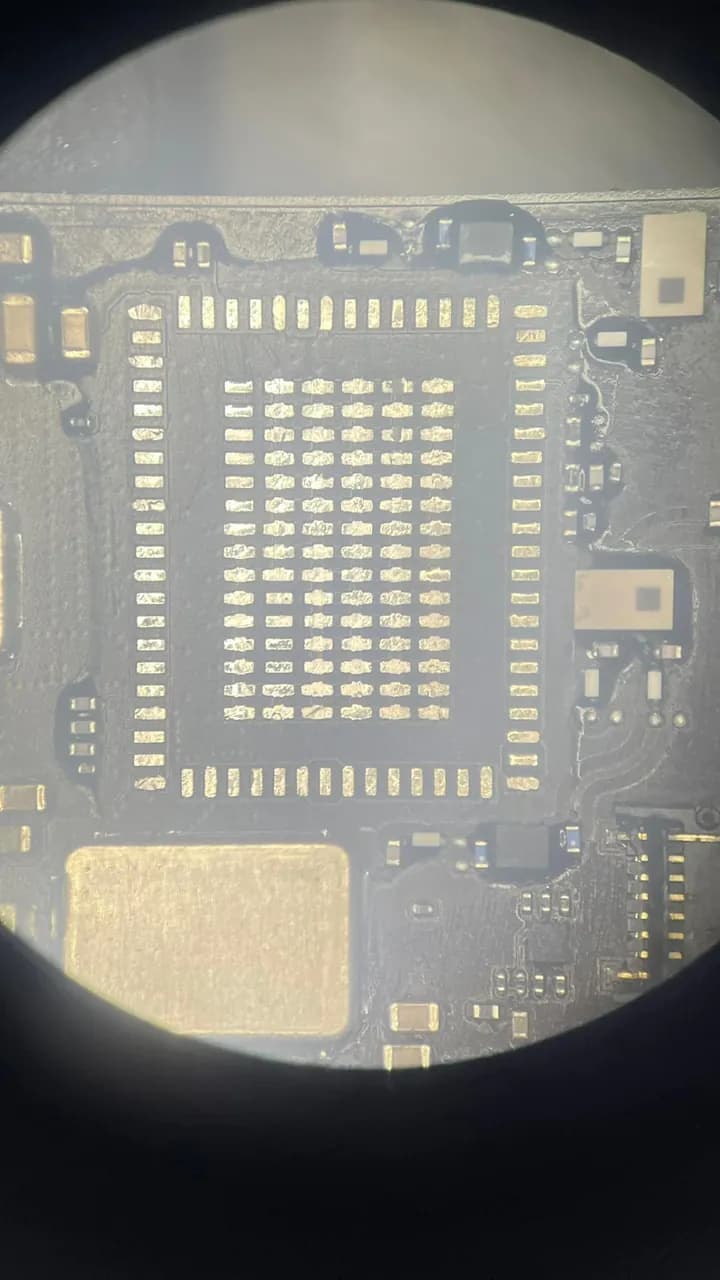
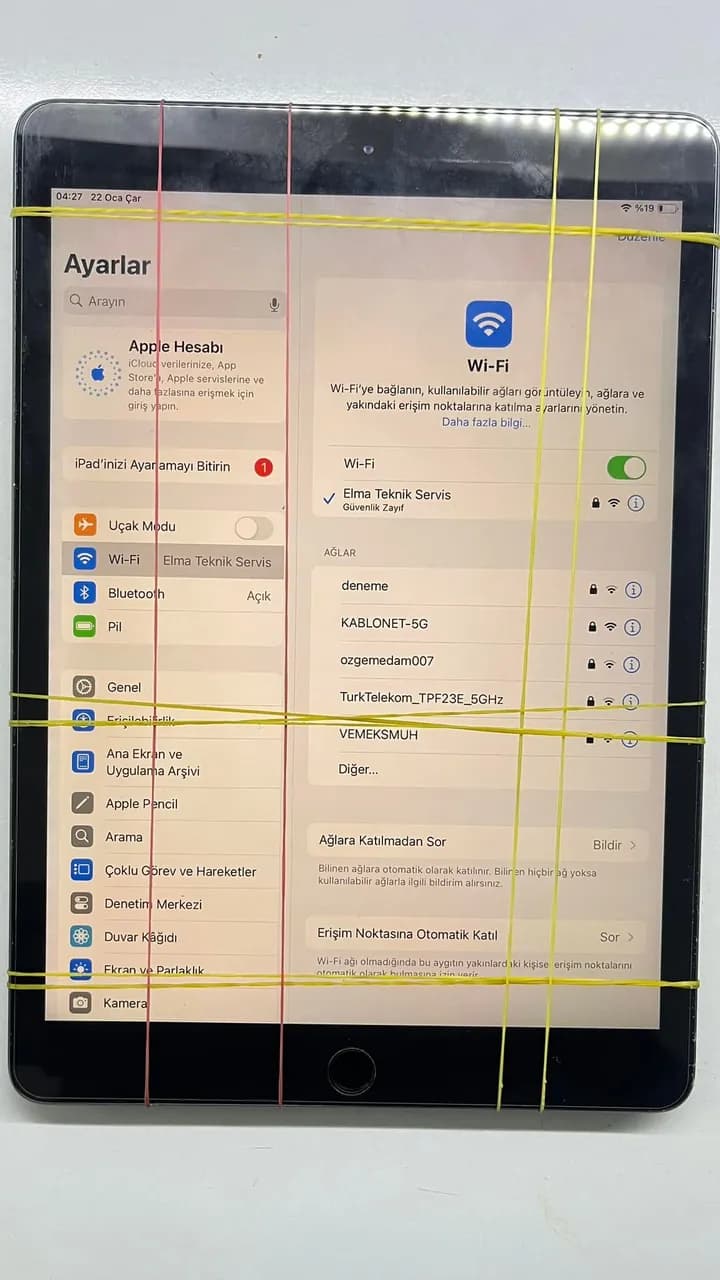
iCloud-Locked A2198 Issue Resolved! In this repair, we successfully fixed the Wi-Fi and mainboard settings on an iCloud-locked A2198 model. Here’s how we solved the issue: 1️⃣ Board ID Identification: First, the device’s Board ID was identified as J171AP. This step is crucial to ensure proper hardware configuration and compatibility for further software modifications. 2️⃣ Motherboard Configuration: We carefully configured the mainboard settings to ensure all hardware components functioned properly, particularly in relation to Wi-Fi connectivity. 3️⃣ Wi-Fi Module Replacement: Since the device had Wi-Fi issues, we replaced the existing Wi-Fi chip with a new one. 4️⃣ MAC Address Update: Finally, a new MAC address was written, completing the process. Now the device is working flawlessly! 📱 #A2198 #iCloudTamiri #WiFiSorunu #BoardID #TeknikServis #ElmaTeknikServis
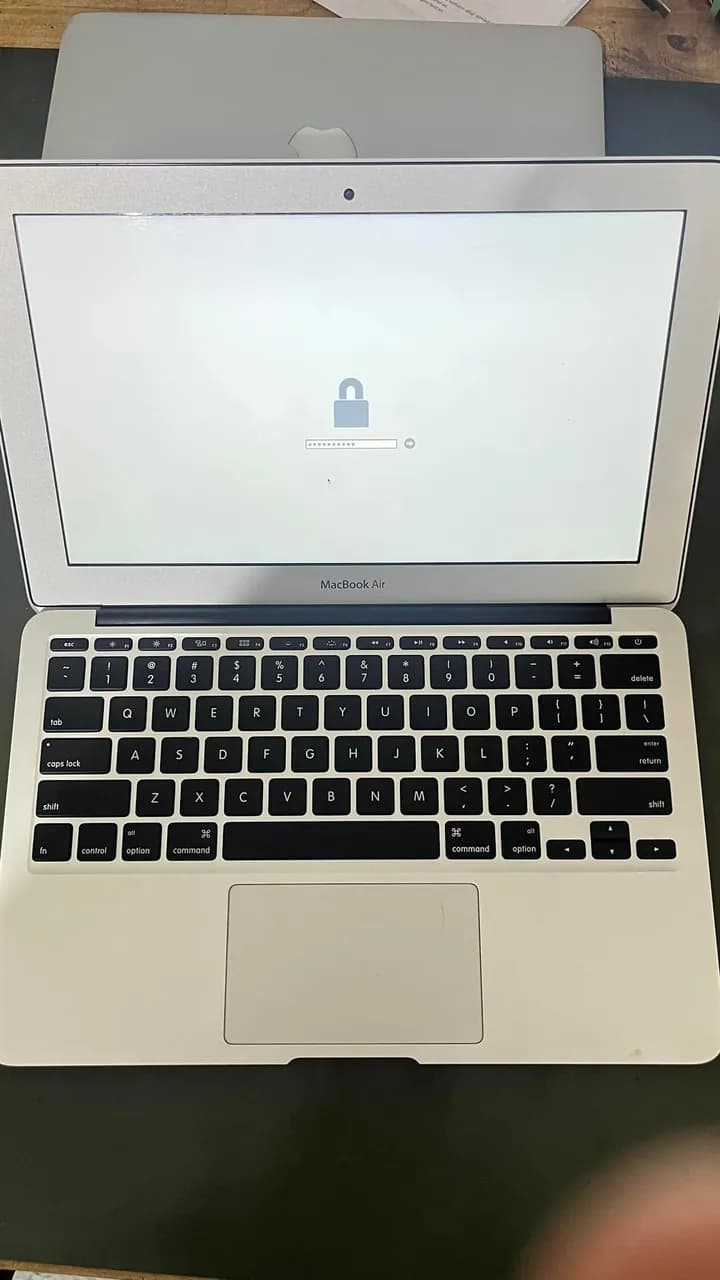
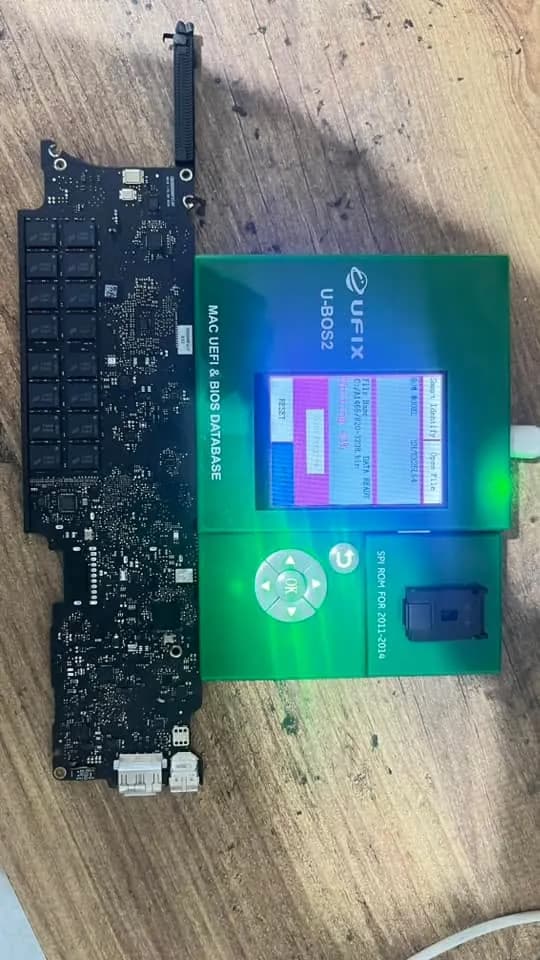
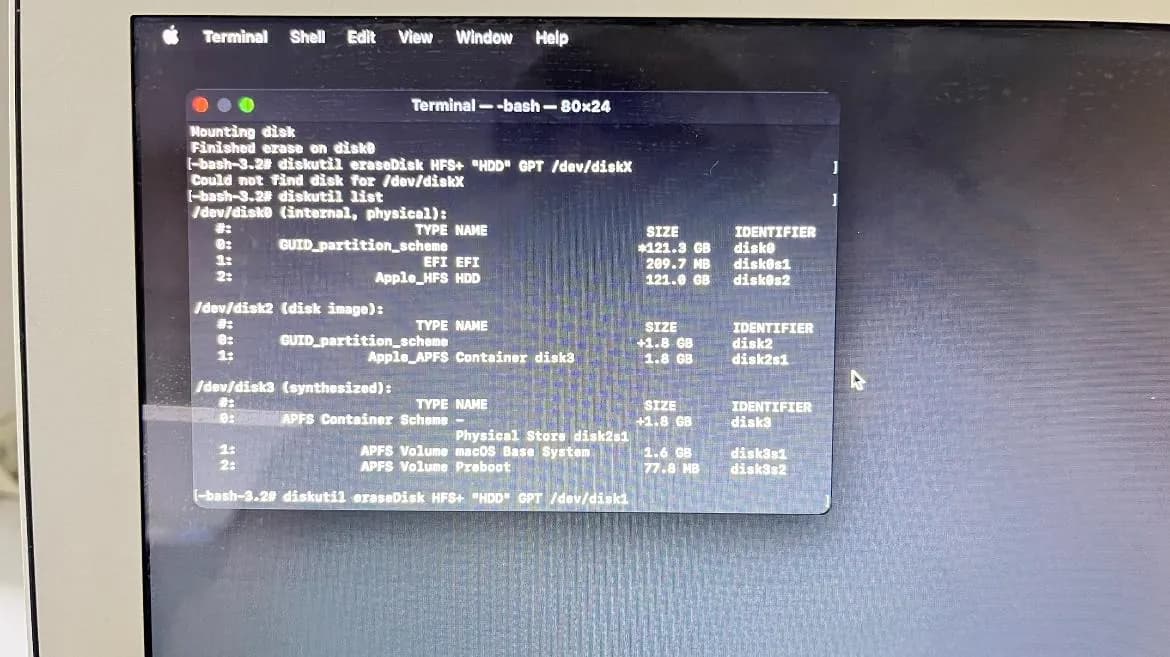
MacBook Air A1465 EFI Unlock & HDD Partition Fix Completed! Today at our workshop, we successfully removed the EFI firmware lock on a MacBook Air A1465 and fixed the incorrectly partitioned HDD. EFI BIOS lock removed EFI chip reprogrammed using UFIX U-BOS2 Incorrect HDD partitions fixed, making the Mac ready for macOS installation
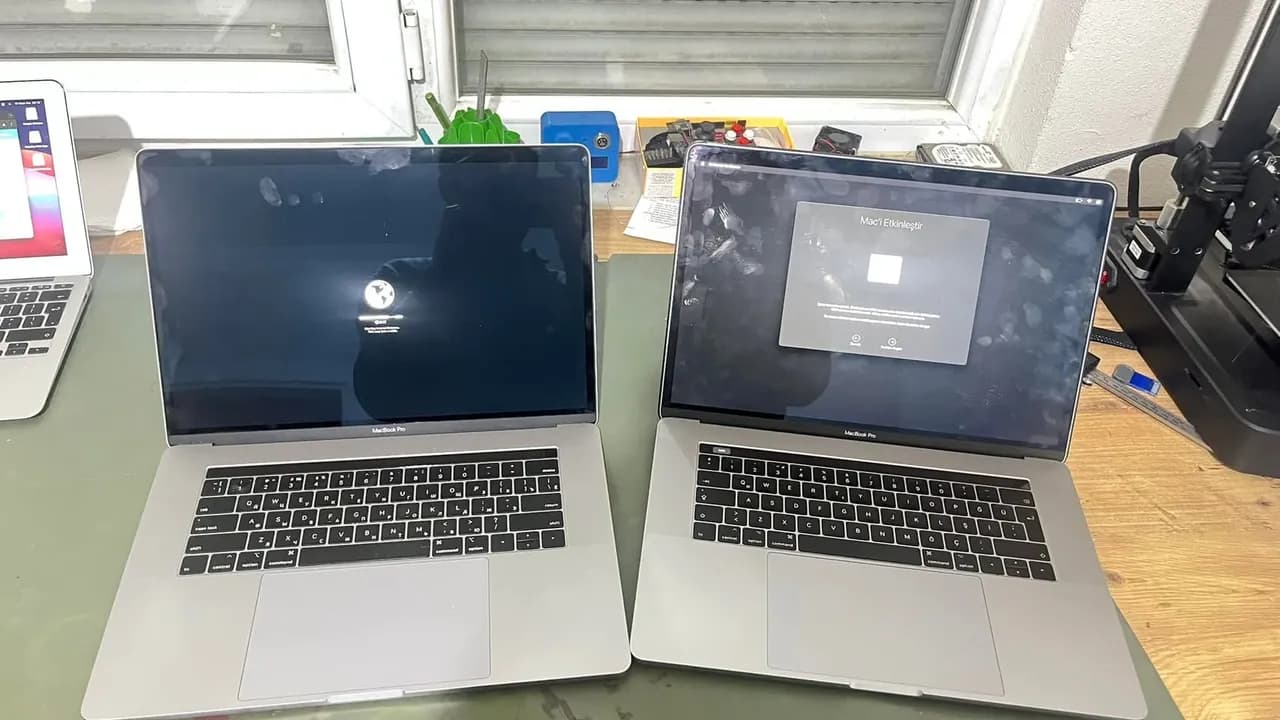
MacBook Pro A1990 | Permanent iCloud Solution We have successfully unlocked two MacBook Pro A1990 devices with a permanent iCloud solution! ✔ Not a bypass, but a 100% permanent fix! ✔ No issues with battery drain, restarts, or software updates. ✔ Contact us for professional and reliable solutions. 📞 DM or WhatsApp for more info!
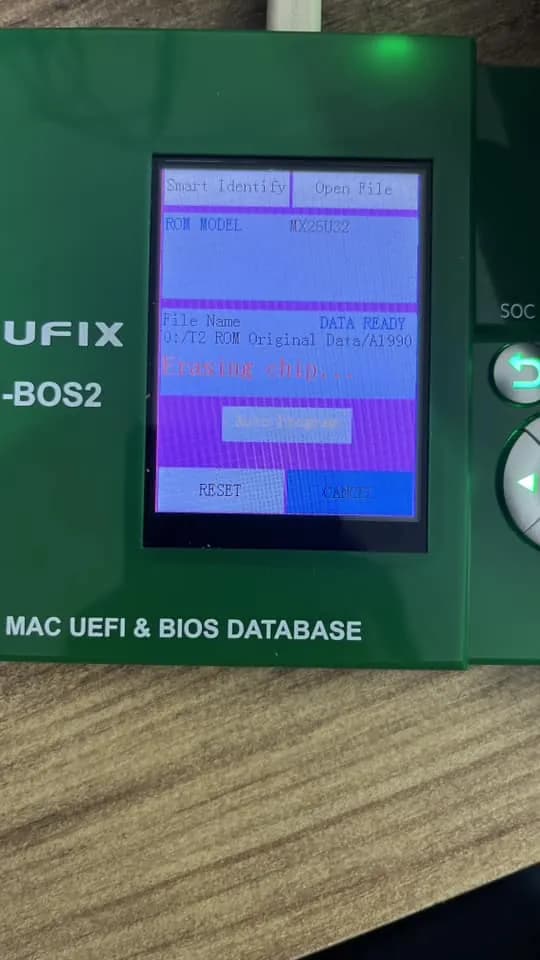
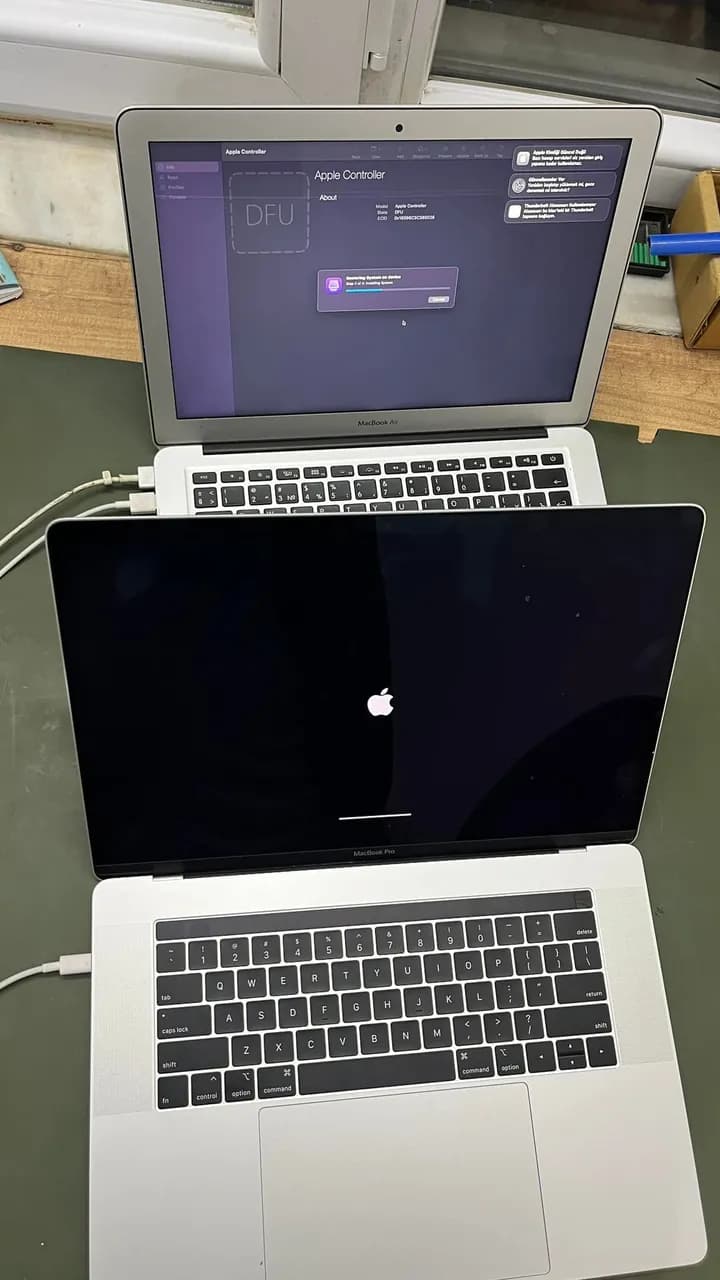
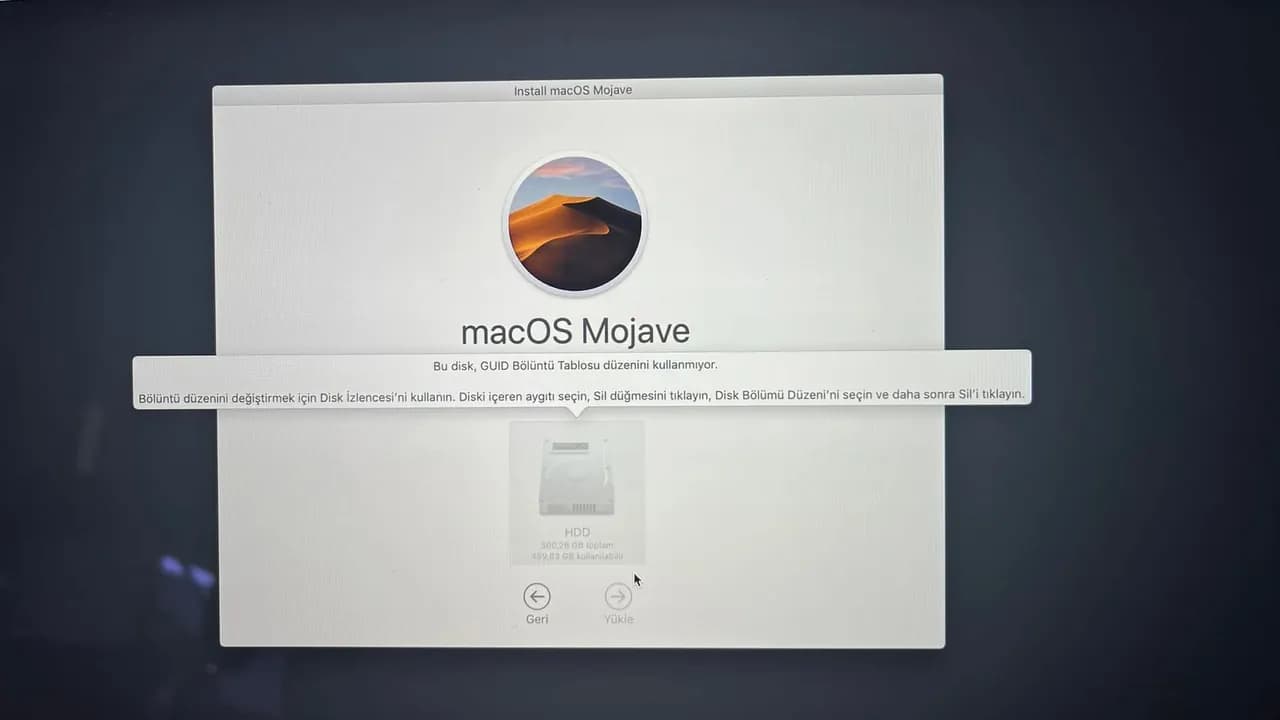
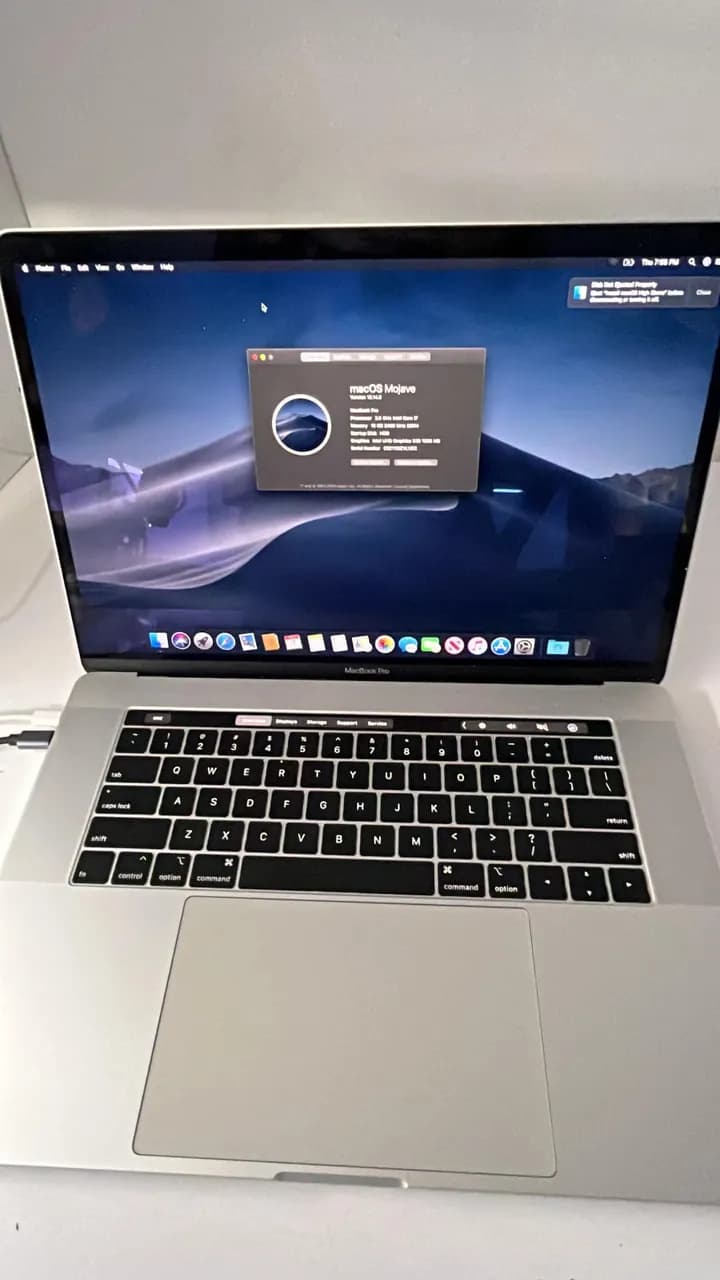
MacBook Pro A1990 MDM sorunu. SN değiştirilmiştir EFİ,MDM,ICLOUD bunlar formatla düzelmez bu cihaza Sistem yazılmıyor en sonda hata veriyor HDD formatlanmıyor hata veriyor. Terminalden bakıldığında sorun ne oldu ortaya çıkıyor 23 tane bölünmüş ama tanımlanmamış bölümler.
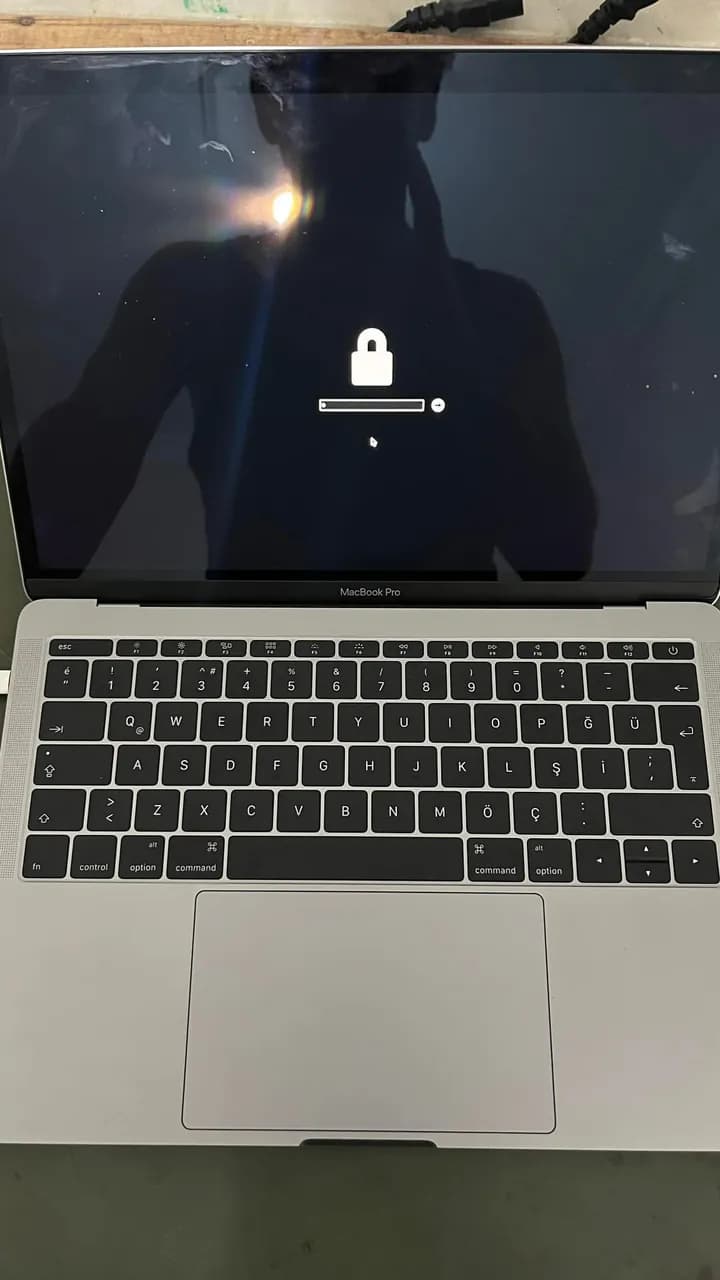
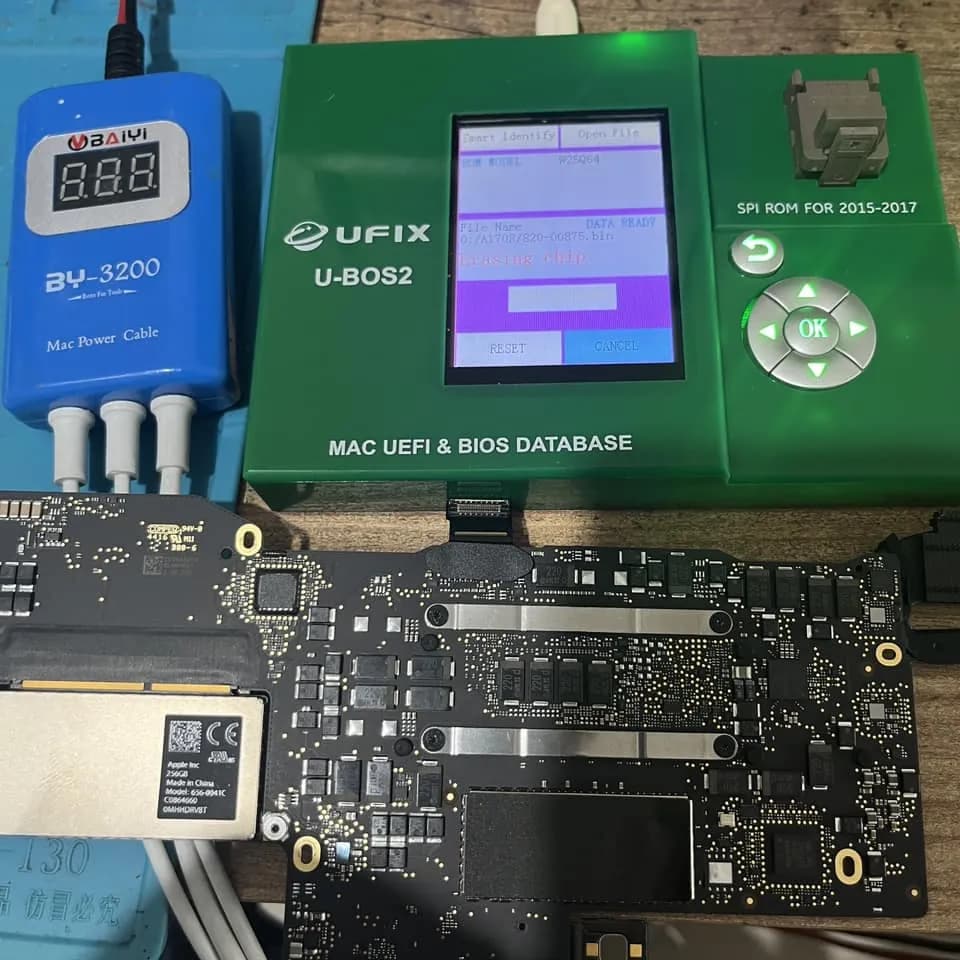
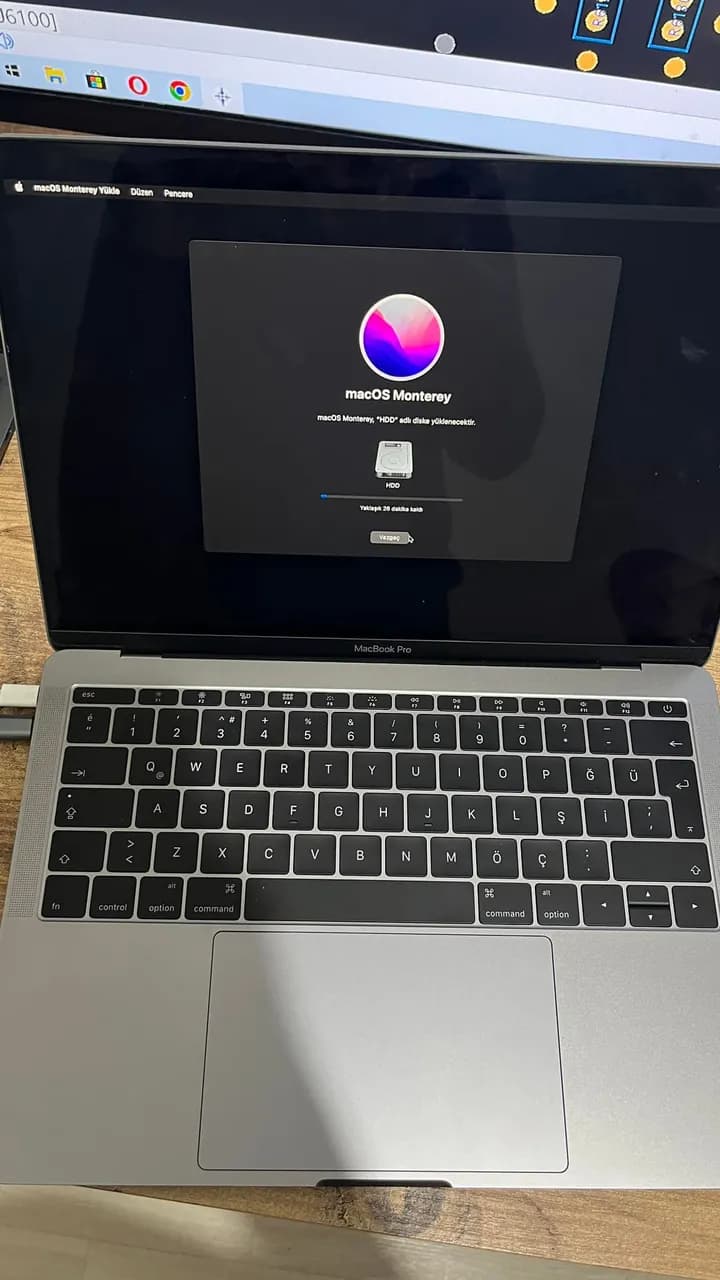
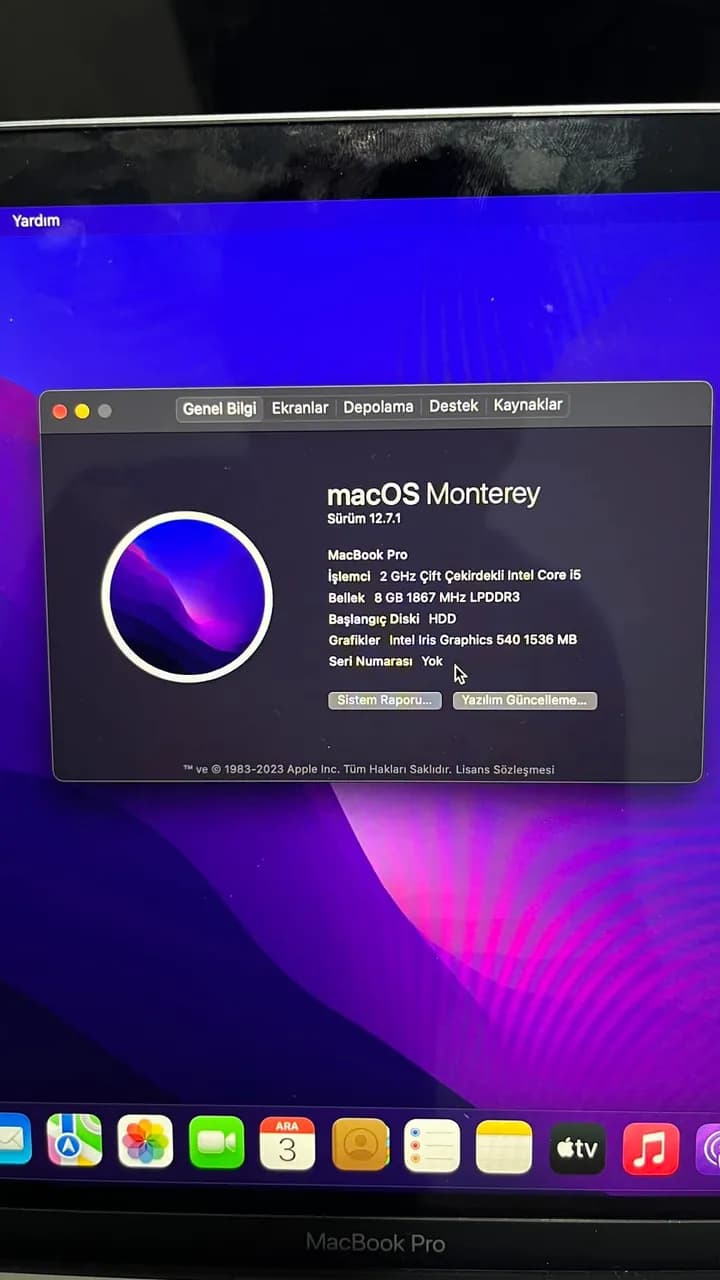
MacBook Pro A1708 Sorun EFI lock Bios şifresi Çözüm normalde yapılması gereken 2017 ve altı (SPI ROM)intel 2018 üstü (SOC ROM) T2/M serisi MDM EFi kildi Rom dosyasını silerek yenilemek mümkün.2018 ve üstü cihazlarda ekstra iCloud sorunu da var iCloud çözümü içinde T2 işlemcinin kendisi değiştirilmesi lazım amma T2 değiştirildiği zaman parmak izi otomatikman devre dışı kalır.en önemlisi 2018 ve üstü modellerde Seri Numarası orijinal olarak yazılması mecburidir yoksa kurulum hatası alırsınız. Bu kadar uğraşmaya gerek yok 5dk bypass yapıb geçerim diyen ve hayatında hiç yapmayan arkadaşlara özellikle bildirmek istiyorum ki bu çözüm kalıcıdır format bile atabilirsin
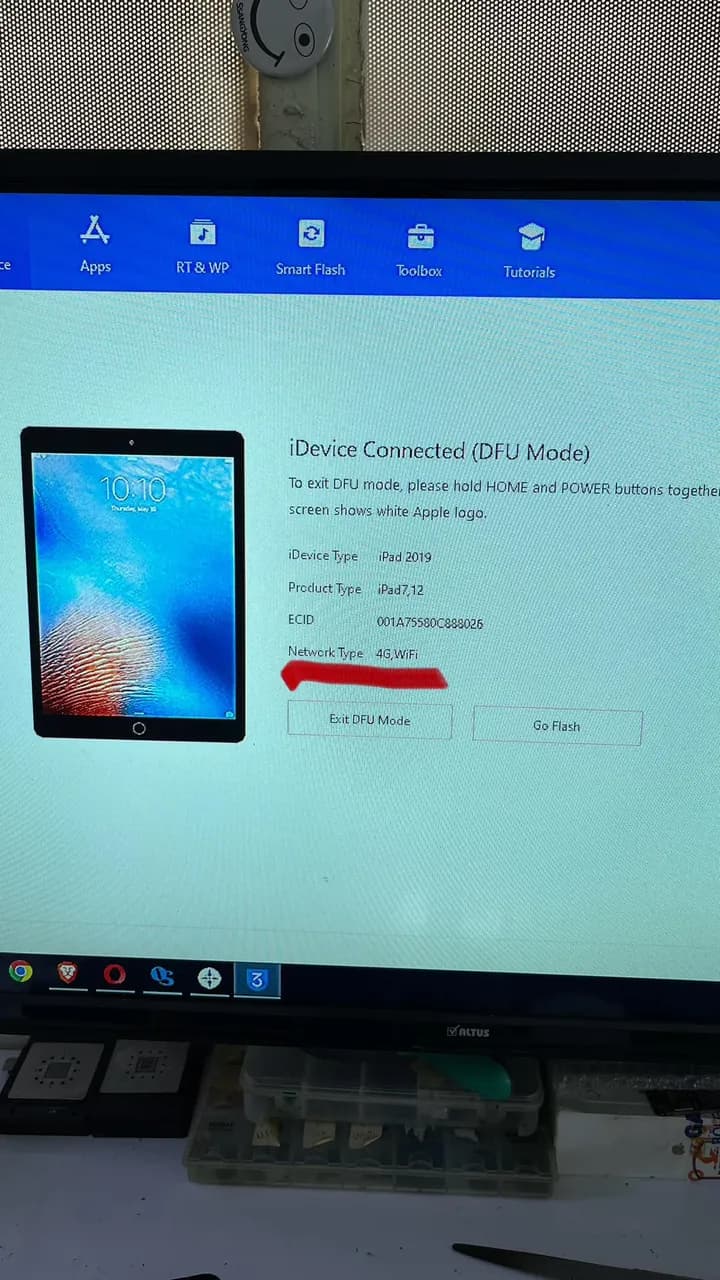
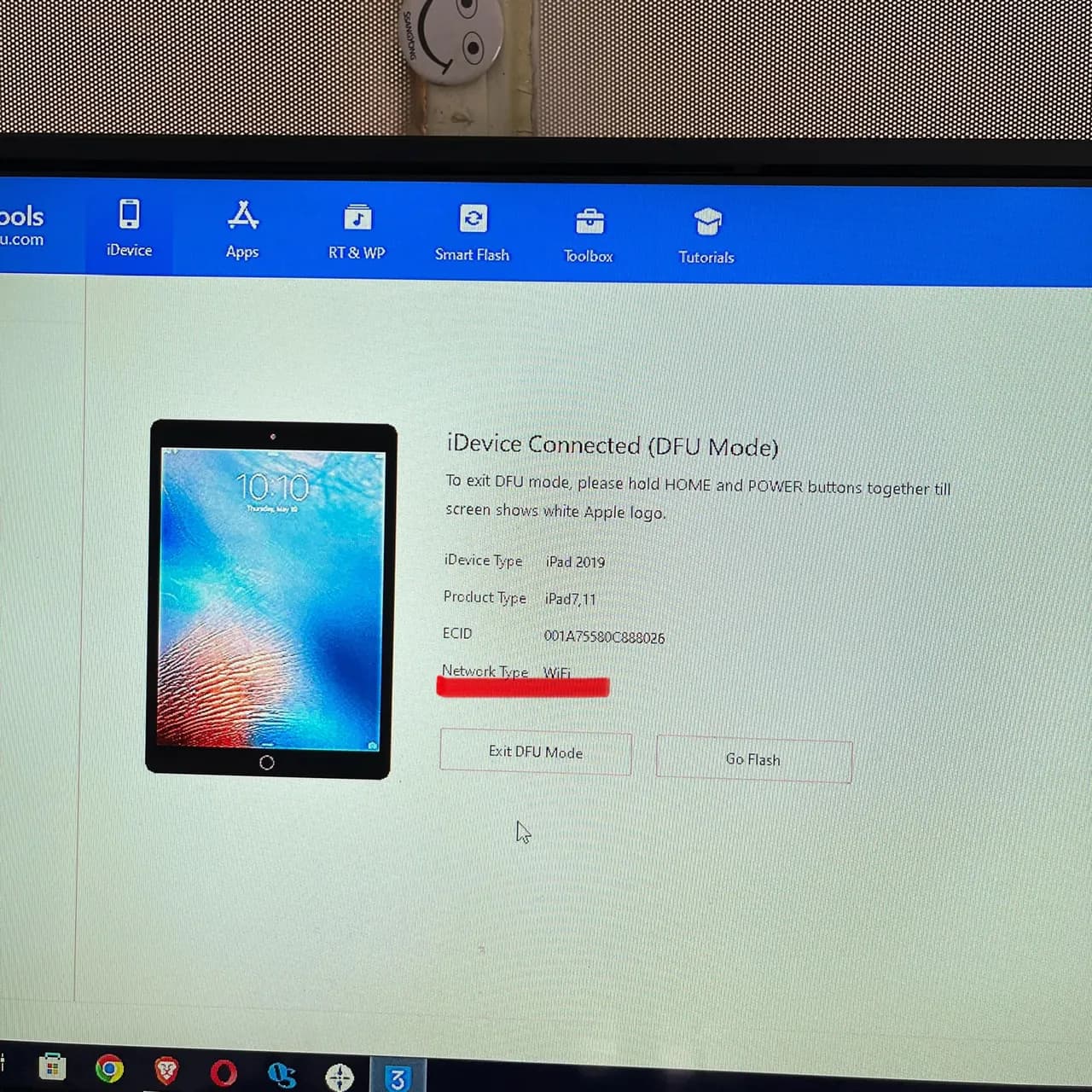
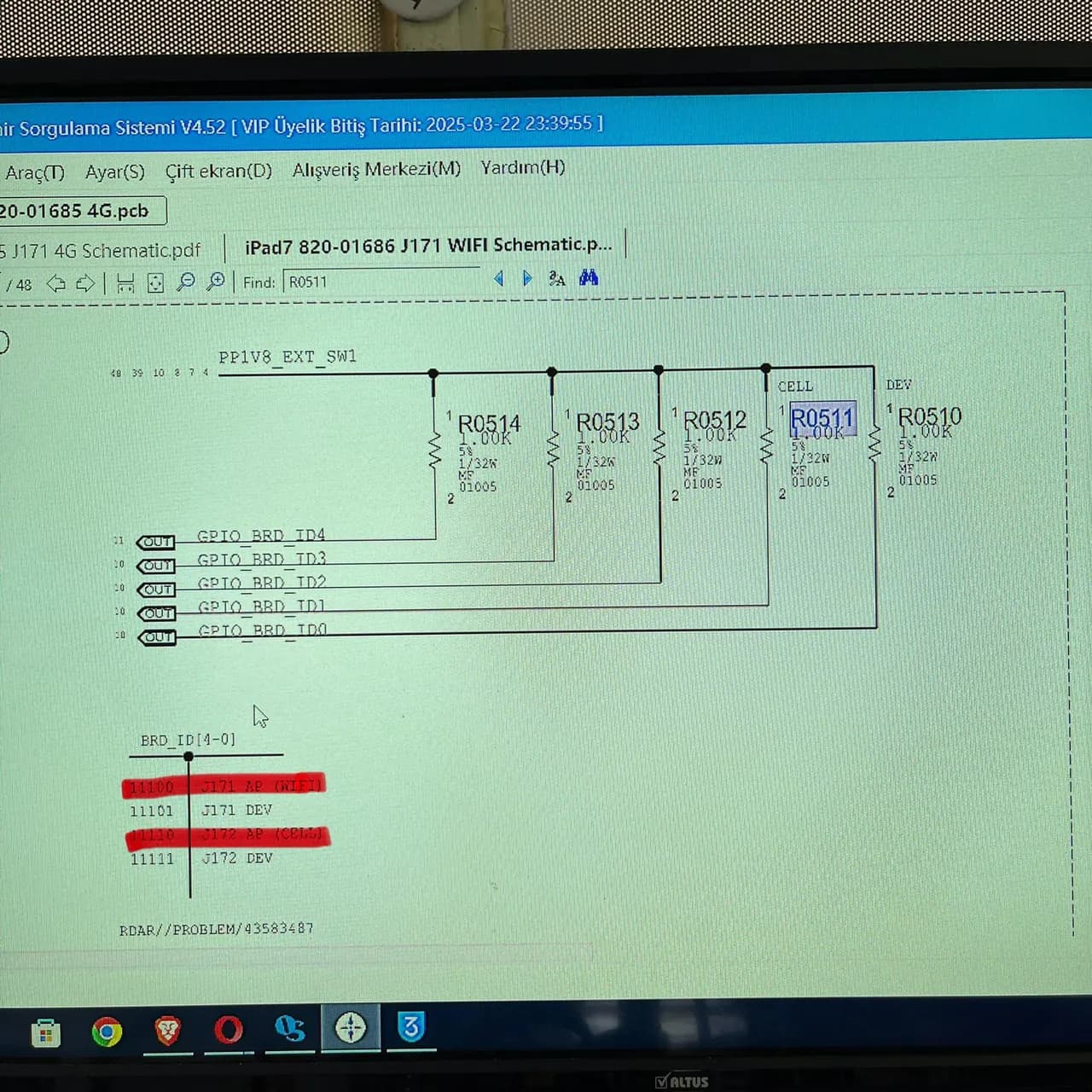
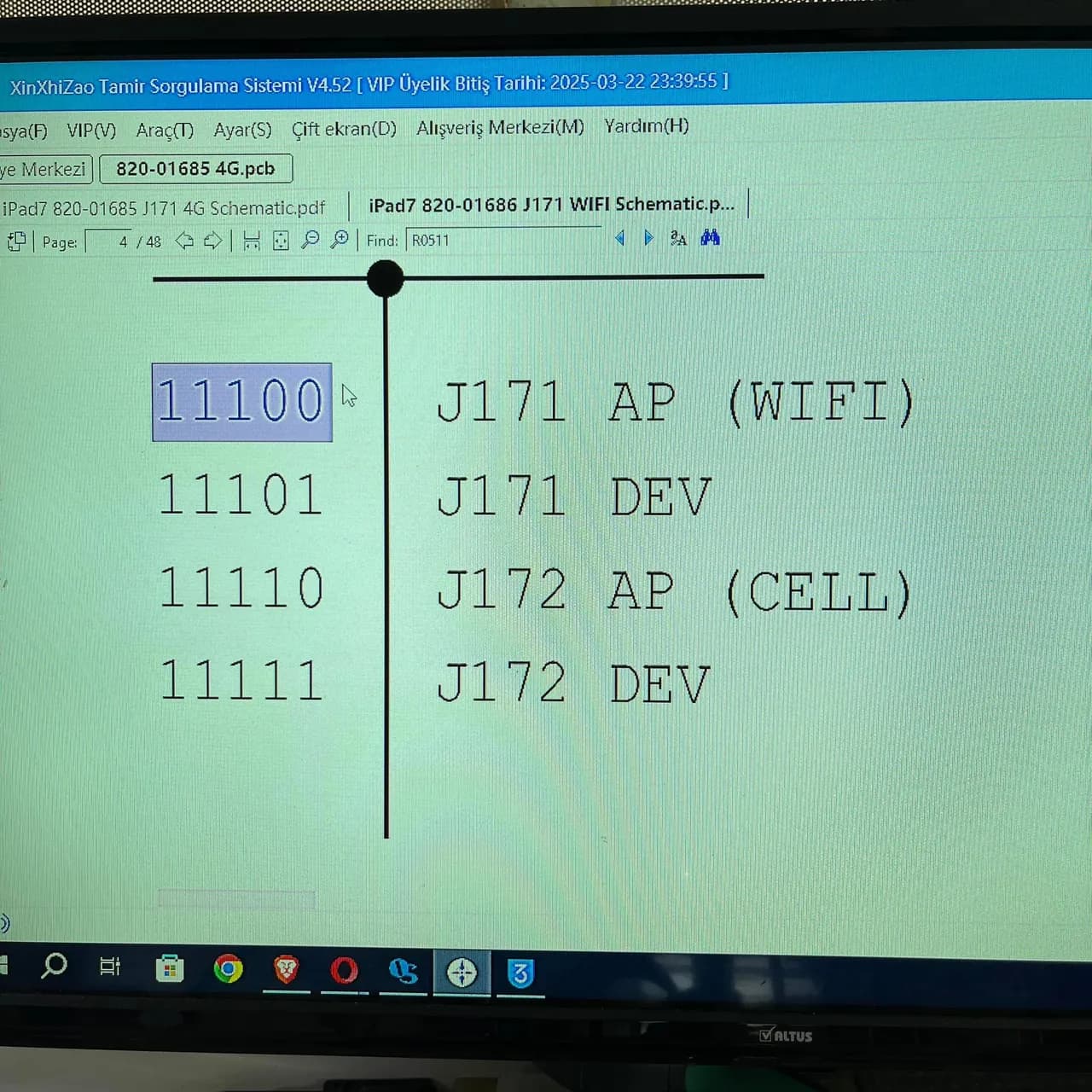
iPad 7 A2198 iCloud sorunu son zamanlarda çok soran oldu internette de bunla ilgili paylaşım yok ben nasıl yaptığımı anlatayım. 1) ilk olarak simli modelimizi boot ayarlamasını yapmamız gerek ikinci fotoğraftaki gibi sadece WiFi yazılması gerek bunun için şemaya baktığın zaman bu kartı 4 tane modu olduğunu görüyoruz bize lazım olan WiFi (11100) moduna geçmek bunun içinde dördüncü direnci (R0511) kaldırarak sıfıra çekiyoruz. 2) cihaz otomatik olarak DFU modda açacak 3uToolsdan kontrol edıyoruz WiFi yazıyorsa buraya kadar her şey normal. Yeni Mac adres yazıp Wi-Fi entegresi Değişiyoruz.üzerinde gelen (339S00445) çalışması için değiştirmemiz gereken (Wi-Fi 339S00446) Son bir ekleme yapayım sürümle alakalı olarak farklı WiFi numaraları çıkabilir bu konu uzun olduğu için başka bir zaman onu da paylaşırım.
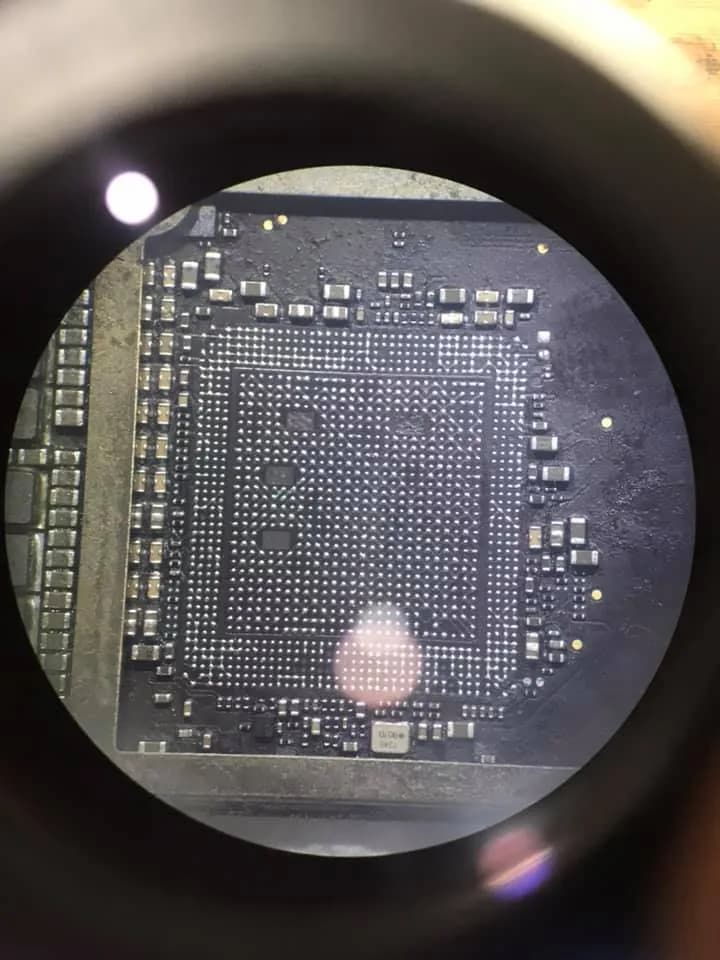
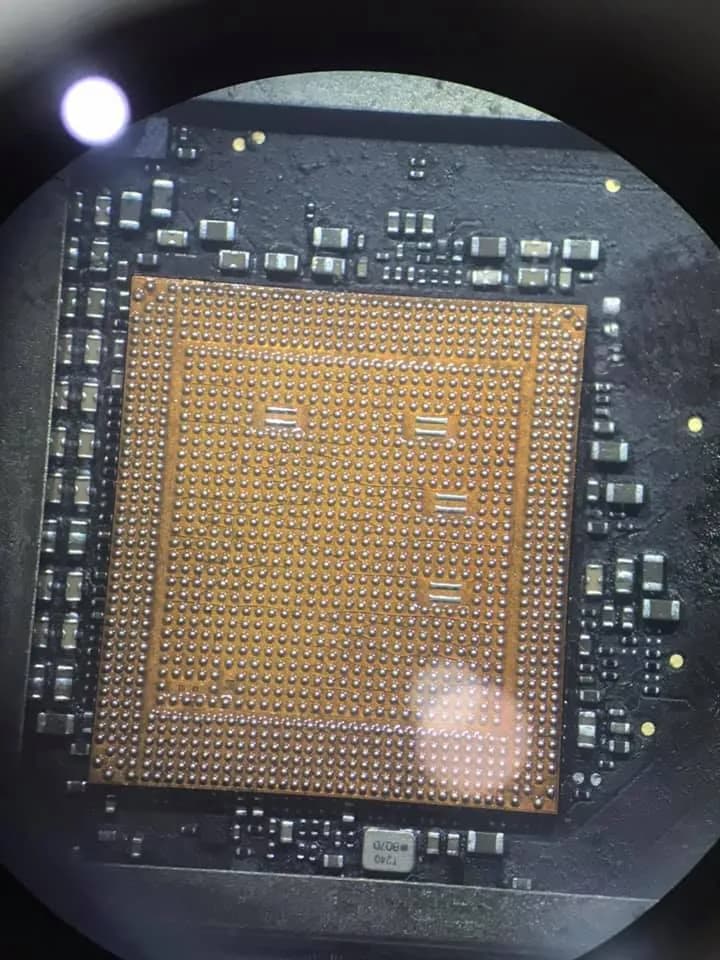
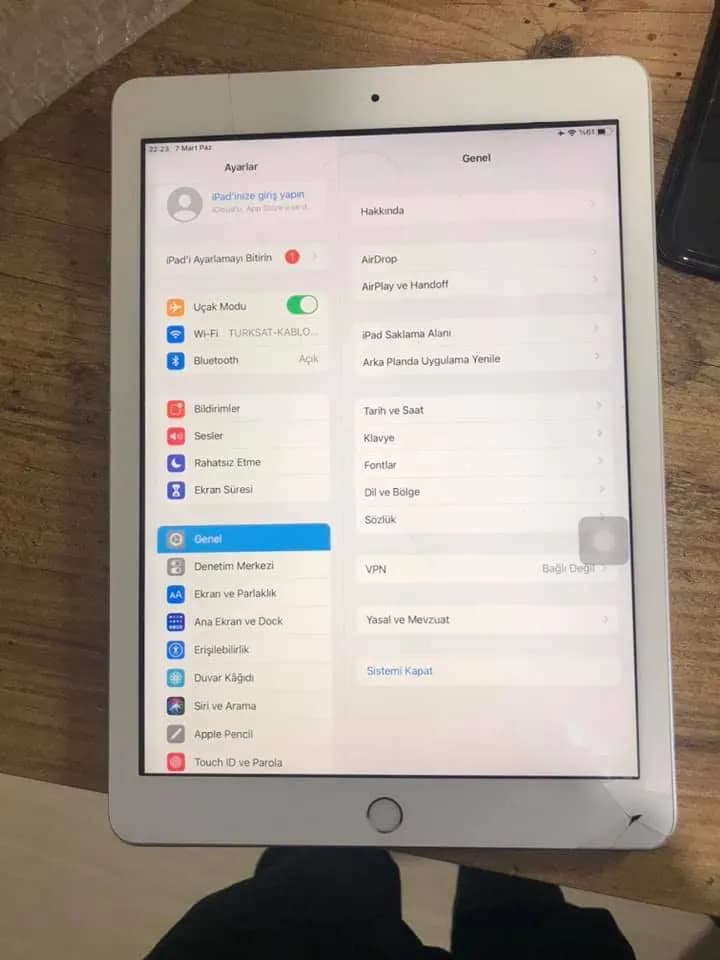
iPad A1893 Son zamanların kronik olarak işlemci hatası farklı bir çözüm cihaz 4014 olarak geldi işlemci katlıplandı geri takıldıktan sonra cihaz acmadı bende iPhone 7 işlemcisi takdım cihaz açtı ama kurulum hatası verdi ıcloud ışlemı yapılsada yıne olmadı son çare olarak baseband bypass yapılaraq cozulmusdur Can Işık Bypass için teşekkürler
Frequently asked questions
Are Activation Lock and a firmware password the same?
No. Activation Lock concerns the device's association with an Apple Account. An Intel Mac firmware password restricts certain startup paths. They require different support procedures.
Does a T2 Mac still support a firmware password?
Yes. Apple's Startup Security Utility documentation for Intel Macs with T2 includes firmware password protection. Apple silicon uses a different security architecture.
Will erasing a managed device remove its organization?
Not necessarily. Automated enrollment can associate the device with the organization again during setup. The authorized administrator must check the management and enrollment records.
Can every locked device be restored to use?
No guarantee is possible. Ownership, account access, the lock type and the relevant support process determine what can be done. Hardware repair alone does not establish authorization.
- · AkademiUsta Apple mainboard repair curriculum — identifying lock types, ownership checks and legitimate service boundaries.
Technical reference documents
These manufacturer and project documents explain the measurement methods or support procedures discussed here. Board-specific values still require the correct model schematic and measurement conditions.
Related guides
Want to learn this systematically?
AkademiUsta · Apple Board-Level Repair — 6 Modules · 80 Days. Module 1 (8 days) is completely free — no time limit, no credit card.
This topic in the program · Module 1 · Day 1Map out the repair workflow and the tool landscapeStart FreeSource: English adaptation of the AkademiUsta guide to Apple locks and legitimate service procedures.