MacBook Won't Turn On or Won't Charge: Where to Start Board-Level Diagnosis
If a MacBook won't power on or charge, the battery isn't always at fault. Learn the board-level diagnosis order, from splitting the symptom to reading current draw.
A MacBook that won't turn on and one that won't charge are often confused, yet they point to different chains. "Won't power on at all" suggests power distribution or the power-on sequence has stalled; "won't charge" points to a break somewhere in the input/charge chain.
The golden rule of board-level diagnosis is the same on every device: work from cheap to expensive, from outside in. This guide gives a systematic diagnostic order for the MacBook instead of trial-and-error part swapping — the goal isn't to replace a chip, but to first narrow down where the fault is, with measurement.
1. Rule out external factors first
Before touching the board, exhaust the cheap possibilities:
- Cable and adapter: Try a known-good original adapter/cable. USB-C cables and underpowered adapters are frequent culprits.
- USB-C / charge connector: It may hold dust, lint, oxidation or burn marks. Inspect with light; clean if needed. Connector damage should be ruled out before any board work.
- Software / SMC state: If the device shows signs of power but behaves oddly, transient system-management (SMC) states can be the cause; basic reset steps rule out the software side.
These steps resolve a meaningful share of faults without ever touching the board.
2. Separate the symptom first: "won't turn on" or "won't charge"?
The two complaints point to different chains, and separating them up front saves time:
- Won't power on at all: The main energy rail on the board may not be coming up, or the power-on sequence isn't starting. Here the focus is power distribution and the boot sequence.
- Powers on but won't charge: The fault is most likely in the input/charge chain — one of the steps that recognizes the charger, measures current and passes it to the battery rail is broken.
In professional diagnosis this distinction tells you which region to look at. On a MacBook board each major function (power input, charging, display supply) is a separate area; choosing the right region is done before any disassembly.
3. Think through the power-input chain
Once external factors are ruled out, the fault is in the power-input chain on the board. Roughly, the flow is: USB-C connector → input protection/fuse → charge-management IC → main energy rail (backbone rail) → downstream supply rails.
If one link in this chain breaks, either power never arrives or charging never proceeds. Diagnosis means following the chain starting from the input end: does the input voltage reach the connector, does it pass the protection element (fuse/FET), does the charge IC have its supply, is the backbone rail powered? Each link is a measurement point — the discipline called "trace-following" is exactly this.
4. Read the current signature (bench power supply)
An adjustable bench power supply (DC power supply) is the most powerful tool in board-level diagnosis. You feed the device a controlled voltage and watch the current it draws:
- 0 mA / no current → the supply chain is broken (open-circuit side).
- Abnormally high current / a heating area → a short circuit (an IC or capacitor leaking to ground).
- Stuck at a fixed value (e.g. "hangs at a certain current") → the device begins to power on but a protection trips at some point; this often points to the current-sense/sensor side.
The current signature tells you whether the fault is open or short. The method is strong: if you know the current profile of a healthy board, you compare the faulty one against it and see at which stage it deviates.
5. Is the fan roaring / is there heat? The "don't blame the sensor" reflex
A common trap on MacBooks: the fan roars at full speed while the board is cold — or the reverse. The first reflex should not be replacing the fan.
Fan behavior is set by the system management (SMC) based on data from the temperature sensors on the board. Liquid contact in particular corrodes these fine sensor traces; when a sensor sends wrong (or no) data, the SMC is left blind and runs the fan continuously for safety. So "the fan roars" is most often a problem of the sensor data, not the fan.
The right order: check the sensor supply and data line first, consider the fan last. The same discipline applies to "won't charge" — a current-sensor fault can look exactly like a real power cut.
Why does the order matter?
The most common mistake in inexperienced repair is jumping straight to replacing a chip or fan. But a swap made before ruling out cable/connector, before separating the symptom, before reading the current signature usually doesn't fix the problem — and can open new damage.
The systematic order (external → symptom split → chain trace → current signature → sensor check) saves both time and parts, and moves you from "guessing" to "measurement-based" work. Which rail and which sensor should read what, in which region of the MacBook board, is the depth that comes with training.
How this fault looked on the bench
Real repairs from İlham's bench, published on Facebook 2021–2025. The text is the original post, unedited.
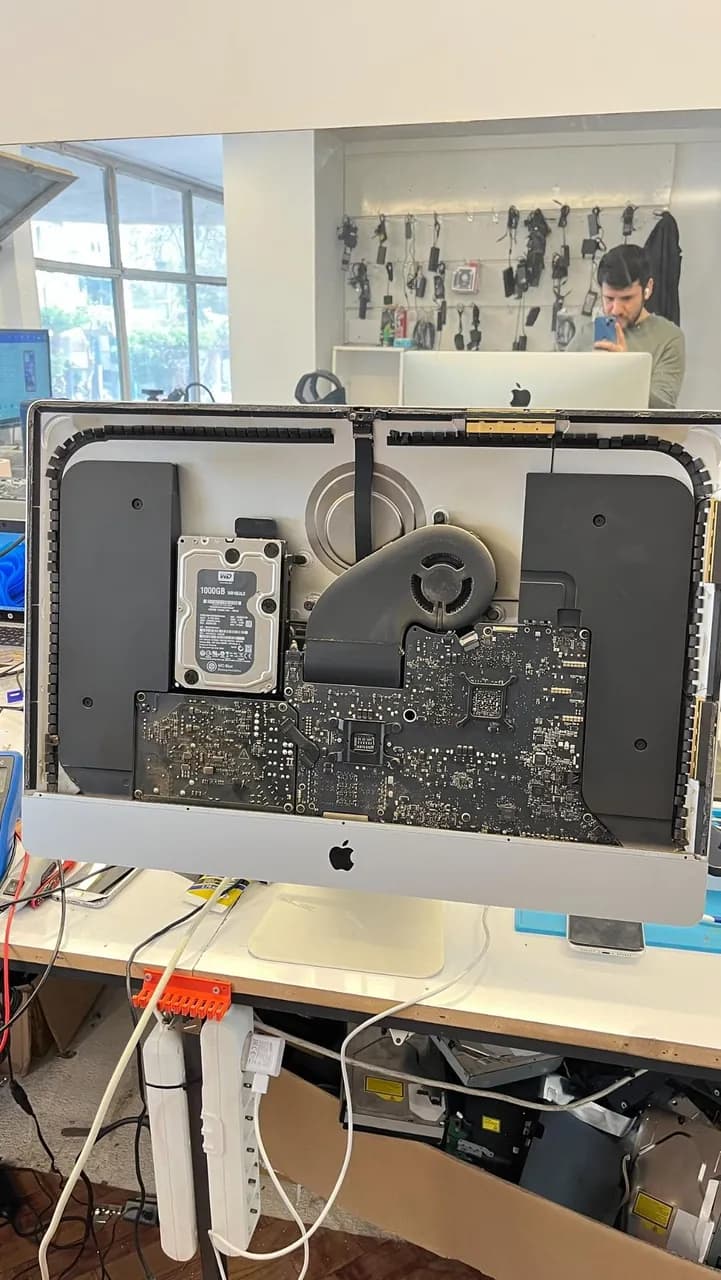
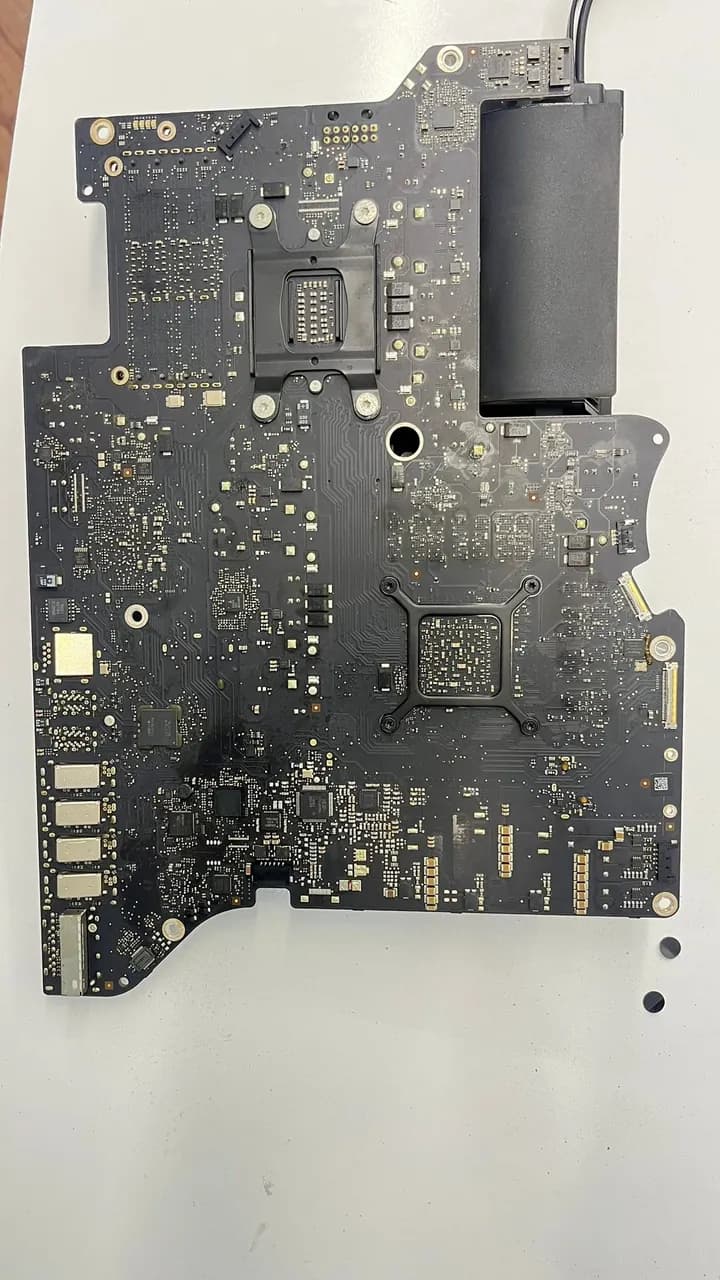
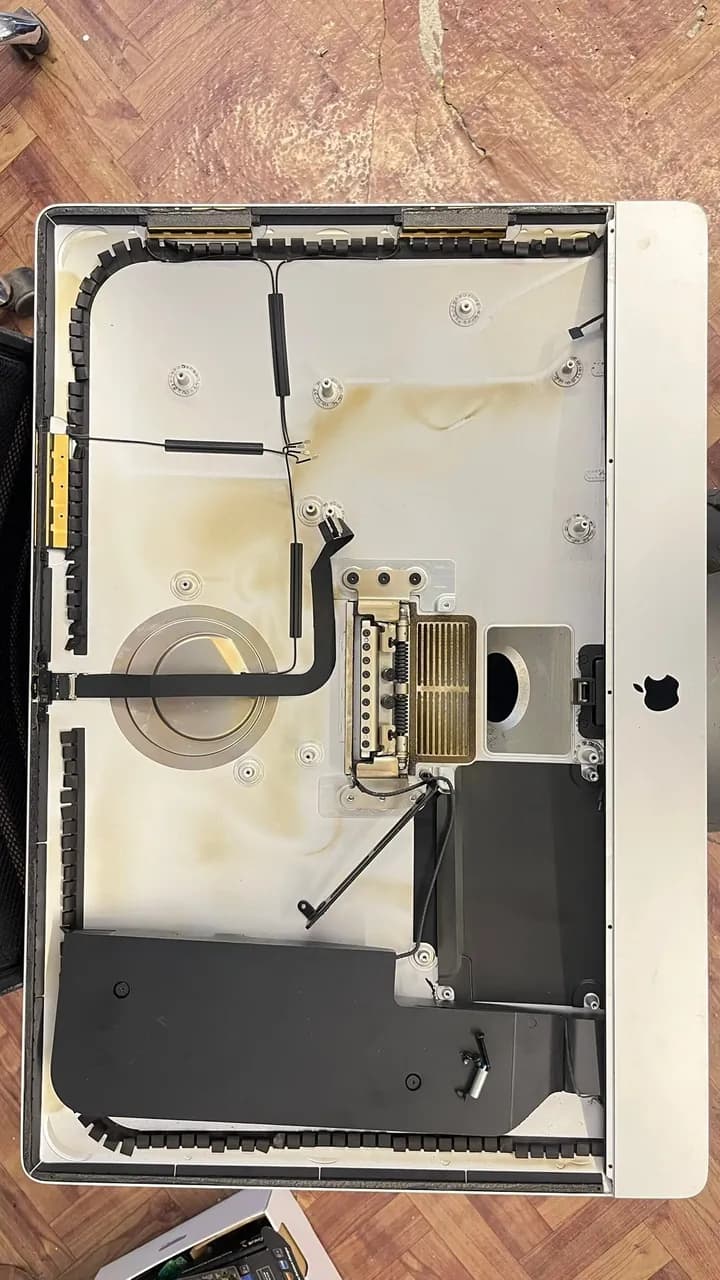
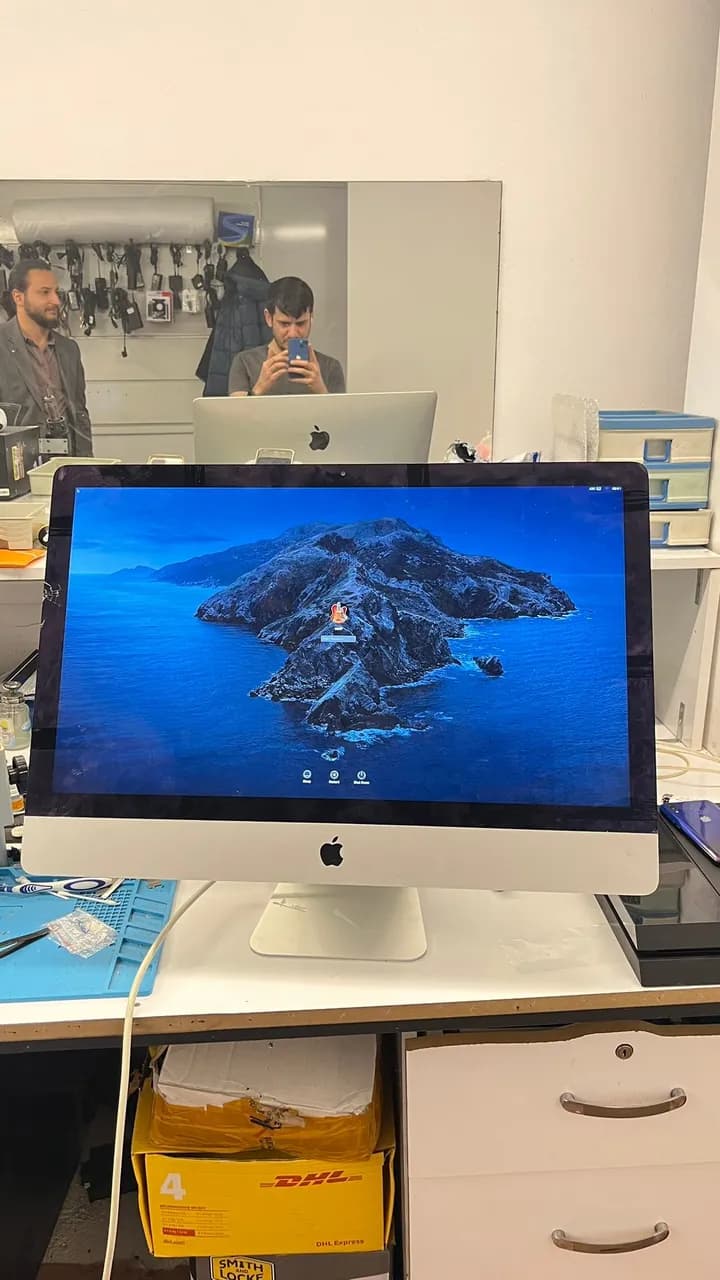
iMac A1419 2012 Slim – Delivered in Perfect Condition! The device was intermittently stuck on the question mark or exclamation screen during boot. Some days it worked fine, others not. Although it initially appeared to be related to the HDD, cable, or BIOS — none of these were the true cause. After an in-depth diagnosis, the root issue was identified and permanently resolved. The iMac also arrived with a cracked corner on the screen. With the customer’s approval, the screen was carefully removed and reassembled without any damage. Result: Fully functional, stable iMac delivered back to its owner!
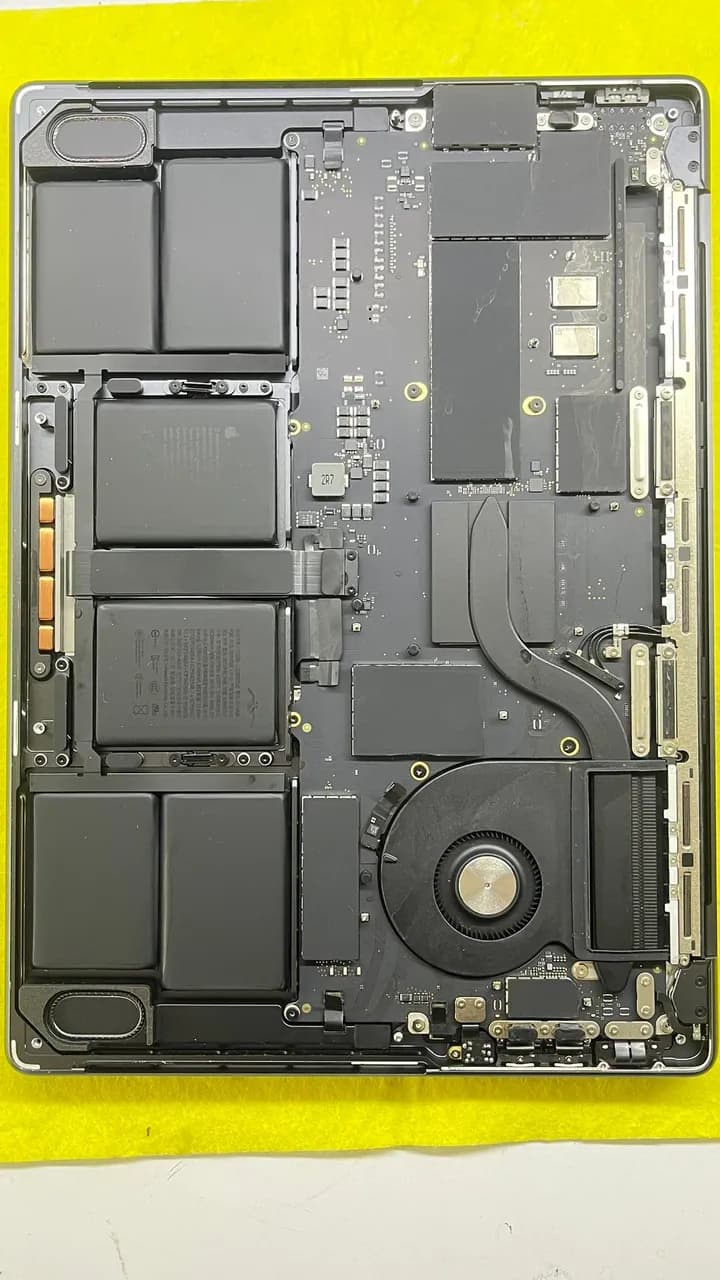
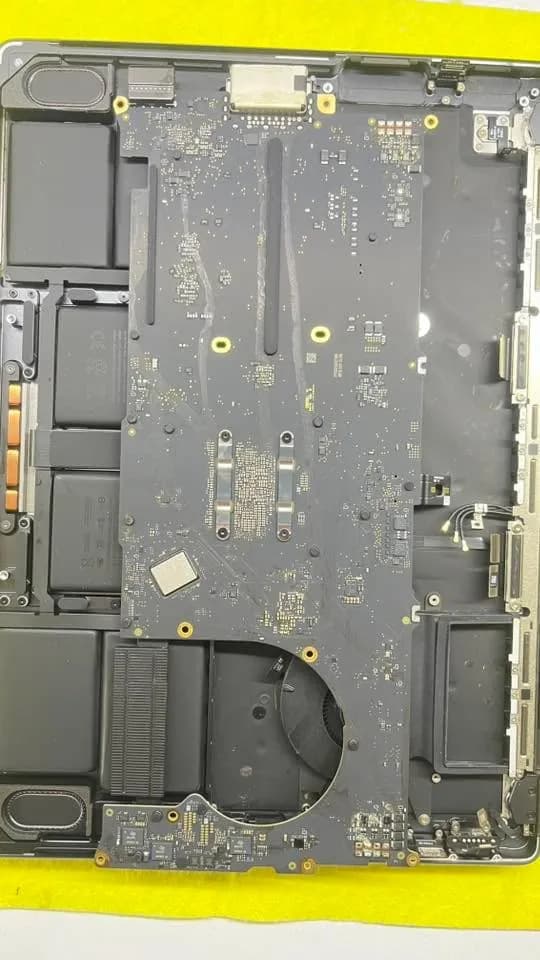
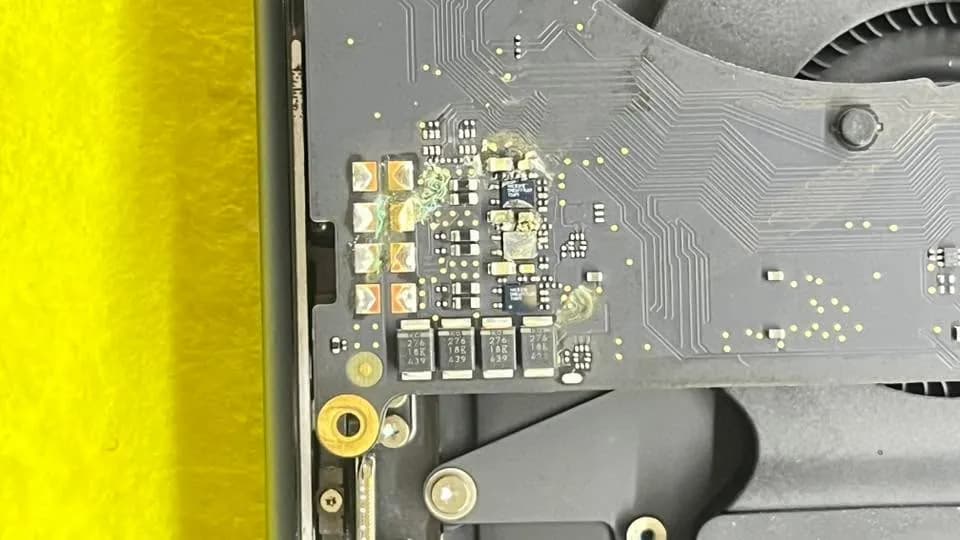
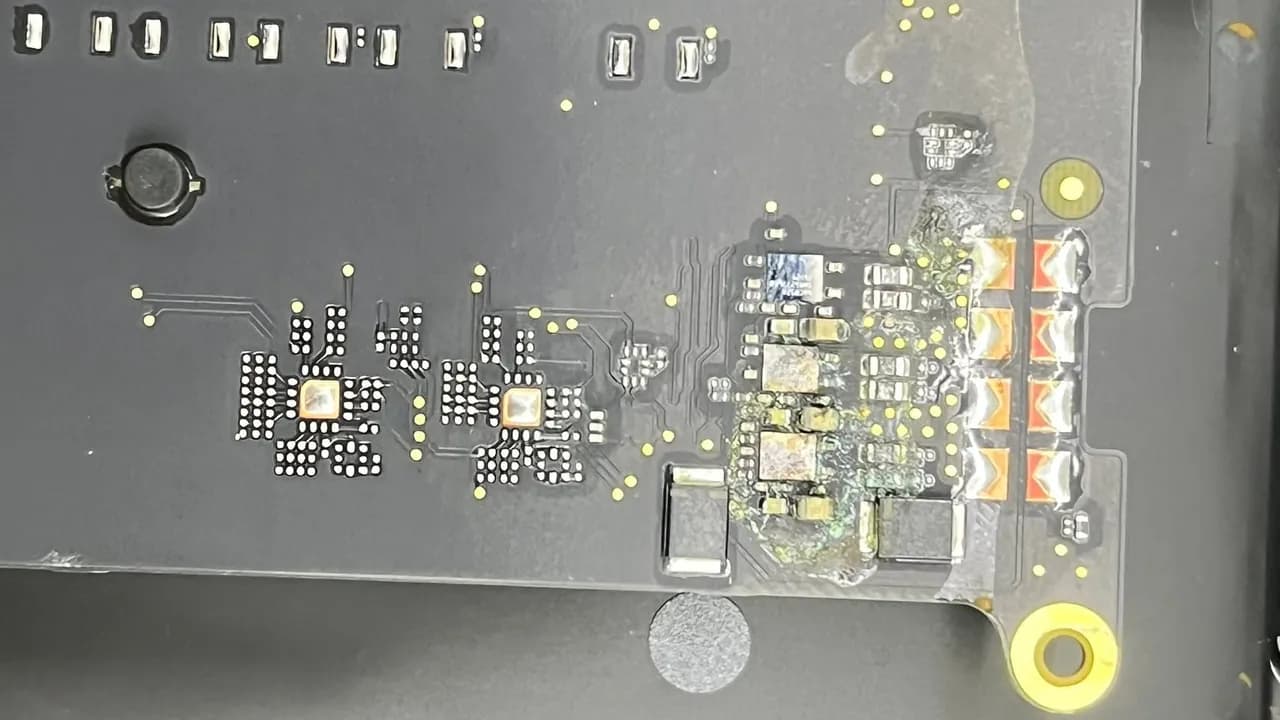
MacBook Pro A3112 M4 – Severe Liquid Damage 💧 | Not Powering On ⚠️ | Short Circuit Detected The device was completely dead. Detailed logic board inspection revealed severe corrosion around the audio IC – some components were literally melted under fluid damage. With expert-level repair, all shorts were cleared and the MacBook is back to life!
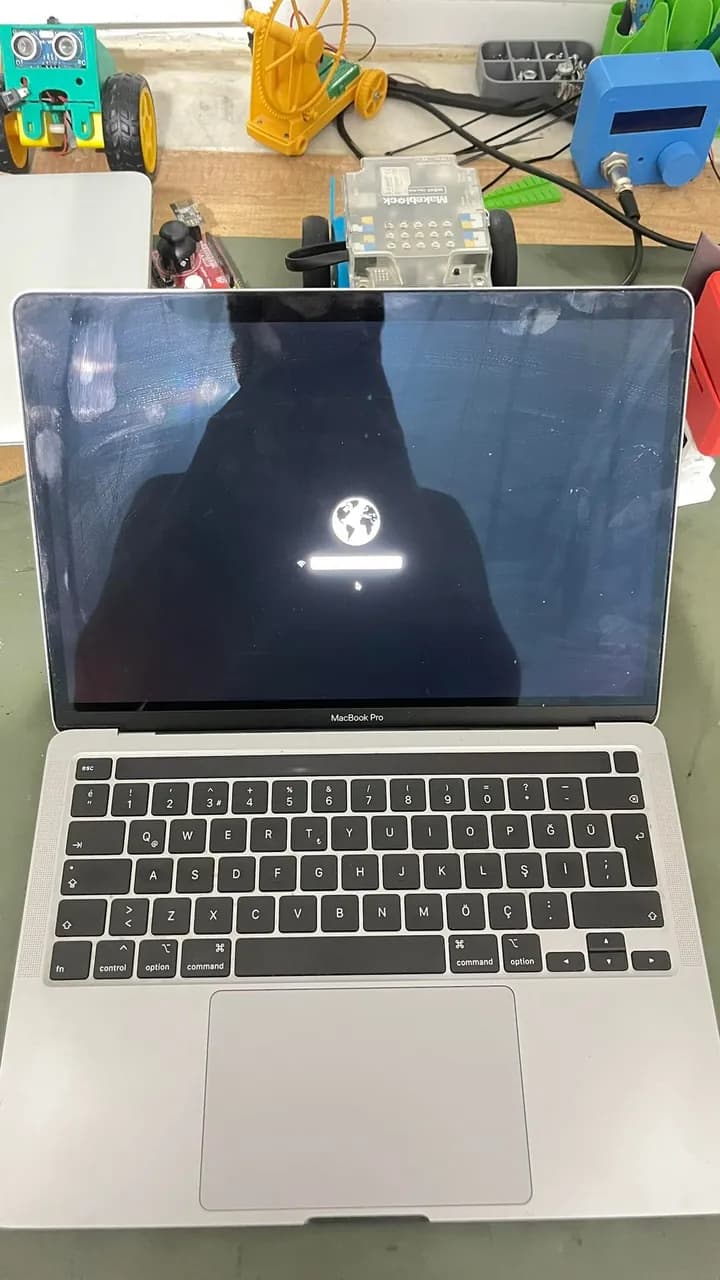
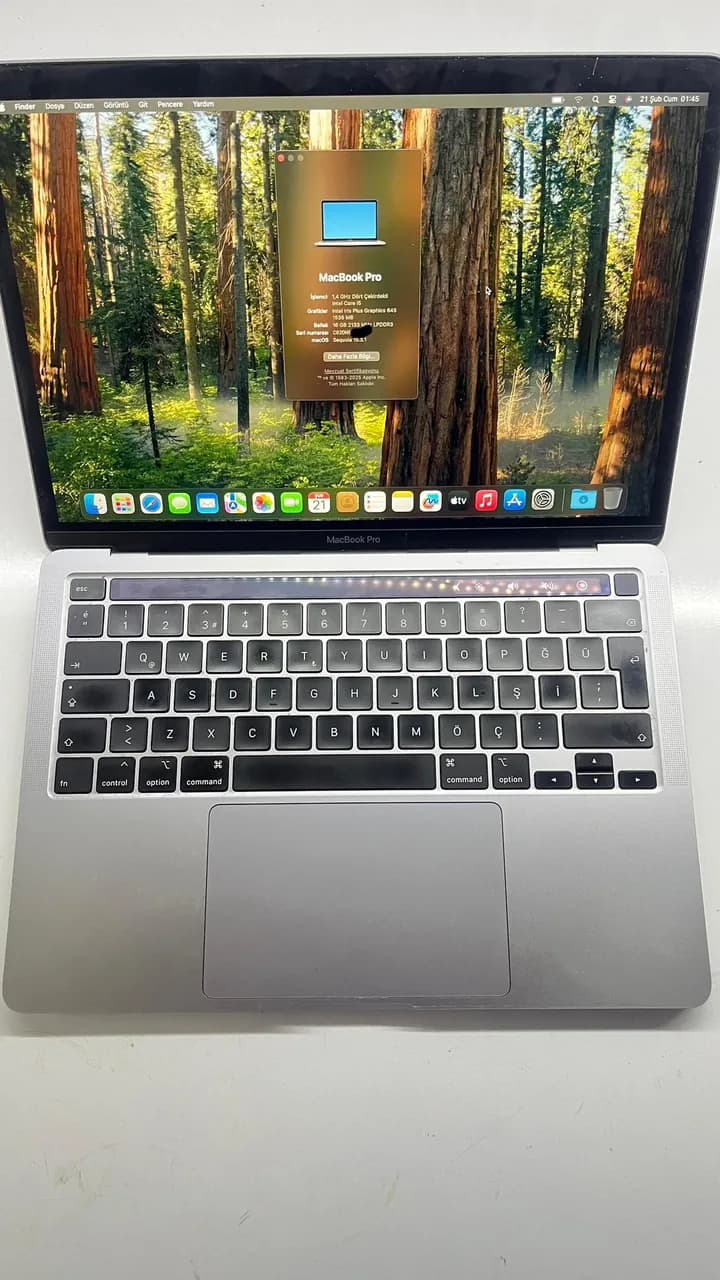
MacBook Pro A2289 (2020) T2 Chip iCloud Unlock This device is now fully functional! Updates, restarts, battery drain—none of these cause any issues. The user can enjoy their MacBook just like any regular computer. Finally, the latest macOS Sequoia version has been installed, and the device is delivered to its owner. Guaranteed by us!
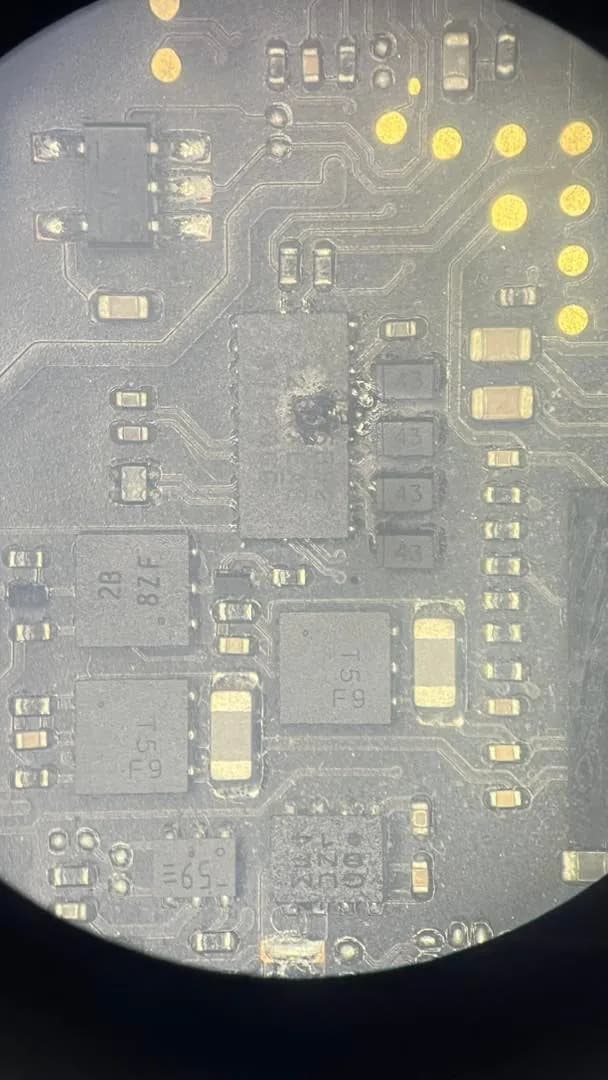
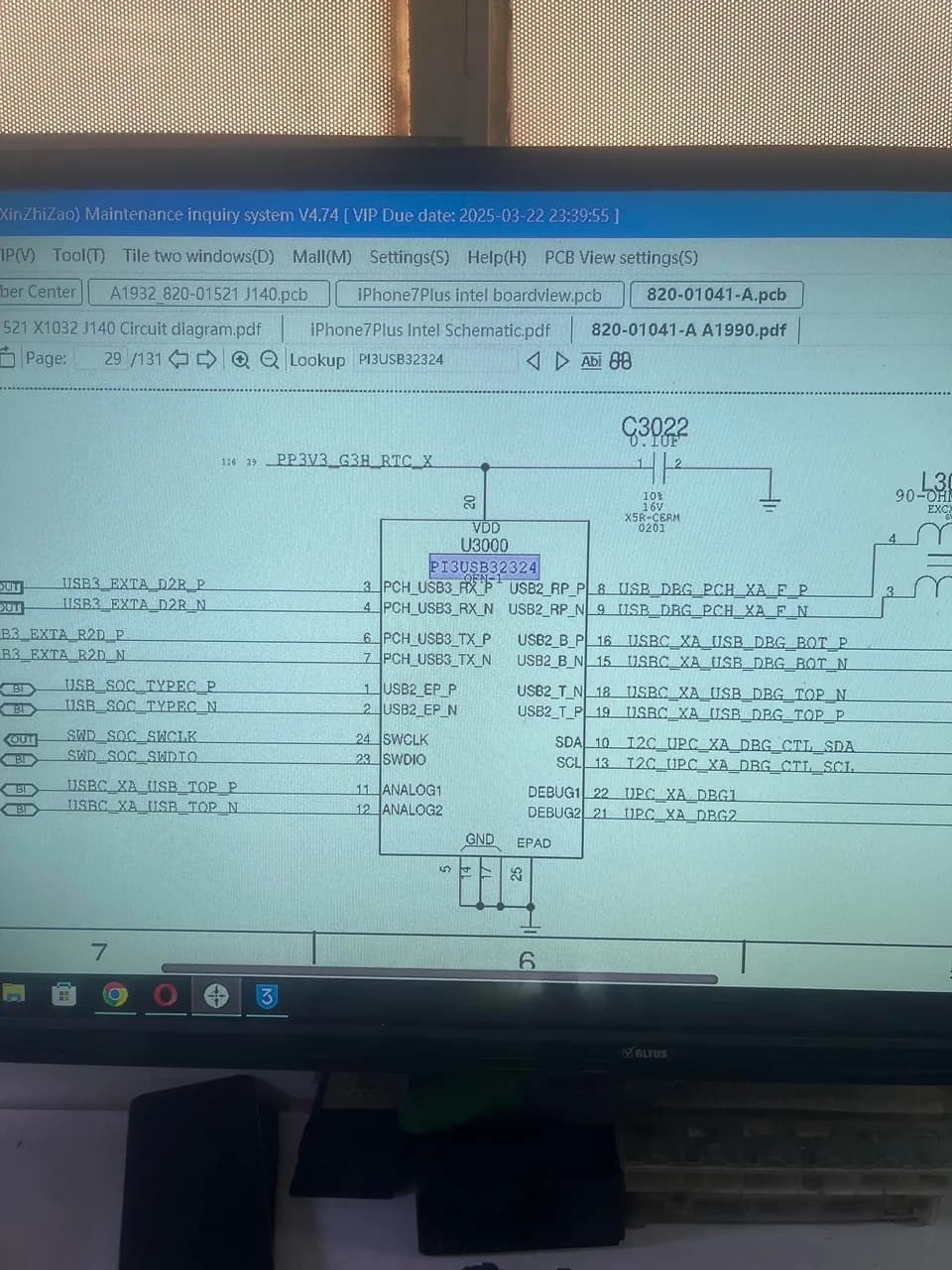
MacBook Pro A1990 shut down while charging. Upon inspection, we found that the U3000 (USB Mux) chip had failed and replaced it. However, the device still wouldn’t turn on. Further analysis revealed a short circuit in the LDO 3V3 line of the CD3215 chip. After removing U3100 and U3200, the short was gone, but the device still remained stuck at 5V. Finally, we replaced the UB300 and UB400 CD3215 chips, and the MacBook came back to life, charging normally. As always, precise diagnosis and proper intervention made all the difference!
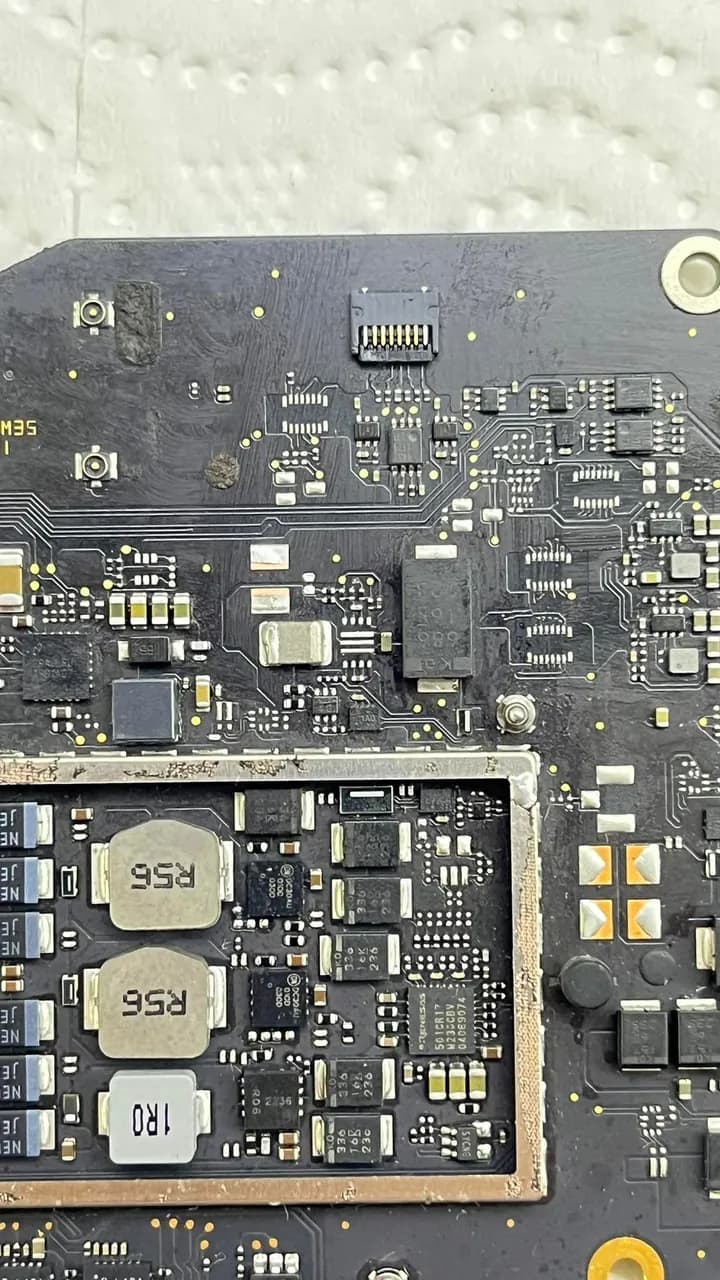
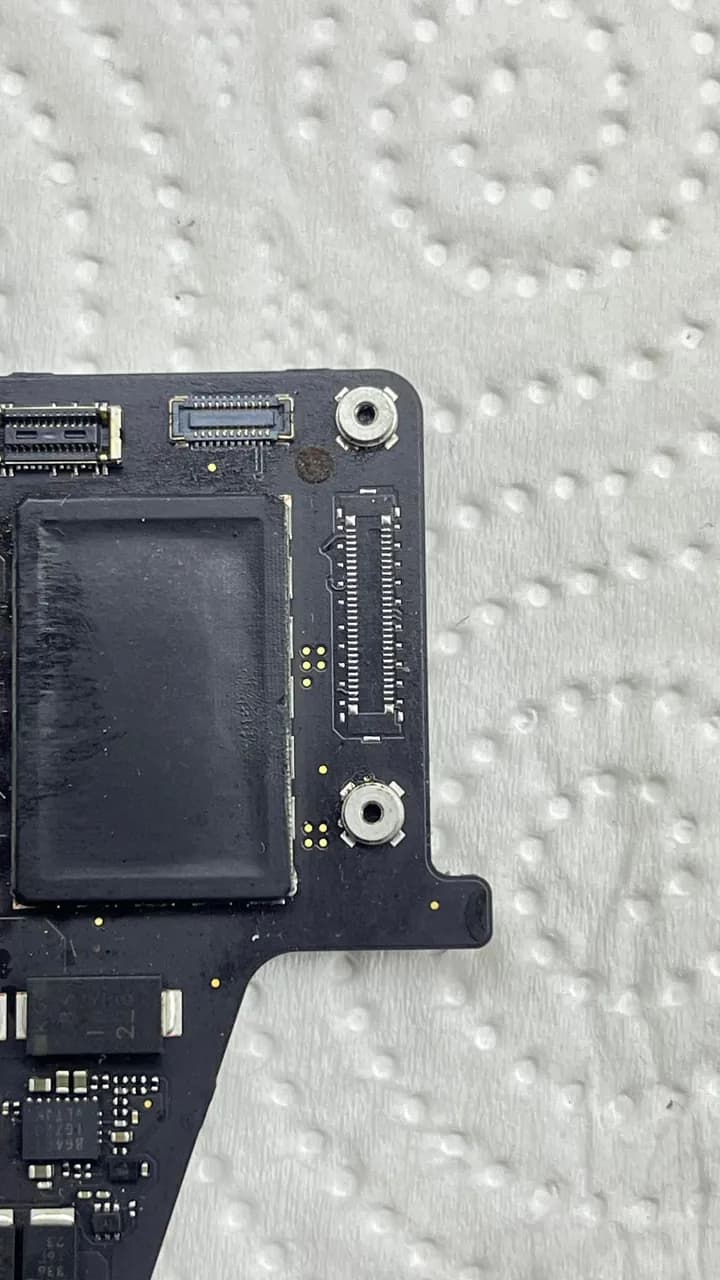
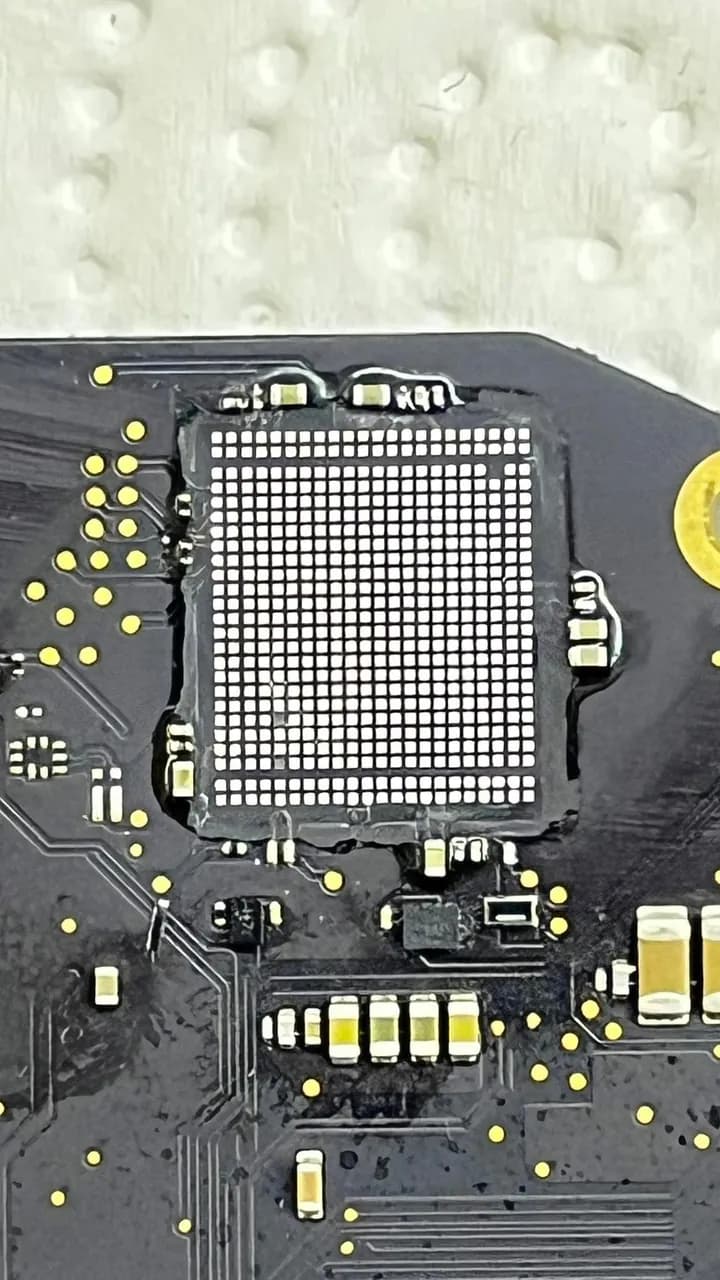
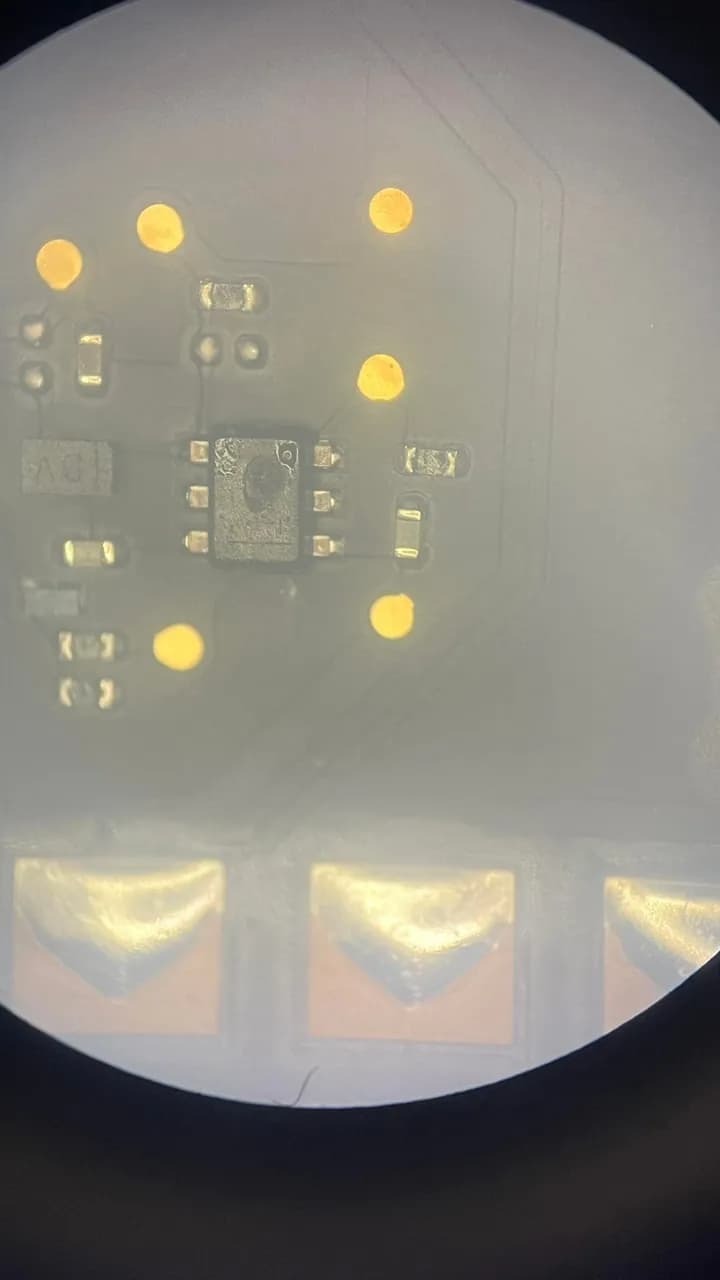
A2338 M2 MacBook is not turning on due to a short circuit! This device arrived after being handled by another repair service. We diagnosed a short circuit on the PP1V25_S2 and PP3V3_S2 lines. Components such as the keyboard backlight IC (UP900), 3V3_S2 power IC (UC710), WiFi IC (UL000), and USB socket (JE700) had been removed, but the issue persisted. After a thorough inspection, we discovered that the real culprit was UE501 fan control IC. Once replaced, all short circuits were resolved. Later, all missing components were replaced with new ones. However! Since Wi-Fi ICs on M-series chips cannot be replaced, this MacBook will now have to function without Wi-Fi. Identifying the real issue, avoiding unnecessary repairs, and delivering the best results are what we do best! MacBook is back to life, just without Wi-Fi! For reliable and professional repairs, contact us.
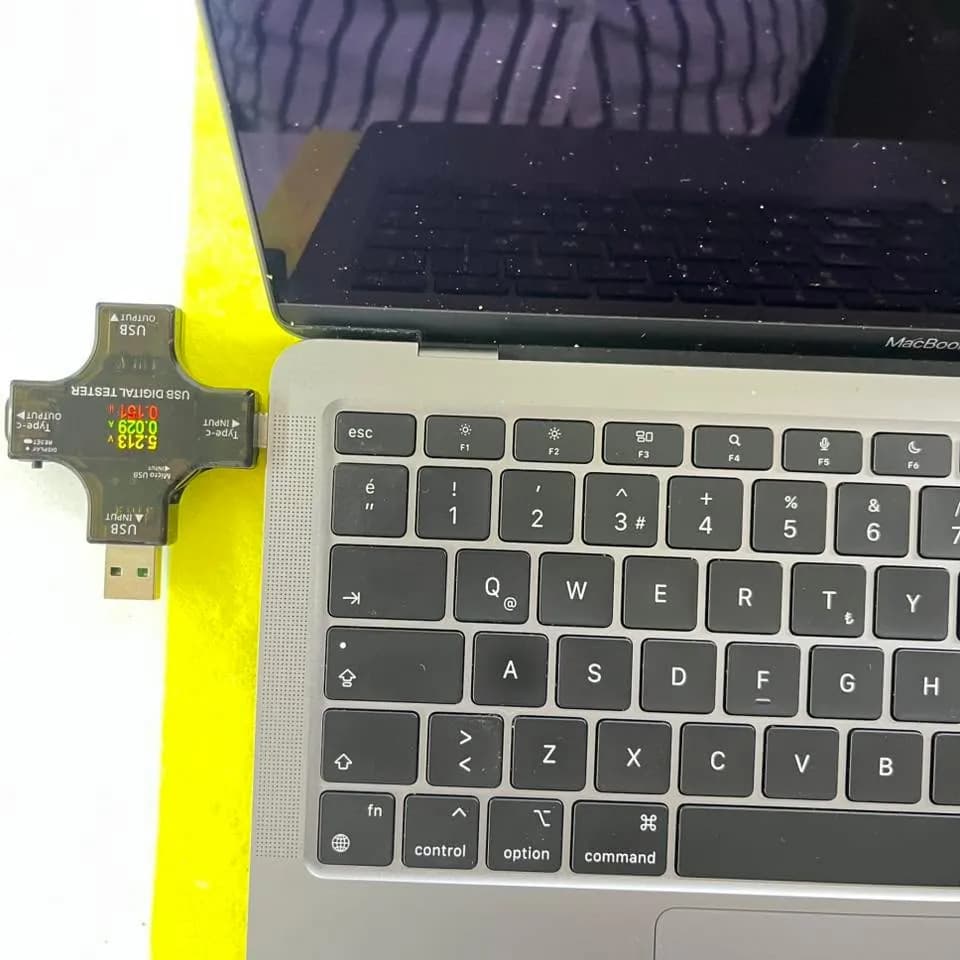
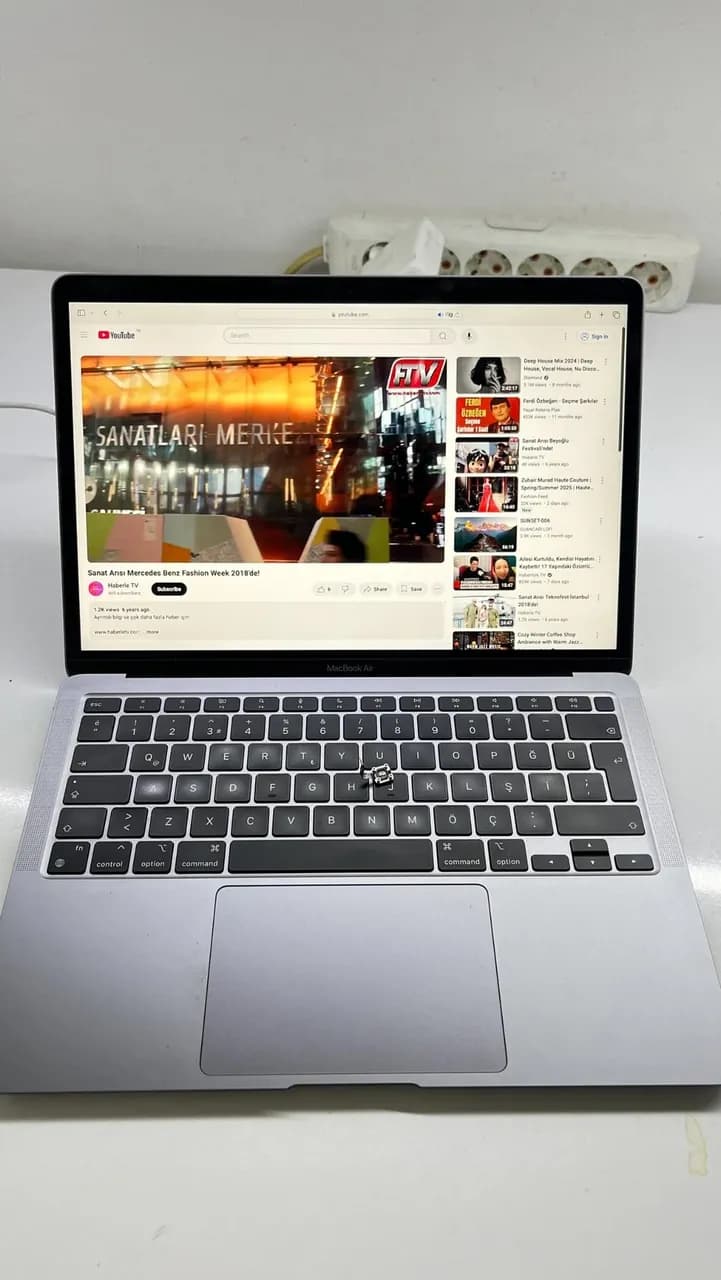
MacBook Air A2337 M1 - No Power & Touch ID Issue Resolved! This MacBook Air A2337 with an M1 chip wouldn’t turn on. When connected to a USB ammeter, it was stuck at 5V with no response. 📉🔌 Diagnosis: • PPBUS_AON line had a short circuit. • After removing the fault, the MacBook powered on! However, a new issue appeared: The Touch ID sensor was overheating and randomly pressing itself. After unlocking the screen, the MacBook would lock itself again automatically. Solution: Unfortunately, the Touch ID sensor couldn’t be saved, so it was replaced with a new power button. While Touch ID is no longer functional, the MacBook is fully operational again! 💪
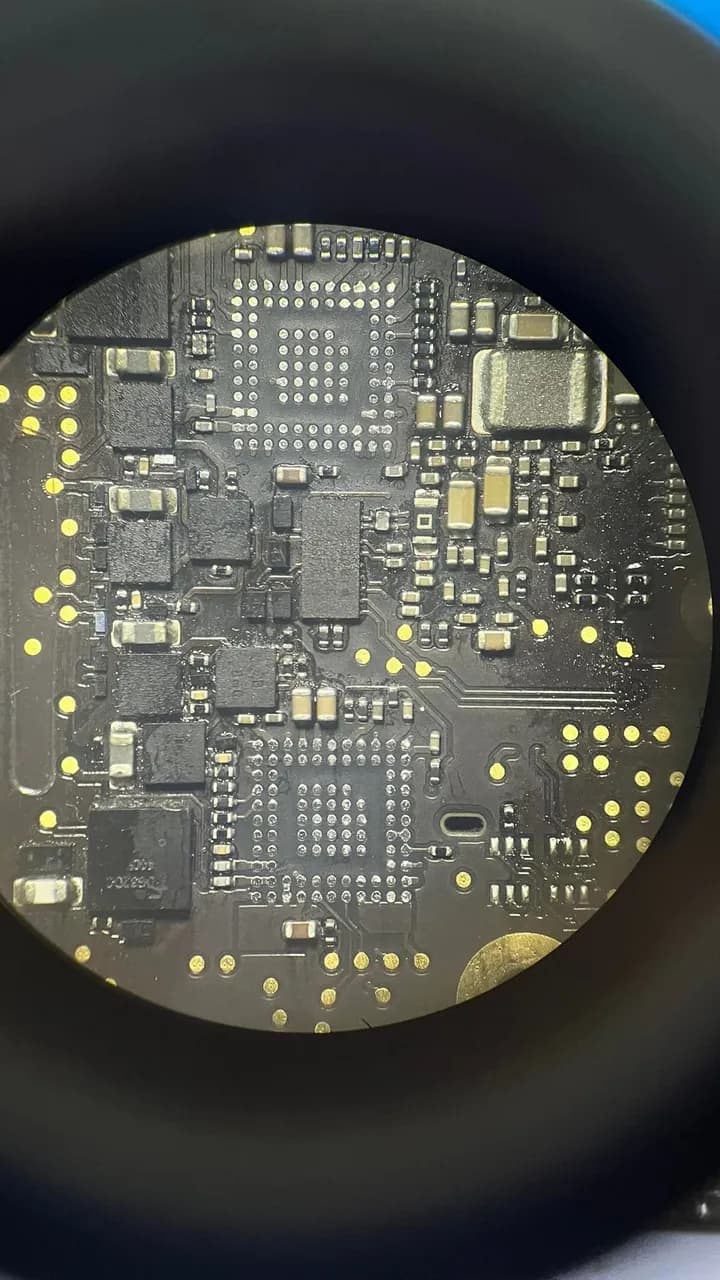
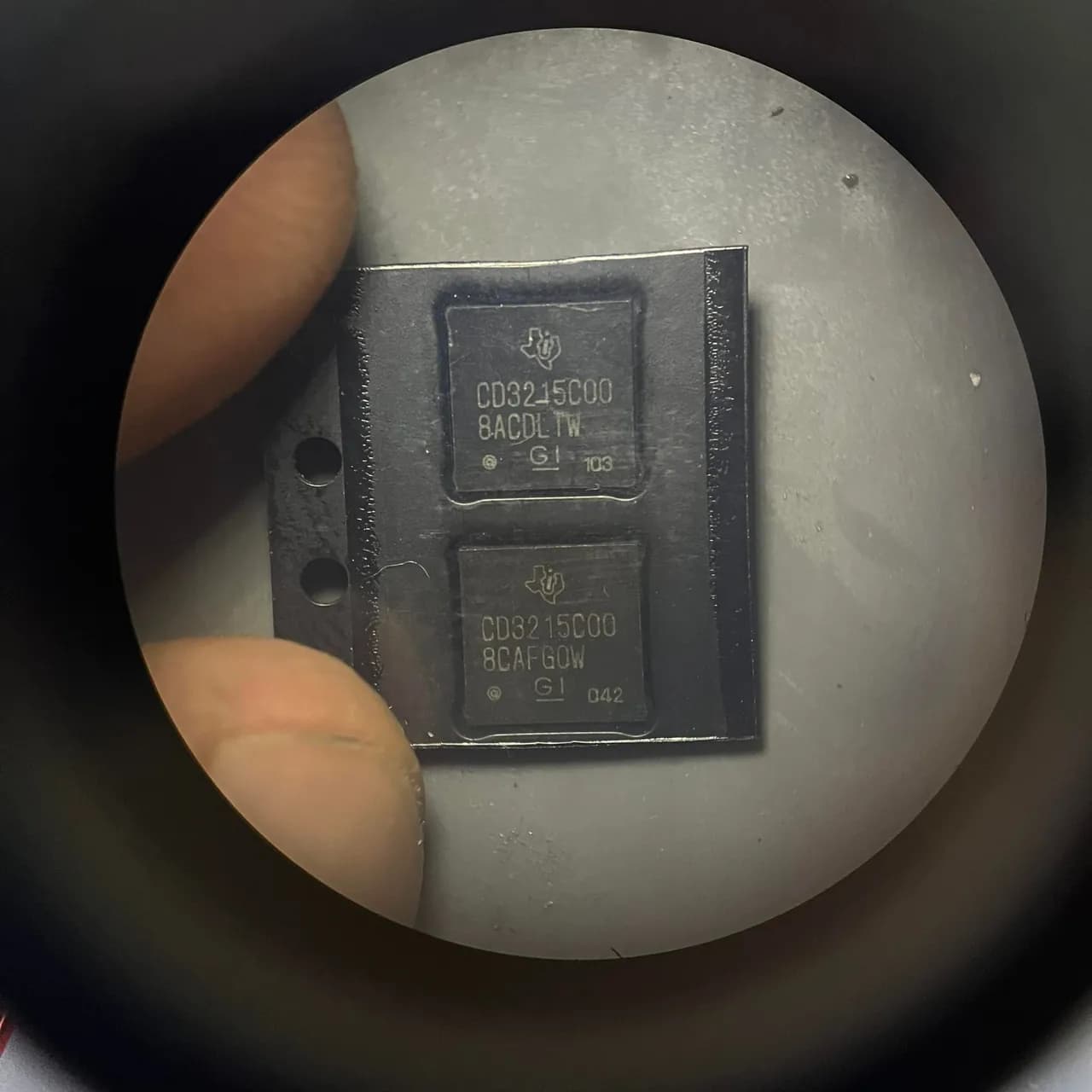
MacBook A1932 Charging Issue Fixed! This MacBook A1932 came in with a charging issue. When connected to a USB ammeter, it was stuck at 5V and wouldn’t rise to 20V. 📉🔌 After detailed measurements, we found a short circuit on the LDO 3.3V line. To ensure a guaranteed fix, both CD3215 ICs were replaced, and now the laptop is back to working perfectly! ✅🔋 Result: The MacBook now charges at the correct voltage and works flawlessly!
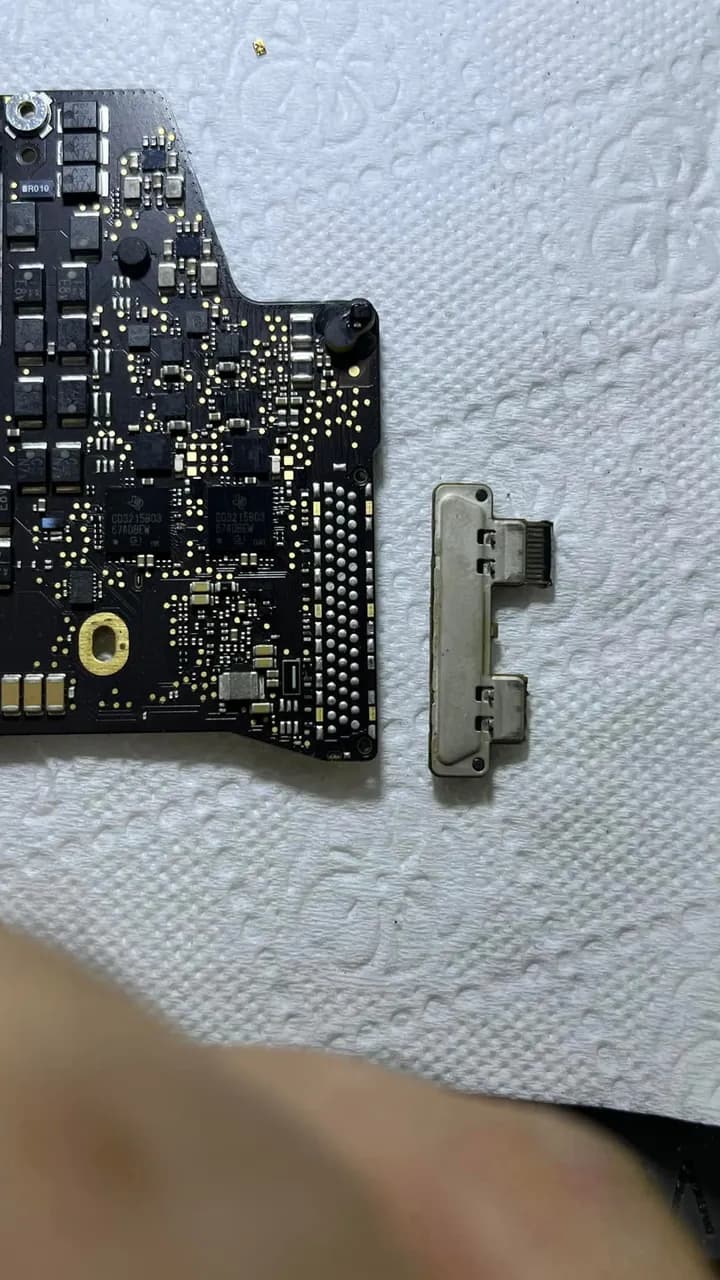
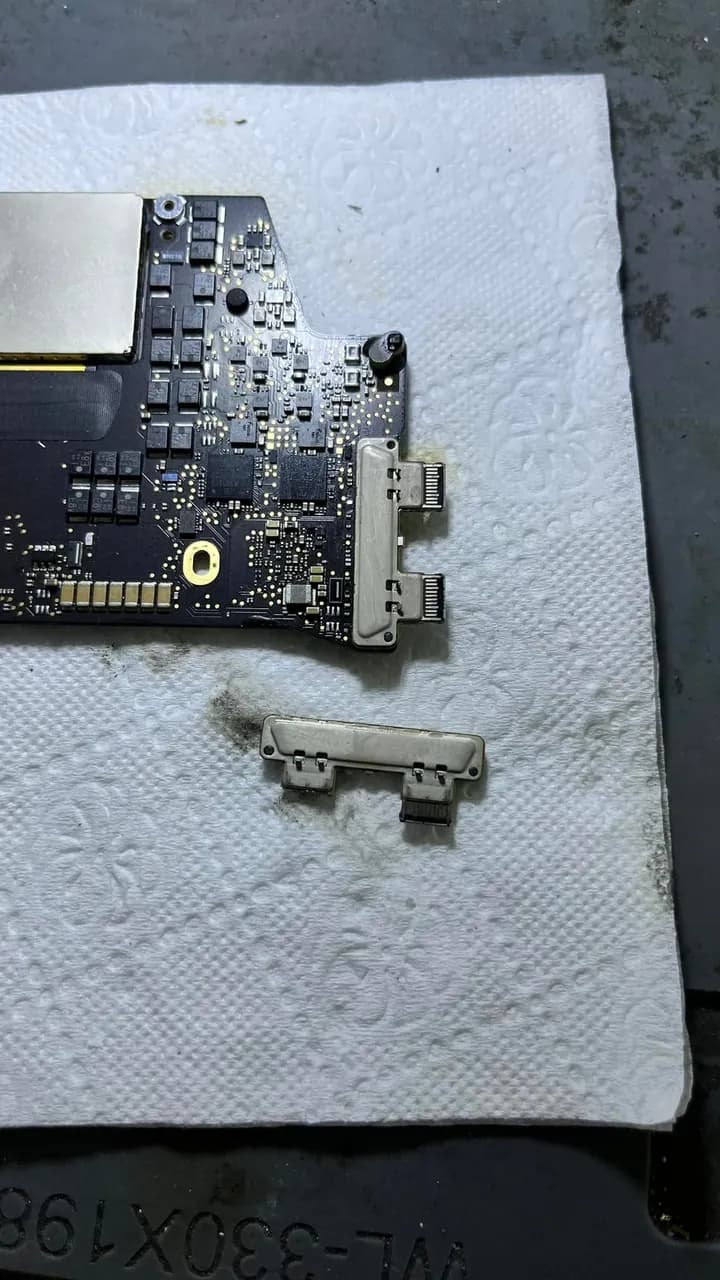
Yeni soket lehimlenerek yerine monte edildi Cihaz sorunsuz şekilde şarj ve veri aktarımı yapmaya başladı! MacBook’larda USB-C portu zamanla aşınabilir, bağlantı zayıflayabilir veya tamamen bozulabilir. Böyle bir durumda orijinal kalitede bir değişimle cihazınızı ilk günkü gibi kullanabilirsiniz! Sorun yaşayanlar için buradayız! MacBook Pro A1708 – USB Port Replacement! When the USB-C port on a MacBook Pro A1708 gets damaged, charging and data transfer can be severely affected. In this case, the port was worn out and no longer functioning properly. What We Did: Carefully removed the damaged USB-C port Cleaned the motherboard contact points Installed and soldered a brand-new USB-C connector Tested for charging and data transfer – everything works perfectly! Over time, USB-C ports can wear out, develop weak connections, or completely fail. If that happens, a quality replacement can restore your device to its original condition! Need a fix? We’re here to help!
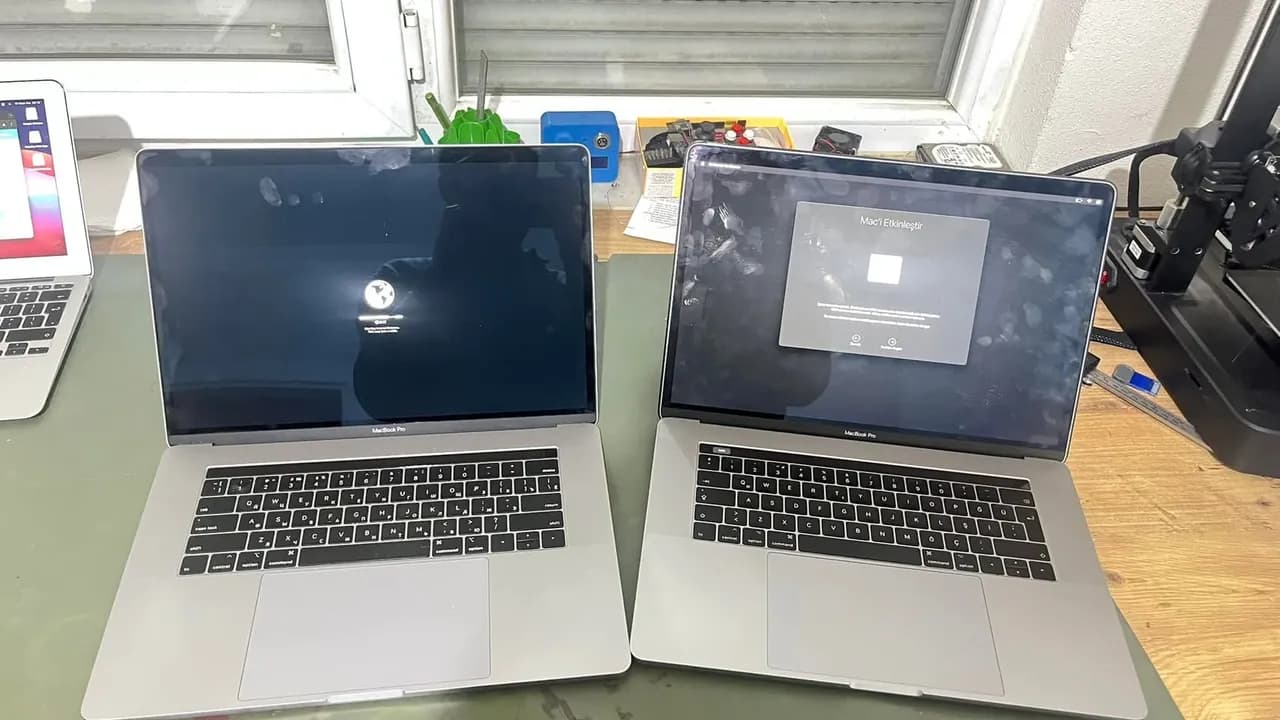
MacBook Pro A1990 | Permanent iCloud Solution We have successfully unlocked two MacBook Pro A1990 devices with a permanent iCloud solution! ✔ Not a bypass, but a 100% permanent fix! ✔ No issues with battery drain, restarts, or software updates. ✔ Contact us for professional and reliable solutions. 📞 DM or WhatsApp for more info!
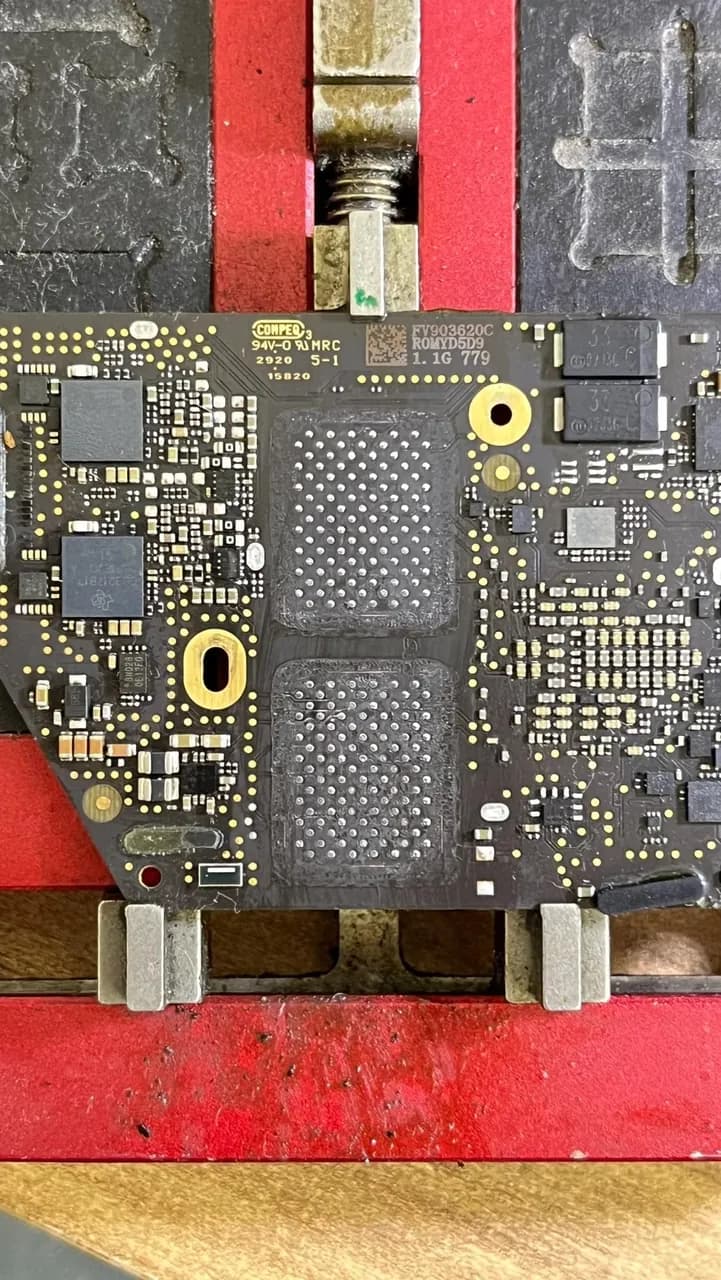

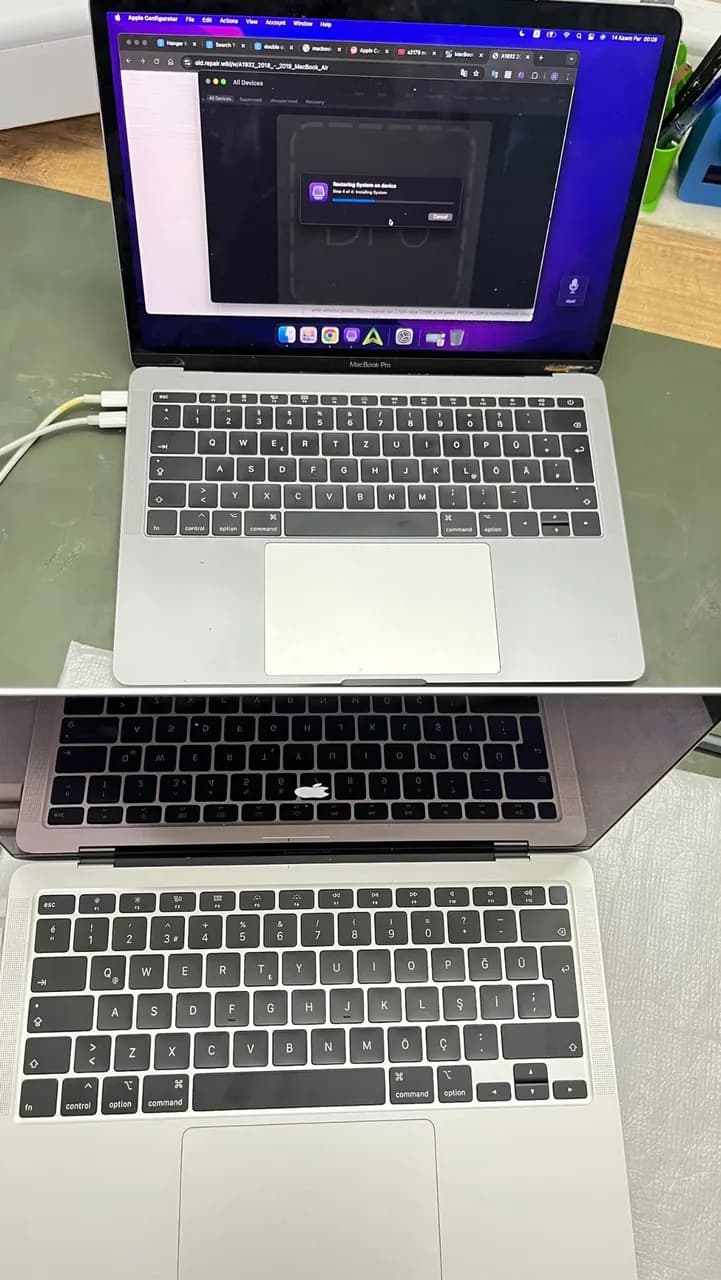
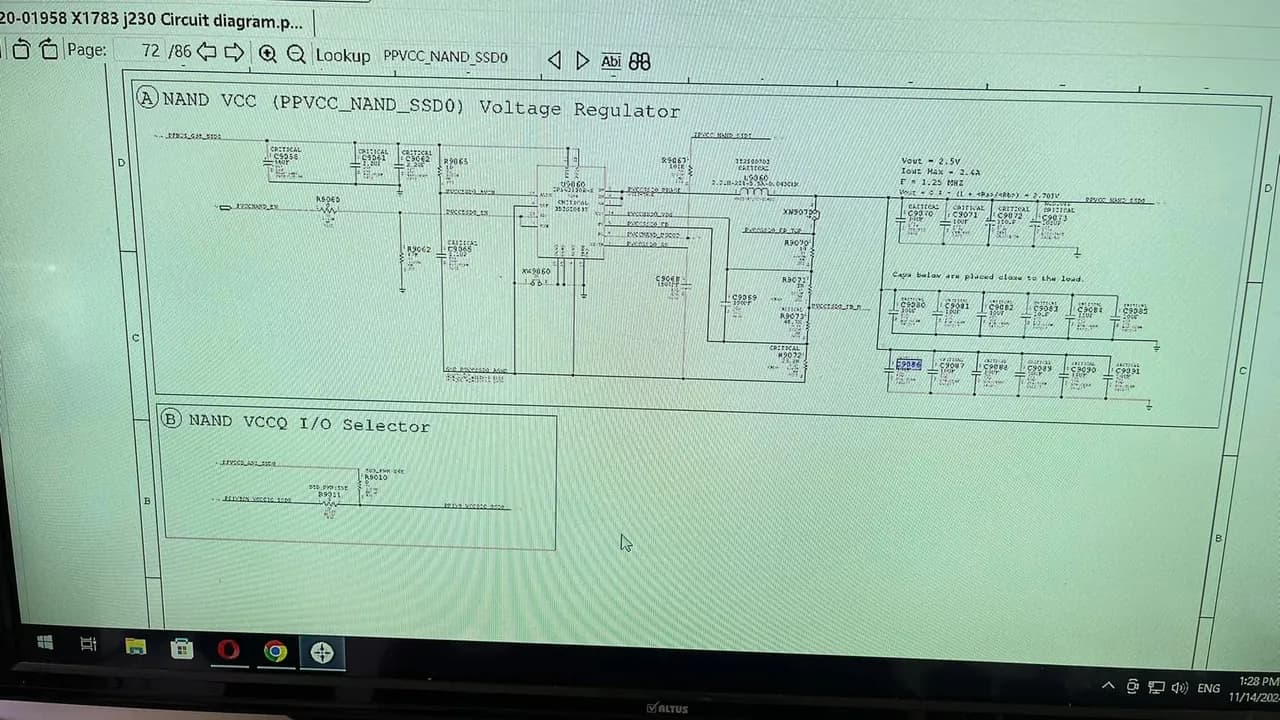
MacBook Air A2179 Açılmıyor - Çözüm Süreci Sorun Tanımı: • USB tester 20V 0A gösteriyor. • Trackpad’de dokunma algılanmıyor ve DFU moduna girmiyor. • Anakart üzerinde inceleme yapıldı, herhangi bir ısınma tespit edilmedi. Tespitler ve İşlemler: • Güç hatlarında SSD0 hattında kısa devre tespit edildi. C9086 kapasitörü değiştirilerek kısa devre sorunu giderildi ve voltaj hattı normale döndü. • Ancak, NAND yongası aşırı ısınmaya başladı. Çözüm: • NAND yongaları değiştirildi ve JC programında (A2179 2020) uygun boot dosyası bulunmadığı için 2 yeni NAND sıfırlanarak takıldı. Her şey normale döndü ancak yazılım yükleme sırasında 35 hata kodu alındı. • NAND’lar tekrar söküldü ve T2 (A1932 2019) JC orijinal boot dosyaları yüklendi. Bu işlemden sonra yazılım yükleme sorunsuz bir şekilde tamamlandı. Sonuç: • Tüm işlemler başarıyla tamamlandı ve cihaz tam performanslı bir şekilde çalışmaya başladı.
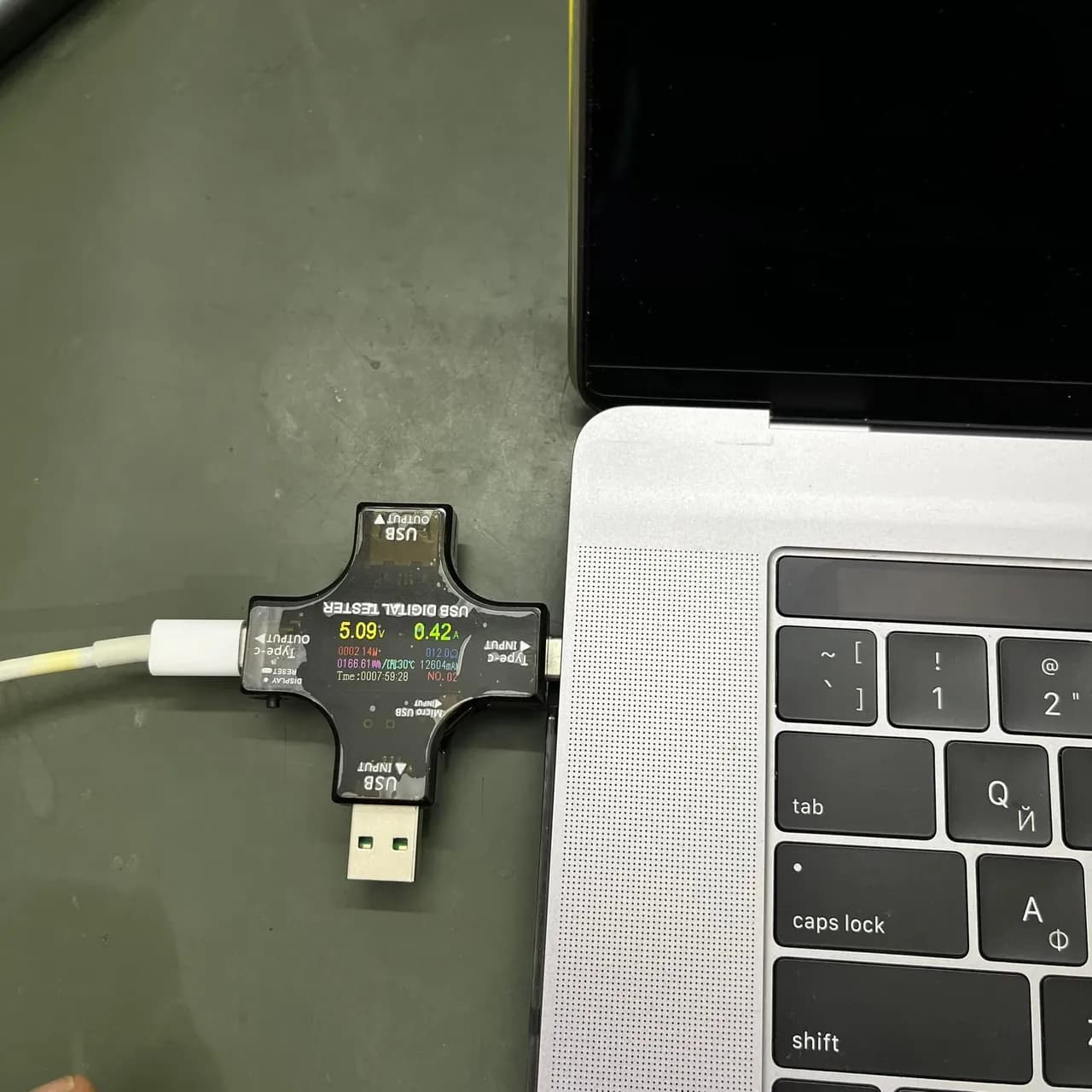
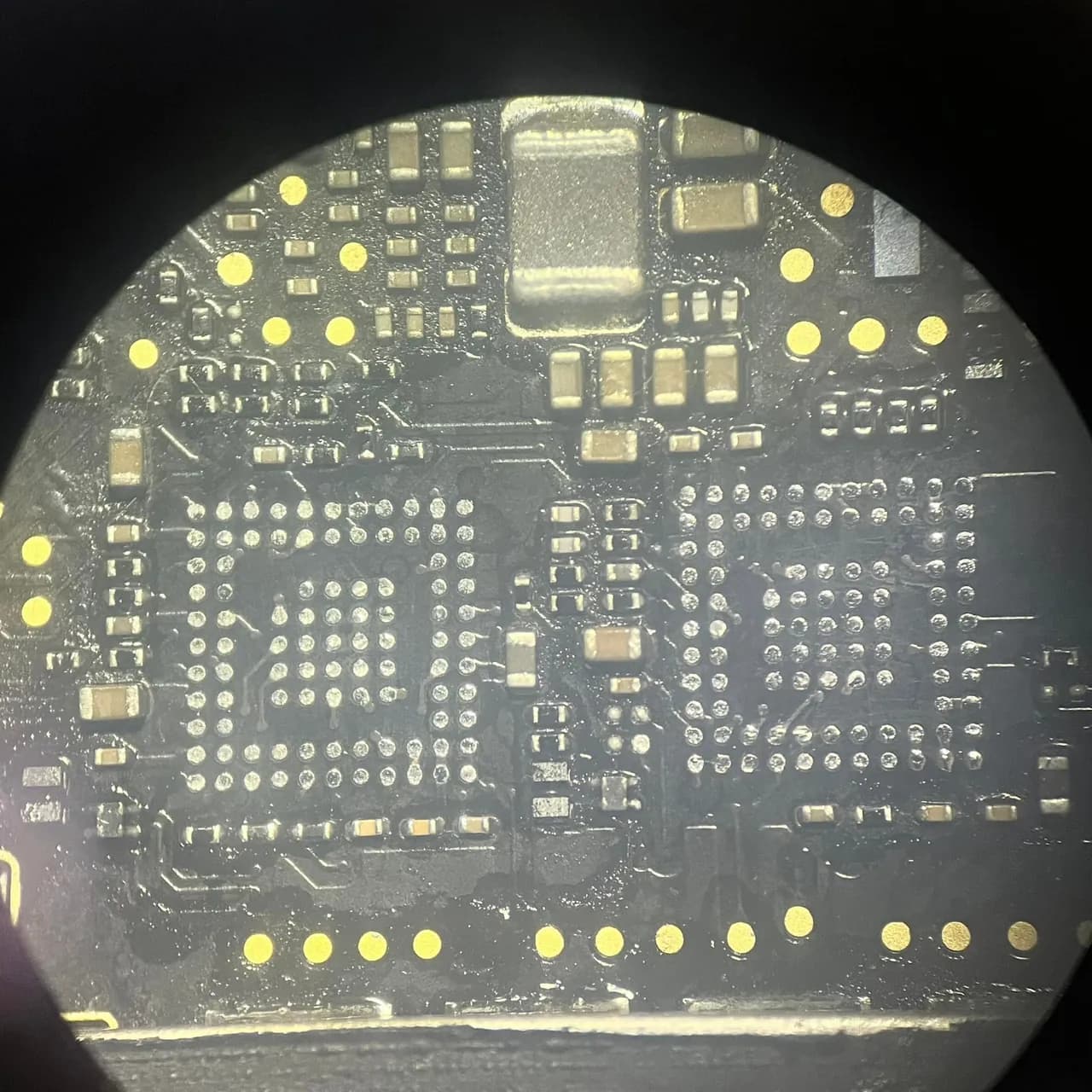
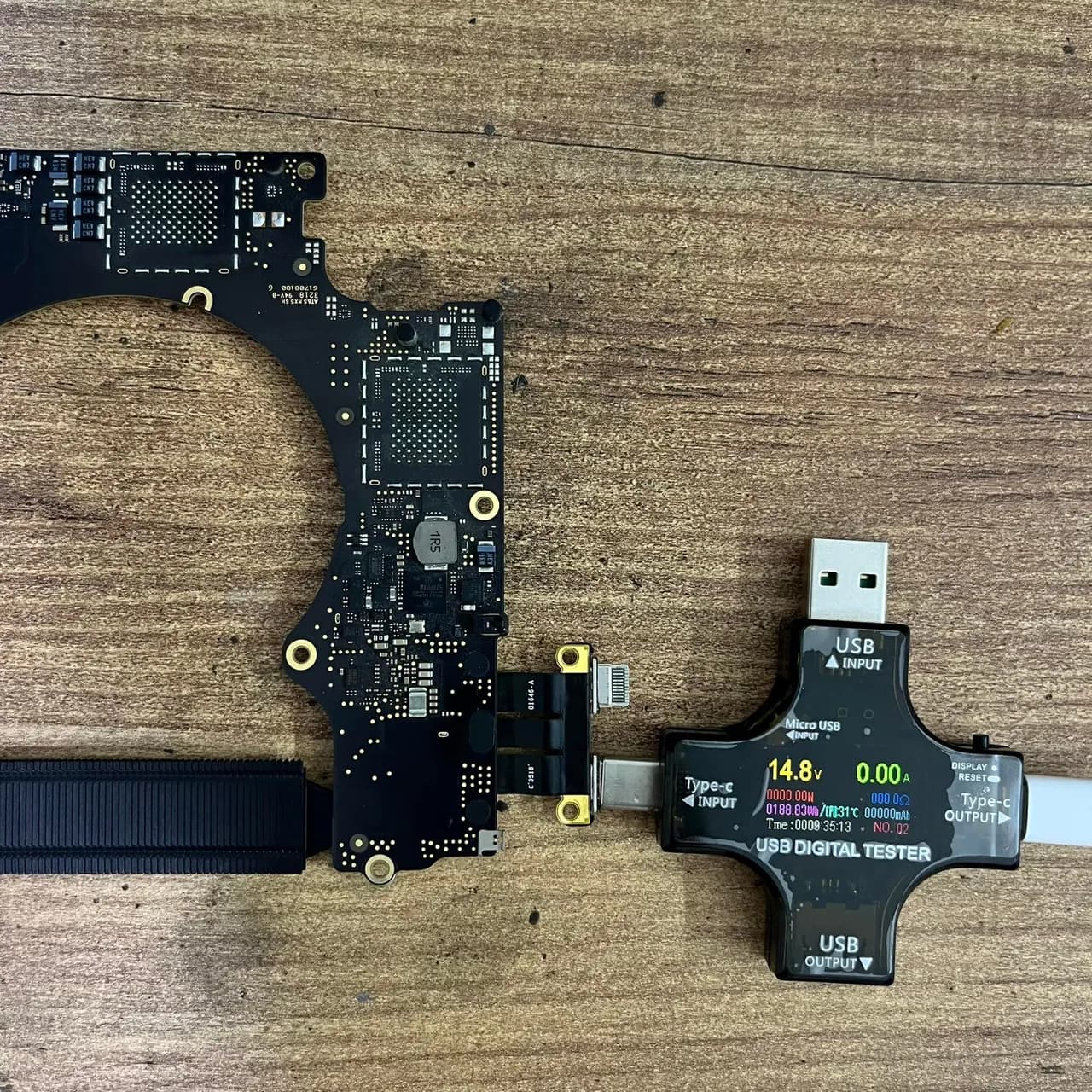
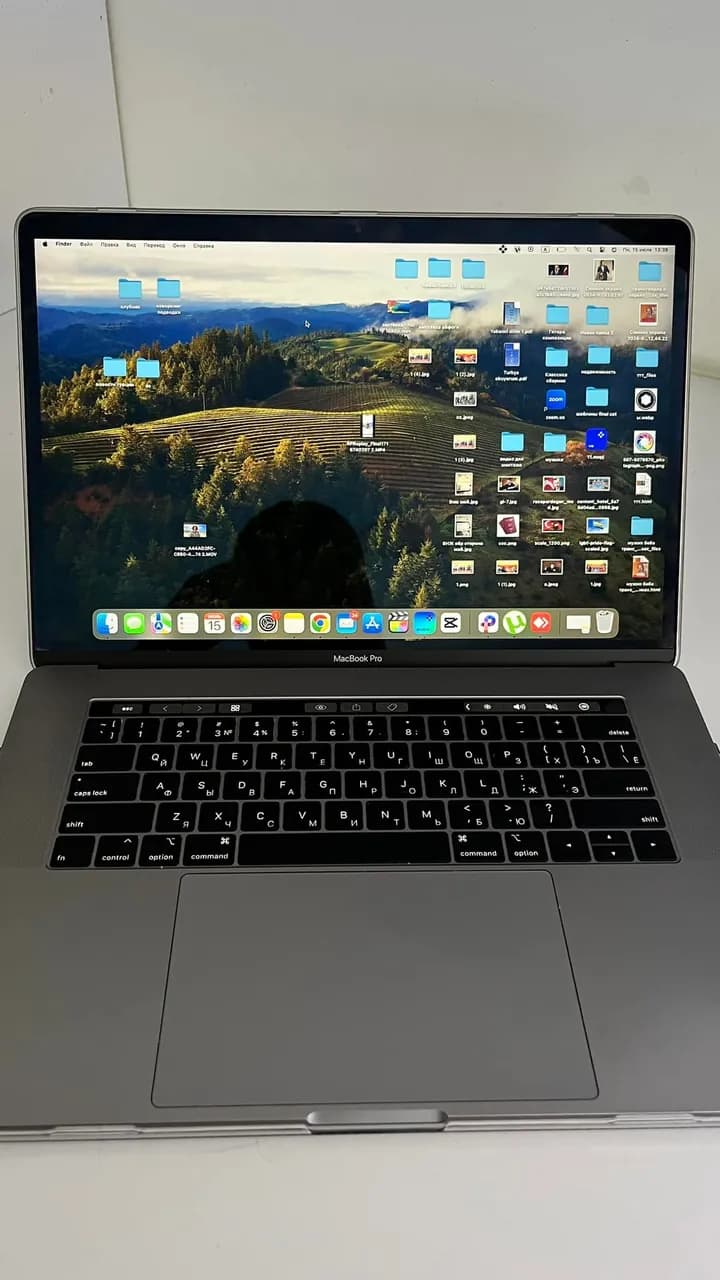
MacBook Pro A1990 açılmıyor sol giriş 5 V takılı kalıyor sağ giriş ise 10 saniyede bir tester açıp kapatıyor.ilk bakışda UB300 ısınma var parça yenisi ile değişse de sorun halen devam ediyor UB300 UB400 set halinde değişti yine aynı çıkış LDO hatlarına baktığım zaman 1.1V LDO iki parçada çıkış vermediğini gördüm. Sonuç olarak cihaz kullanıma hazır.
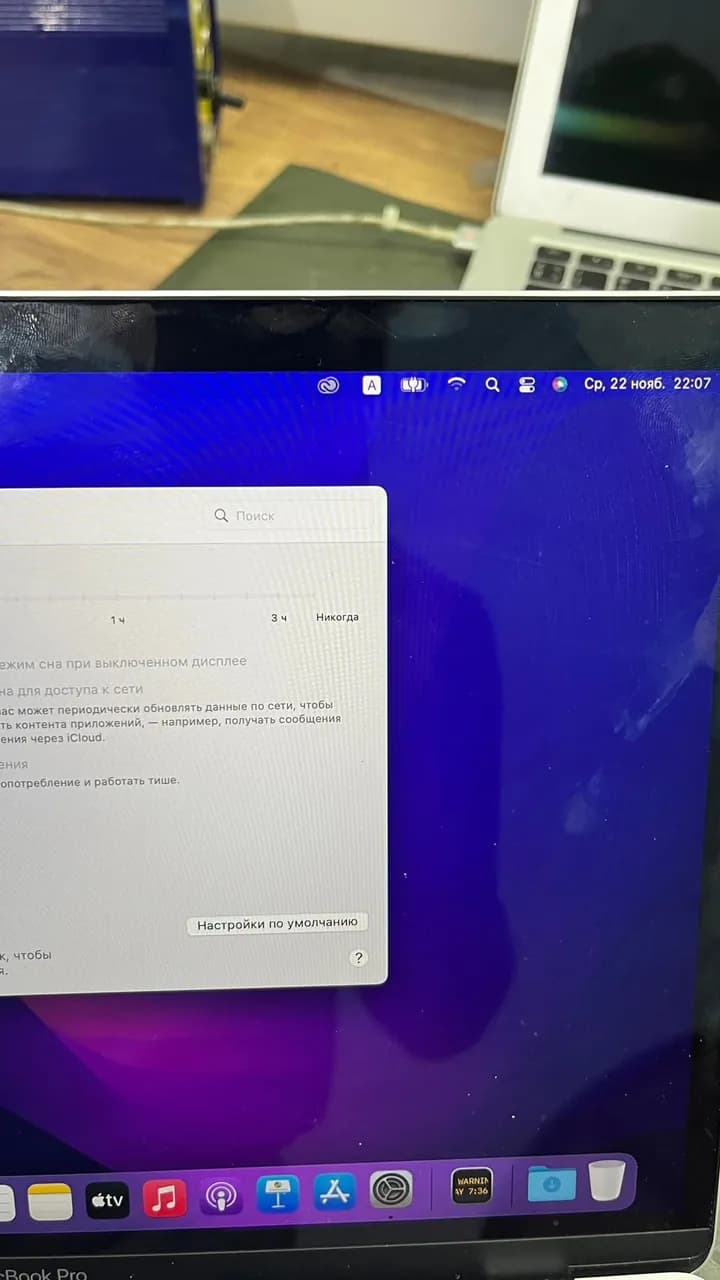
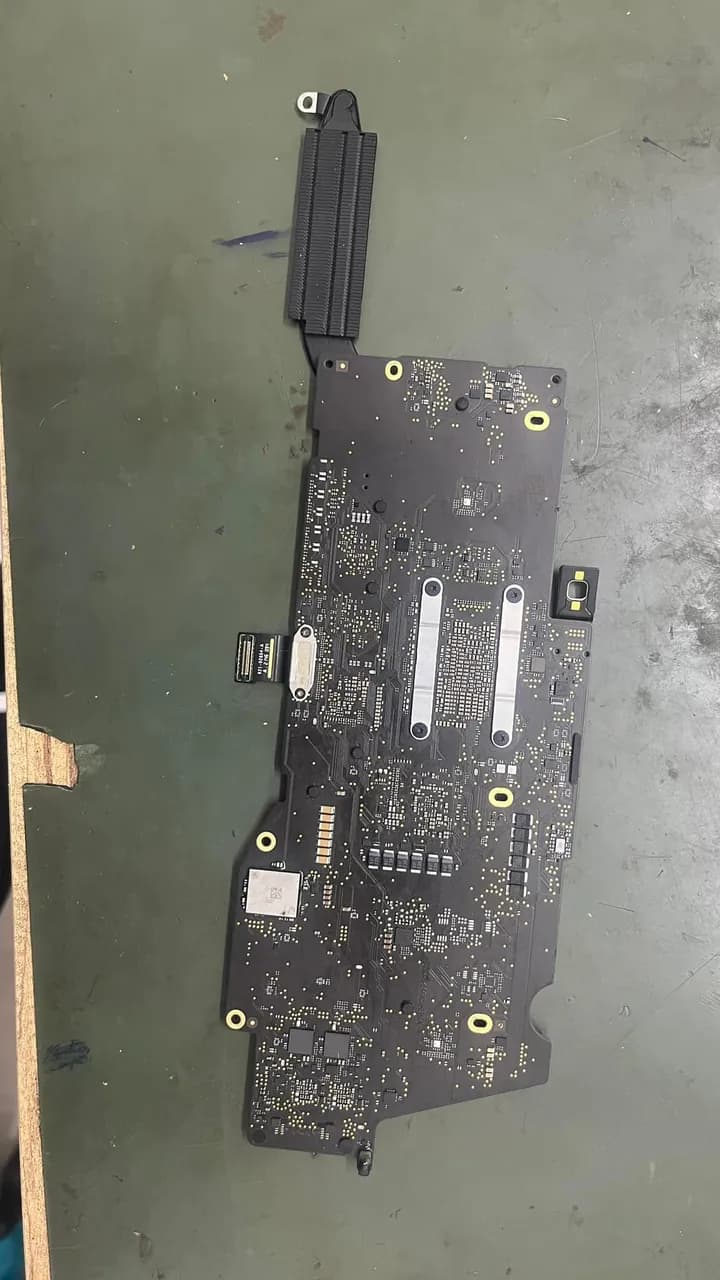
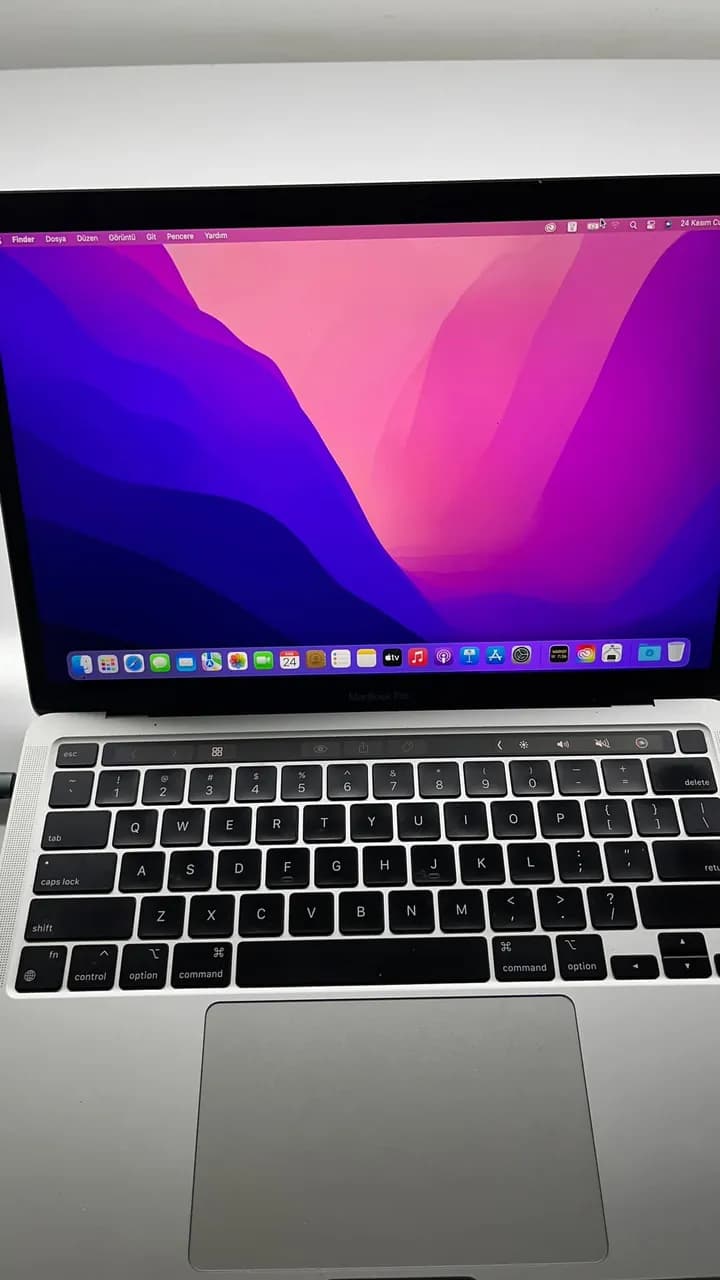
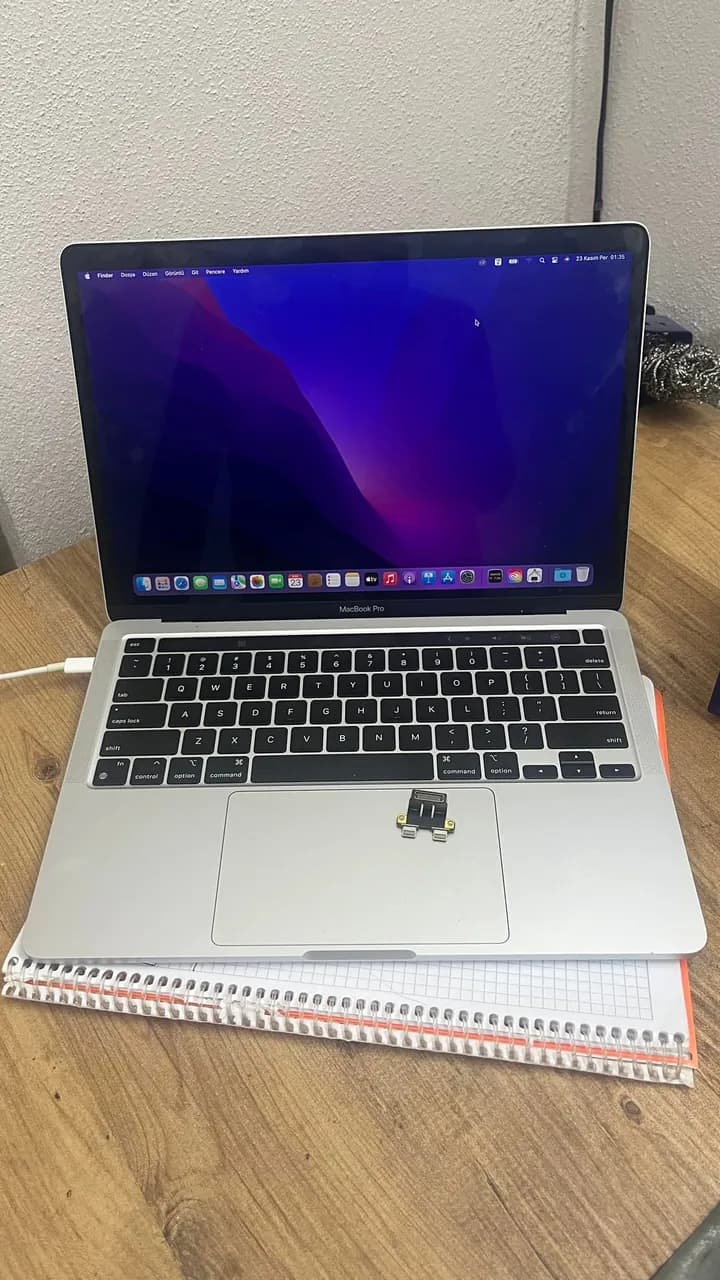
MacBook Pro A2338 müşterimiz dronu bilgisayardan şarj edildikten sonra sadece şarj zamanı resetlemeoluyordu tabii ki de bize gelene kadar. Çözüm : CD ler test edildi sağlam. Şarja takıldığında Sistem voltajında oynama oluyordu Sonuç olarak U5200 değiştirildi şarj filmide aynı şekilde garanti olsun diye değiştirildi
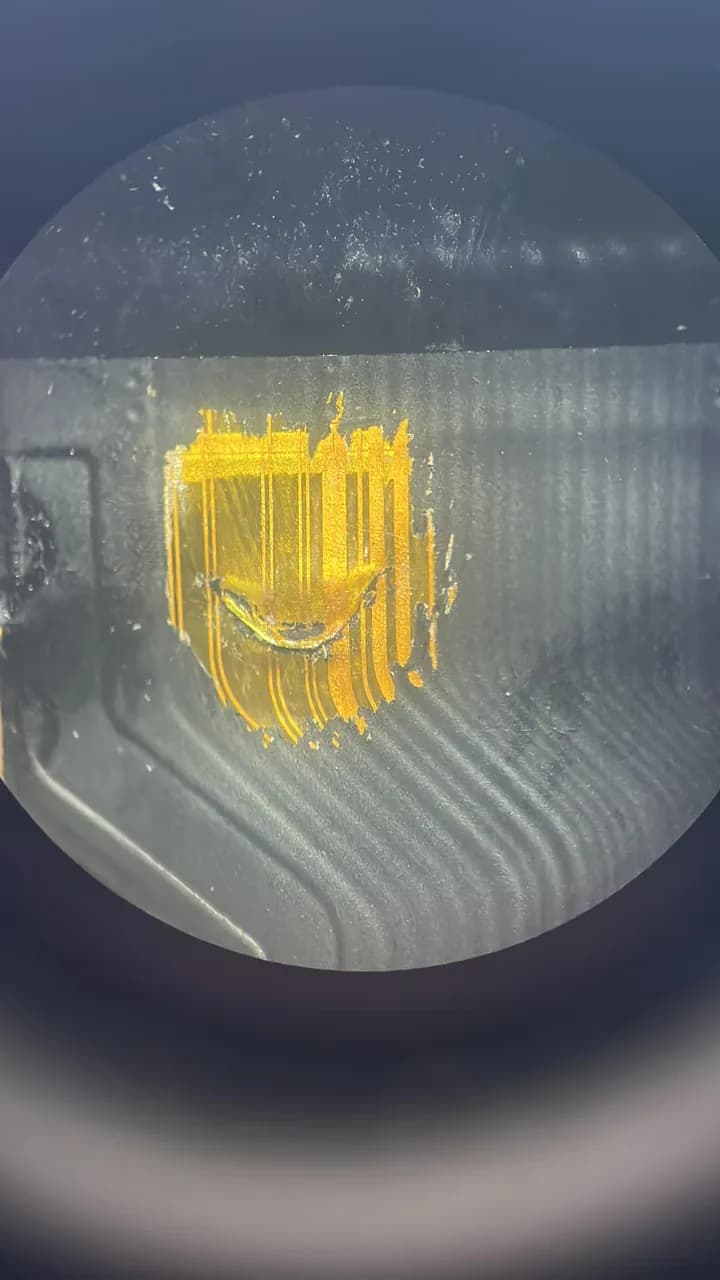
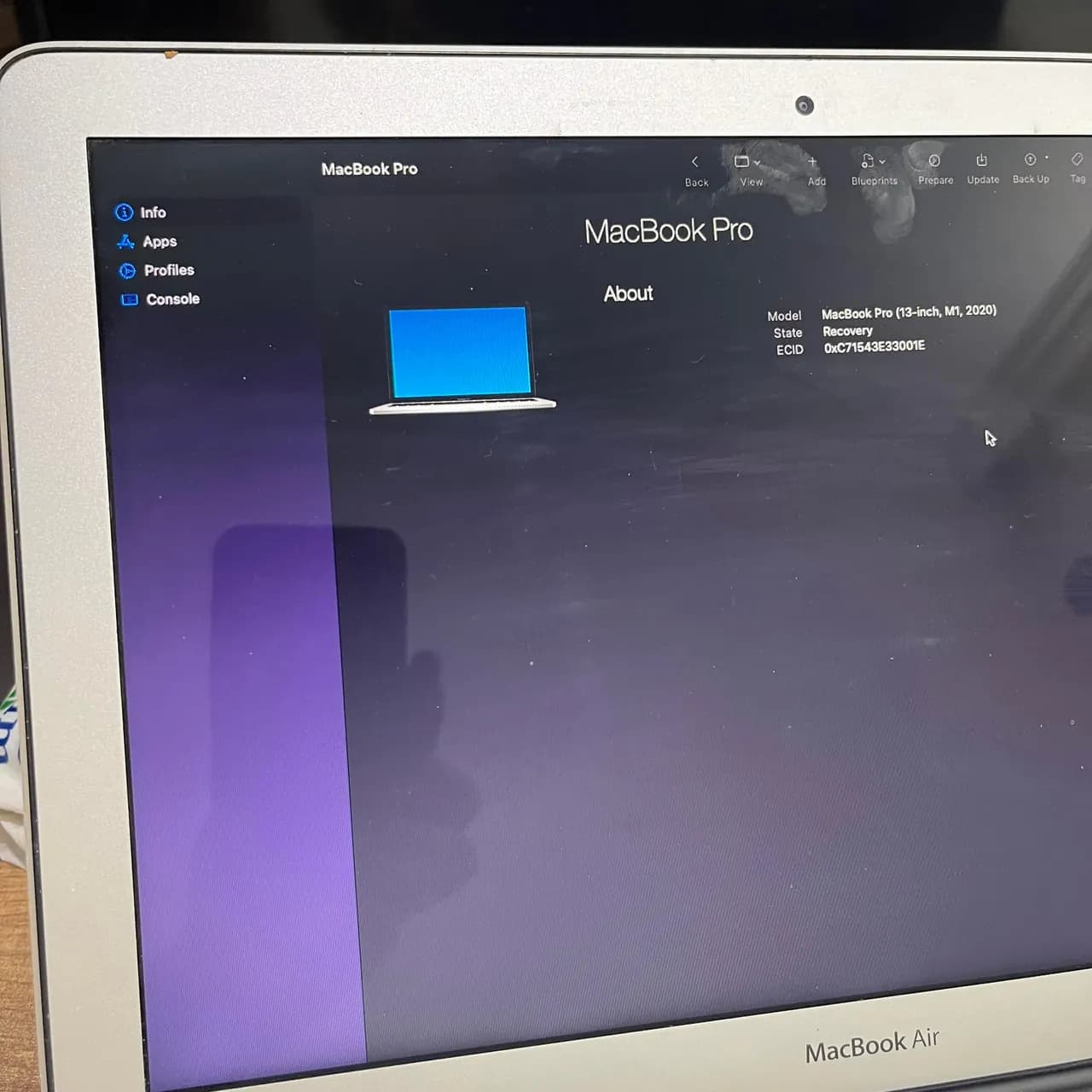
MacBook Pro A2338 (M1 , 2020). Sıvılı cihaz Tamir için bakılmış ama yapılamamış. Ekstra ekran filmi delinmiş filmin kendisini temizledim ama ekran paneli ısındığından dolayı ekranı kurtaramadım. Sorun : USB takıldığı zaman ana kartın ses yapıp 5V takılı kalması açılmıyor. Çözüm : Bu seride böyle kronik hata var.Hatanın ana sebebi Big power etrafında eksik Voltaj nedeniyle açılış vermez.
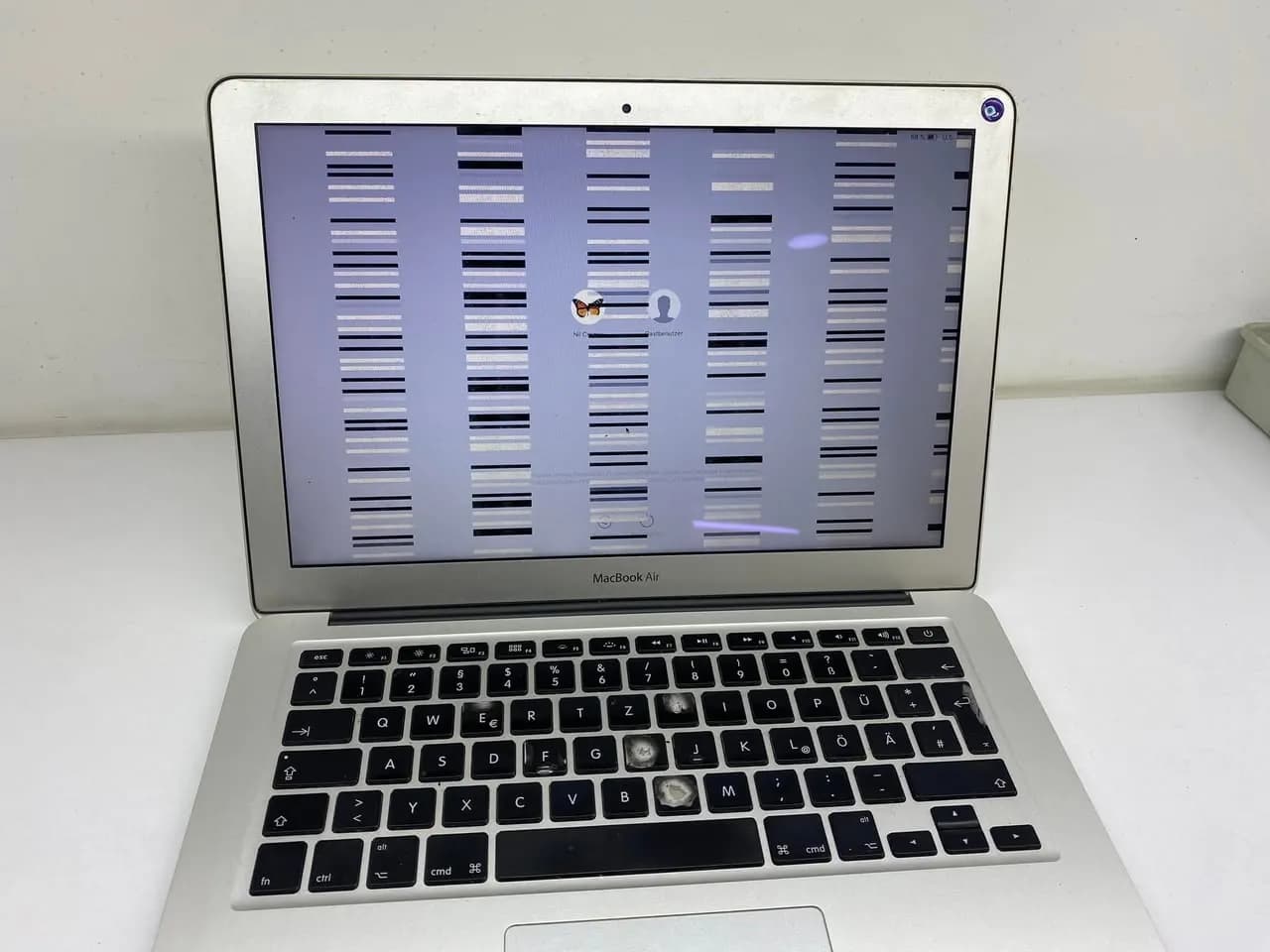
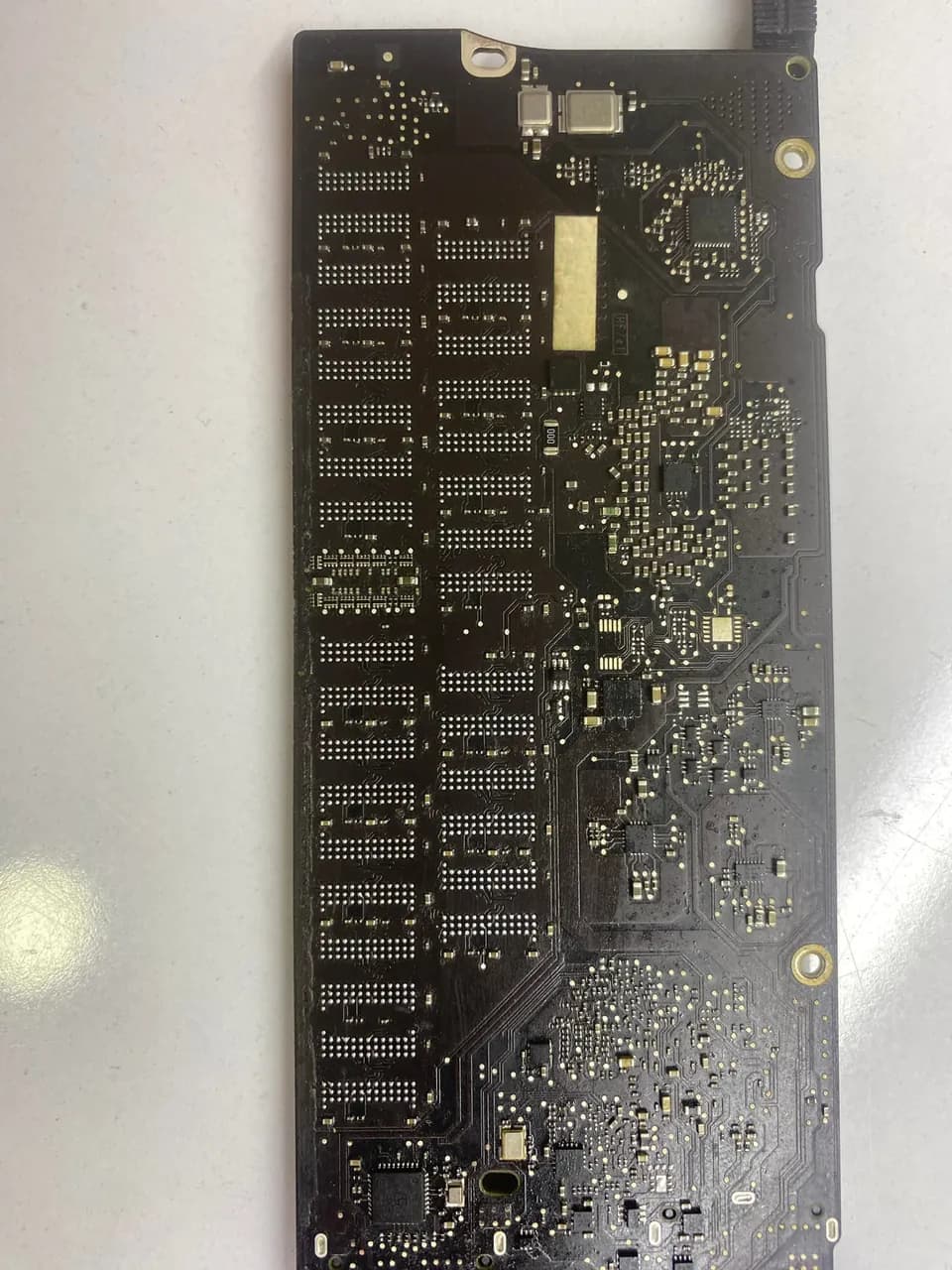
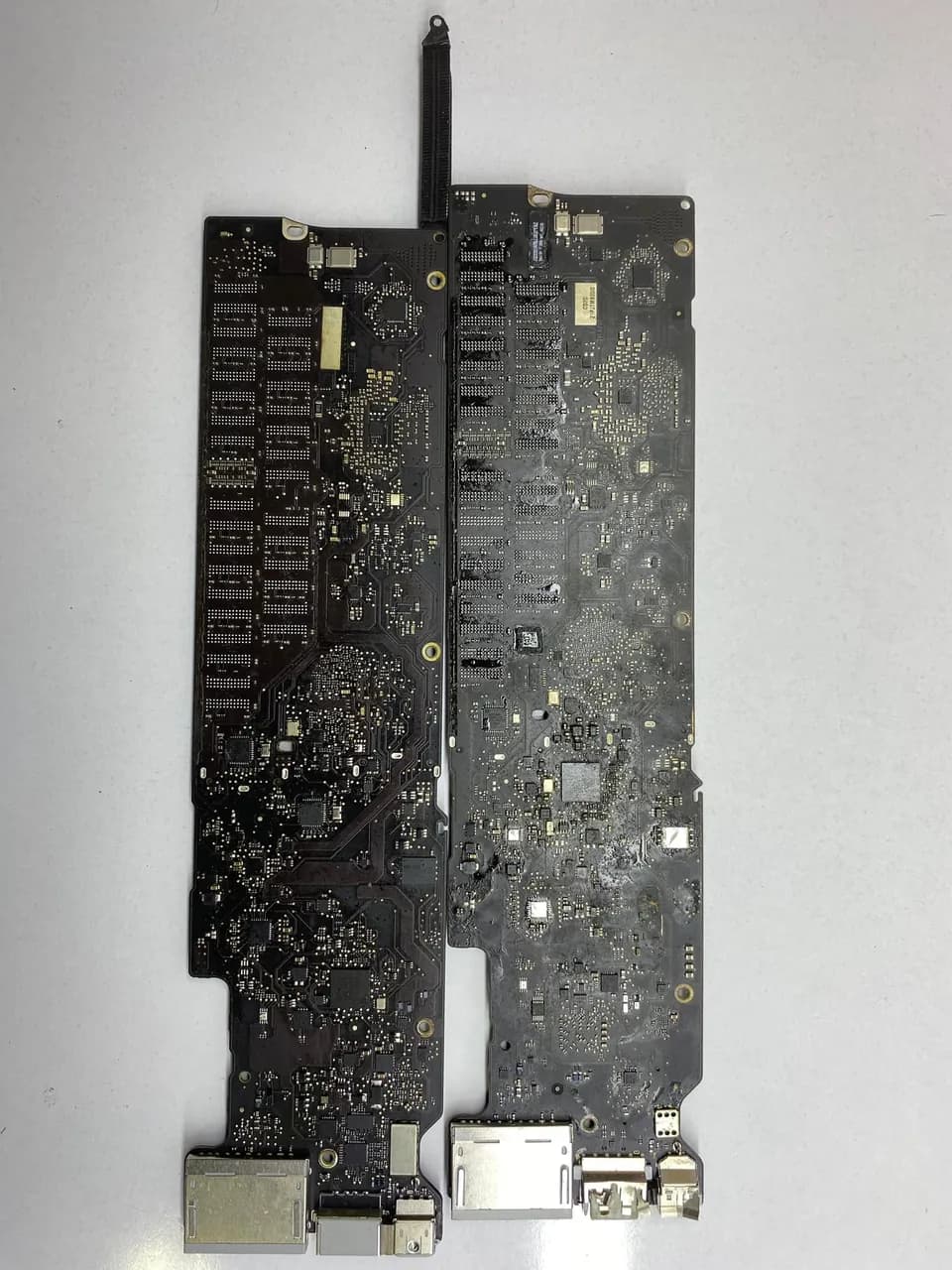
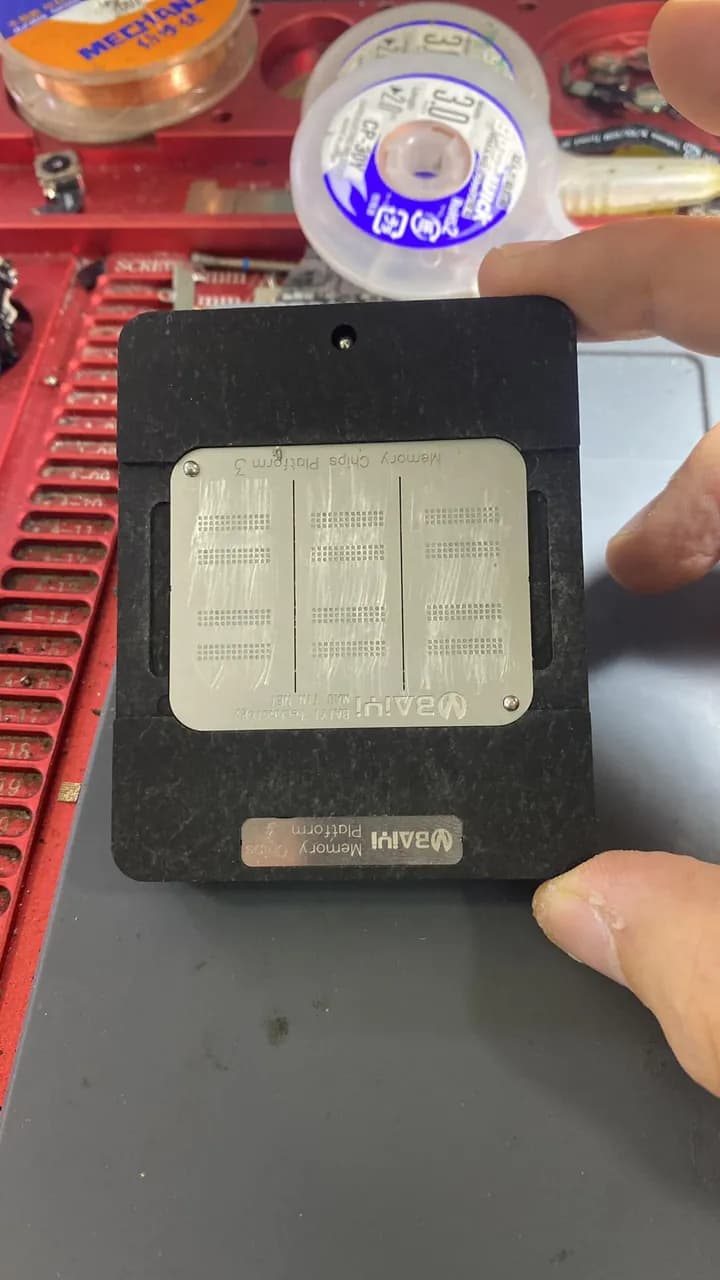
MacBook A1369 3 bıp sesiyle tamire geldi ramlar değişti 15 gün sonra donma kapanma olaraq geri geldi aynı ram olmadıqından a1370 ramlarını takdım bu sefer fan dönüyor sistem açmıyor en sonda başka aynı ana kart bulup ramları aktardım işlem tamam
Sık sorulanlar
My MacBook won't turn on at all — is the battery dead?
Not necessarily. First try a known-good adapter for a few minutes and watch for any sign of power (heat, fan, light). If there is no response, the issue is more likely in the power-input chain or the boot sequence than the battery; board-level diagnosis is needed.
Are "won't turn on" and "won't charge" the same fault?
Usually not. Not powering on points more to power distribution / the boot sequence; not charging points to the input/charge chain. Making this distinction at the start lets you focus on the right region.
The fan runs at full speed — should I replace the fan?
Most often no. Fan speed is set by data from the temperature sensors; if a sensor (especially after liquid damage) reads incorrectly, the system runs the fan continuously for safety. Check the sensor data first, consider the fan last.
Is a bench power supply mandatory?
For professional board-level diagnosis, almost. Without seeing the current draw it becomes very hard to tell 'open vs short'; replacing parts by guesswork gets expensive.
- · Board-level diagnosis methodology — outside-in elimination and trace-following principle
- · USTA Academy repair curriculum — MacBook power-input chain and charge diagnosis module
- · USTA Academy repair curriculum — SMC current/temperature sensors and fan-loop diagnosis
Want to learn this systematically?
AkademiUsta · Apple Board-Level Repair — 6 Modules · 80 Days. Module 1 (8 days) is completely free — no time limit, no credit card.
This topic in the program · Module 1 · Day 4Map the power tree from its source to its loadsStart FreeSource: USTA Academy repair curriculum — MacBook board-level diagnosis order (teaser)