iPad Won't Charge or Won't Turn On: Where to Start Board-Level Diagnosis
If an iPad won't power on or charge, the battery isn't always at fault. Learn the board-level diagnosis order, from splitting the symptom to measuring the main rail.
An iPad that won't power on and one that won't charge are often confused, yet they point to different chains. "No response at all" suggests the main power backbone on the board isn't coming up; "won't charge" points to a break in the input/charge chain.
The golden rule of board-level diagnosis is the same on every device: work from cheap to expensive, from outside in. This guide gives a systematic diagnostic order for the iPad instead of trial-and-error part swapping — the goal isn't to replace a chip, but to first narrow down where the fault is, with measurement.
1. Rule out external factors first
Before touching the board, exhaust the cheap possibilities:
- Cable and adapter: Because of its larger battery, the iPad needs a capable adapter; a weak adapter or bad cable looks like "won't charge." Try a known-good set.
- Lightning / charge connector: It may hold dust, lint or oxidation. Inspect with light, clean if needed. Connector damage should be ruled out before any board work.
- Software state: If the device shows signs of power but hangs at boot, a restore rules out the software side.
These steps resolve a meaningful share of faults without ever touching the board.
2. Separate the symptom first
Three different pictures point in three directions:
- No response / dead: The board's main power backbone may not be coming up — focus on power distribution.
- No response when charging: A link in the input/charge chain (recognizing the cable, measuring current, passing it to the battery) is broken.
- Rails are up but it won't boot: The backbone is present but the power-on/wake chain (power button → boot sequence → reset) isn't progressing.
In professional diagnosis this distinction tells you which region to look at — before any disassembly.
3. Think about the main power backbone
On the iPad board there is a main power backbone (main energy rail) that feeds everything; measuring the downstream rails is meaningless before the backbone is up. Roughly three sources feed it: the battery, the charge-management IC, and a boost path that kicks in when the battery is low.
Diagnosis starts here: is the backbone present or not? If present, which downstream rail is missing; if not, which source (the battery path or the charge IC) is breaking the chain? Each link is a measurement point.
4. Read the current signature (bench power supply)
An adjustable bench power supply is the most powerful tool in board-level diagnosis. Feed the iPad a controlled voltage without the battery and watch the current it draws:
- 0 mA / no current → the backbone isn't being produced (input/charge IC side is open).
- Immediate current limit / heat → a short on the backbone or its load.
- Slow rise then settle → the device is entering a normal boot sequence.
- Periodic spikes / oscillation → a power-on/reset loop; focus shifts to the wake chain.
The current signature tells you whether the fault is open or short. If you know a healthy board's profile, you compare the faulty one and see at which stage it deviates.
5. Short? First-pass elimination with diode mode
You measure between the main backbone and ground in the multimeter's diode mode: a very low reading near zero is the first sign the line may be shorted to ground; a meaningful value (the natural behavior of the components on that net) looks healthy as a first pass.
Diode mode is a first filter — the value read on the board belongs not to a single component but to the whole circuit tied to that point. If a short is found, you narrow the source by removing loads one by one (divide-and-measure). On the iPad the display connector is a large load; the connector/panel side can pull the backbone down, so it belongs on the elimination list.
Why does the order matter?
The most common mistake in inexperienced repair is jumping straight to replacing a chip. But a swap made before ruling out cable/adapter, before separating the symptom, before reading the current signature usually doesn't fix the problem — and can open new damage.
The systematic order (external → symptom split → backbone → current signature → short elimination) saves both time and parts, and moves you from "guessing" to "measurement-based" work. Which rail should read what is the depth that comes with training.
How this fault looked on the bench
Real repairs from İlham's bench, published on Facebook 2021–2025. The text is the original post, unedited.
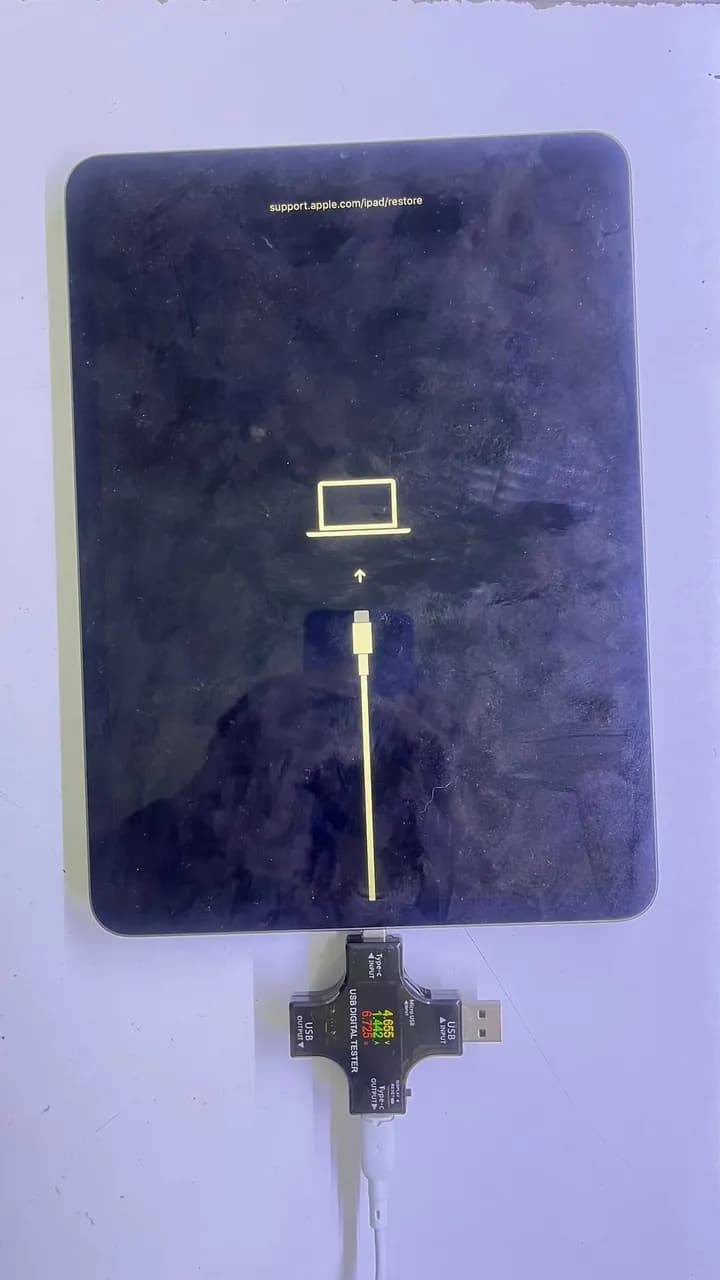
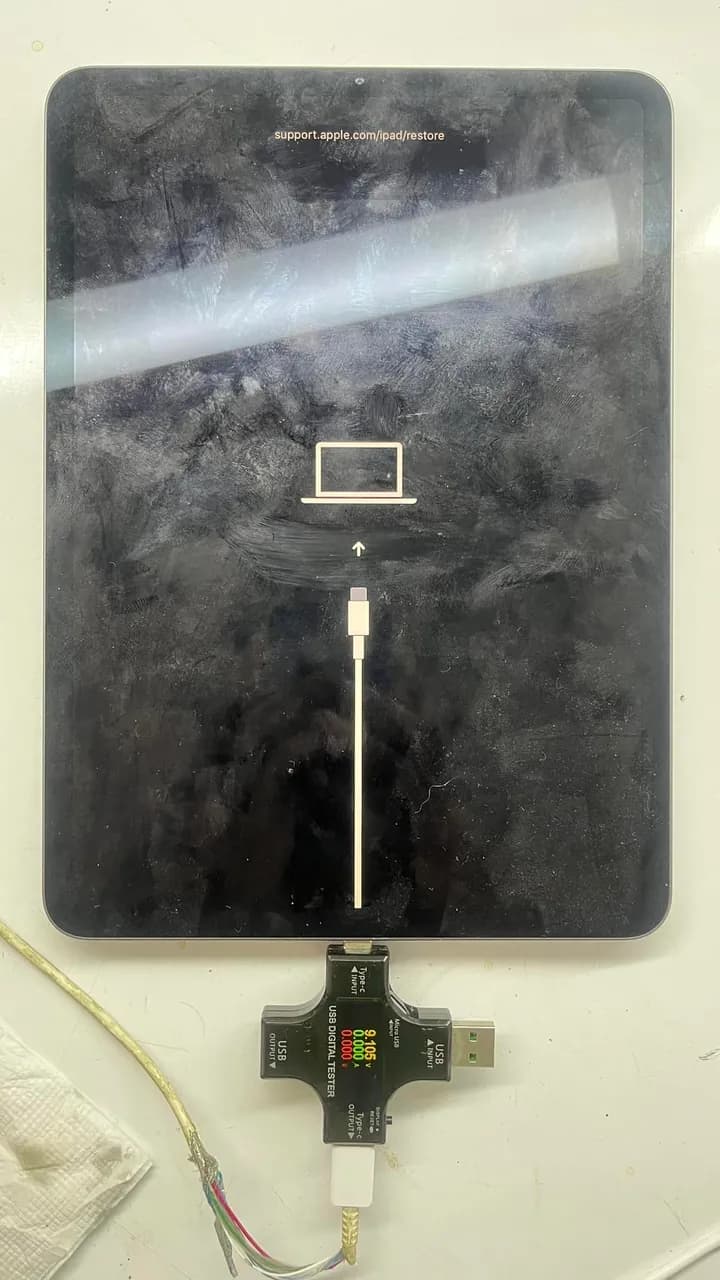
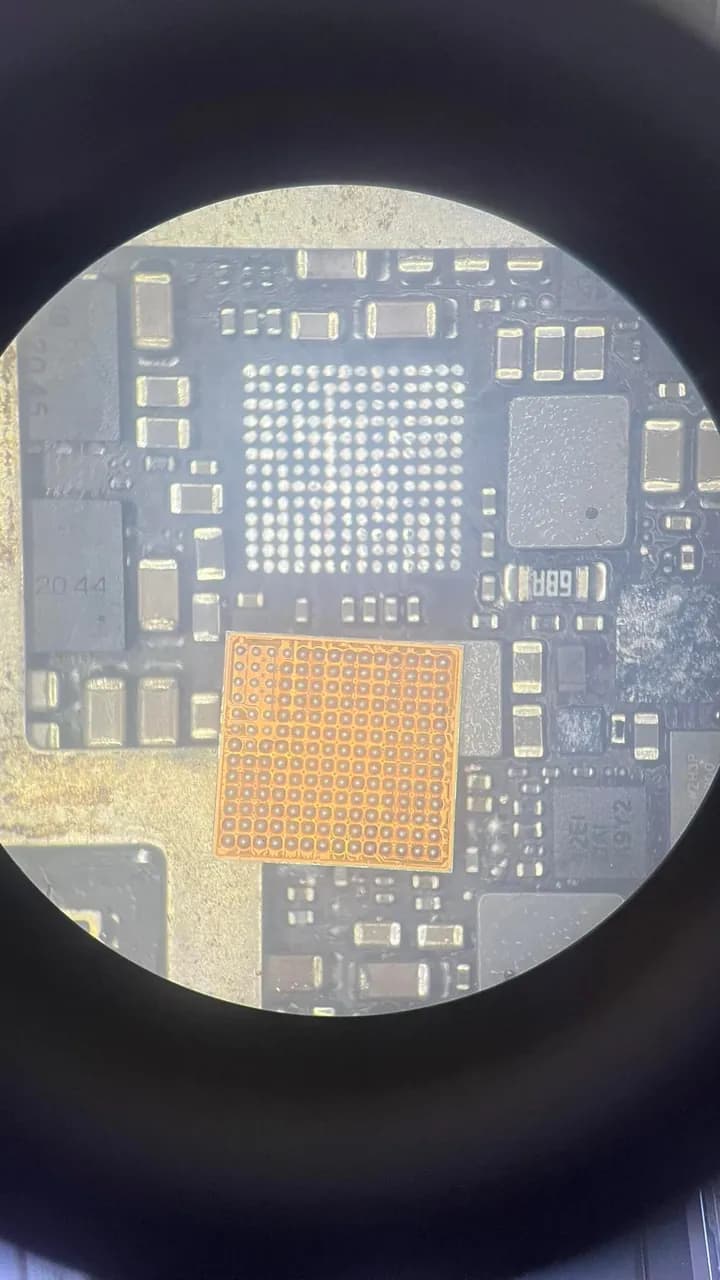
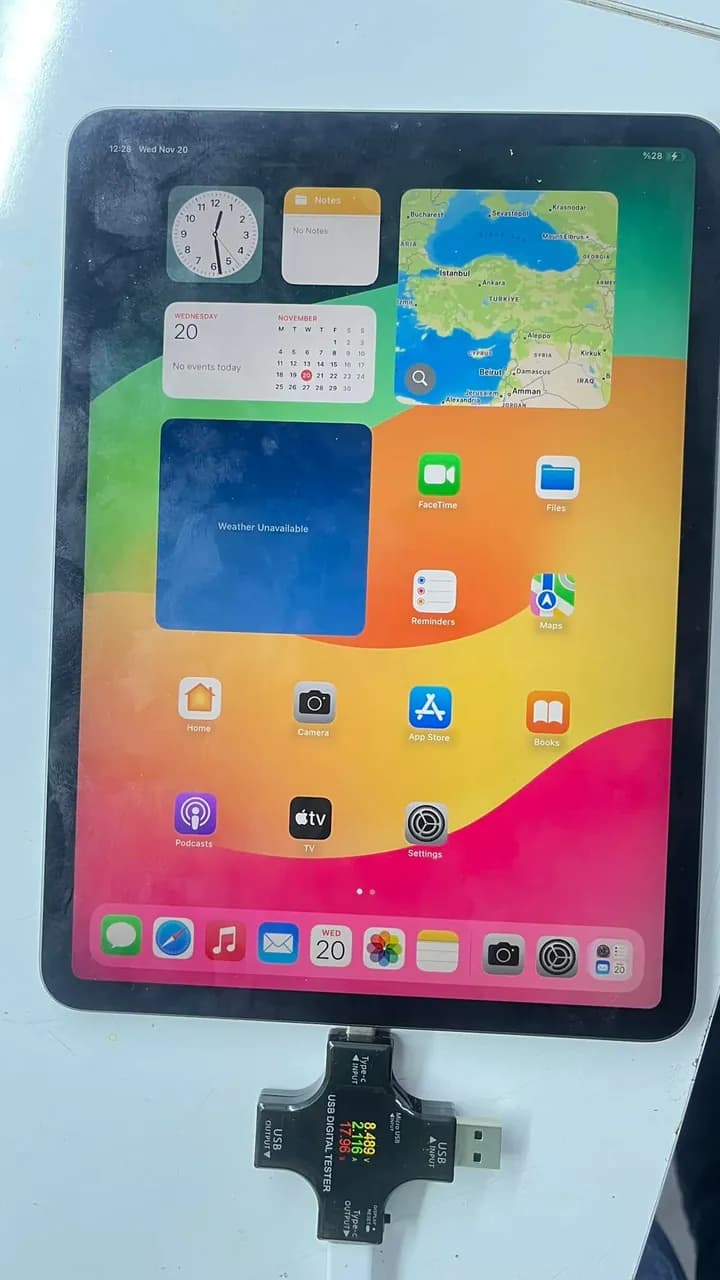
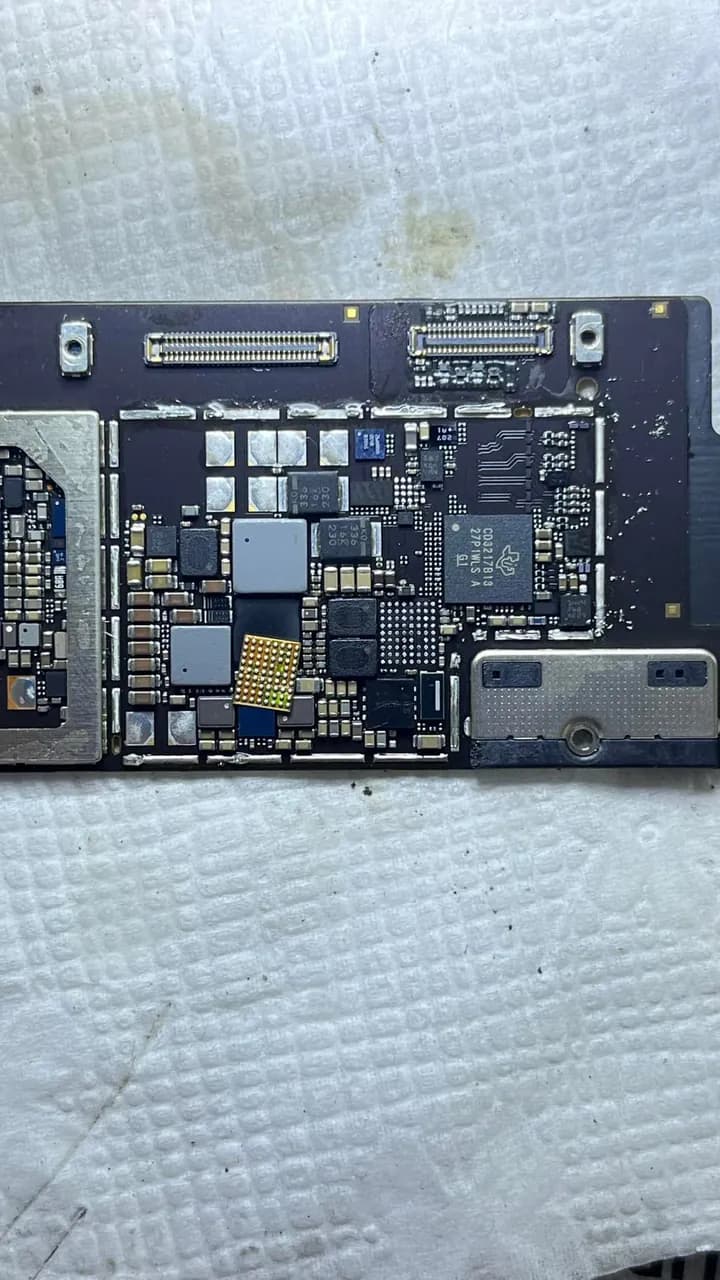
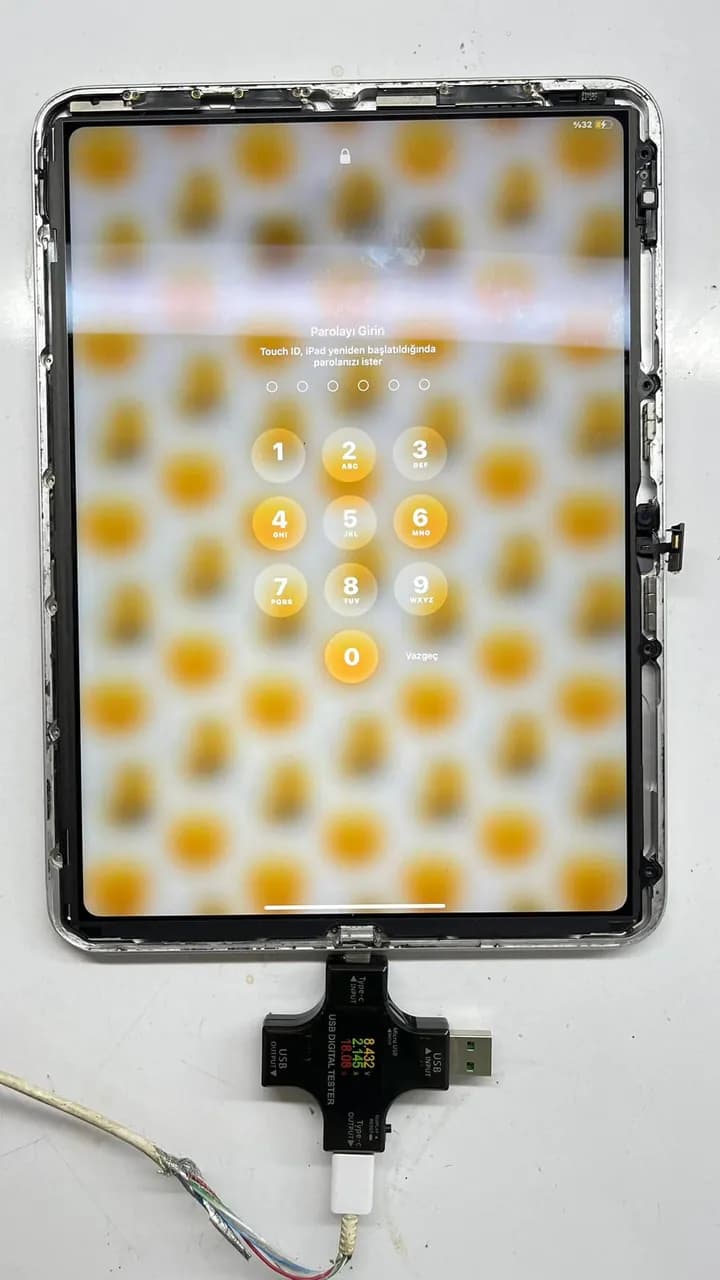
iPad Pro A2228 - Charging Issue Resolved This iPad Pro wasn’t charging when turned on. During our diagnostics, we found that it only charged in DFU mode with a 5V adapter but wouldn’t work with a fast adapter. The issue was traced to the charging IC, which was replaced, fully resolving the problem. Result: The device now charges perfectly with both 5V and fast adapters. See the detailed repair process and result in the photos.
iPad 10 A2696 - Charging Issue Resolved Today’s device, an iPad 10 A2696, came to our service with a charging issue. Initial diagnostics revealed that the device wouldn’t charge with a 5V adapter but worked with a fast adapter. The issue was traced to the charging IC, which was replaced. Result: After the repair, the device now charges flawlessly with both 5V and fast adapters. Our service is committed to providing precise repairs and long-lasting solutions. Bu metni fotoğrafınızla birlikte paylaşarak teknik yetkinliğinizi ve profesyonel yaklaşımınızı sergileyebilirsiniz. Başarılar dilerim!
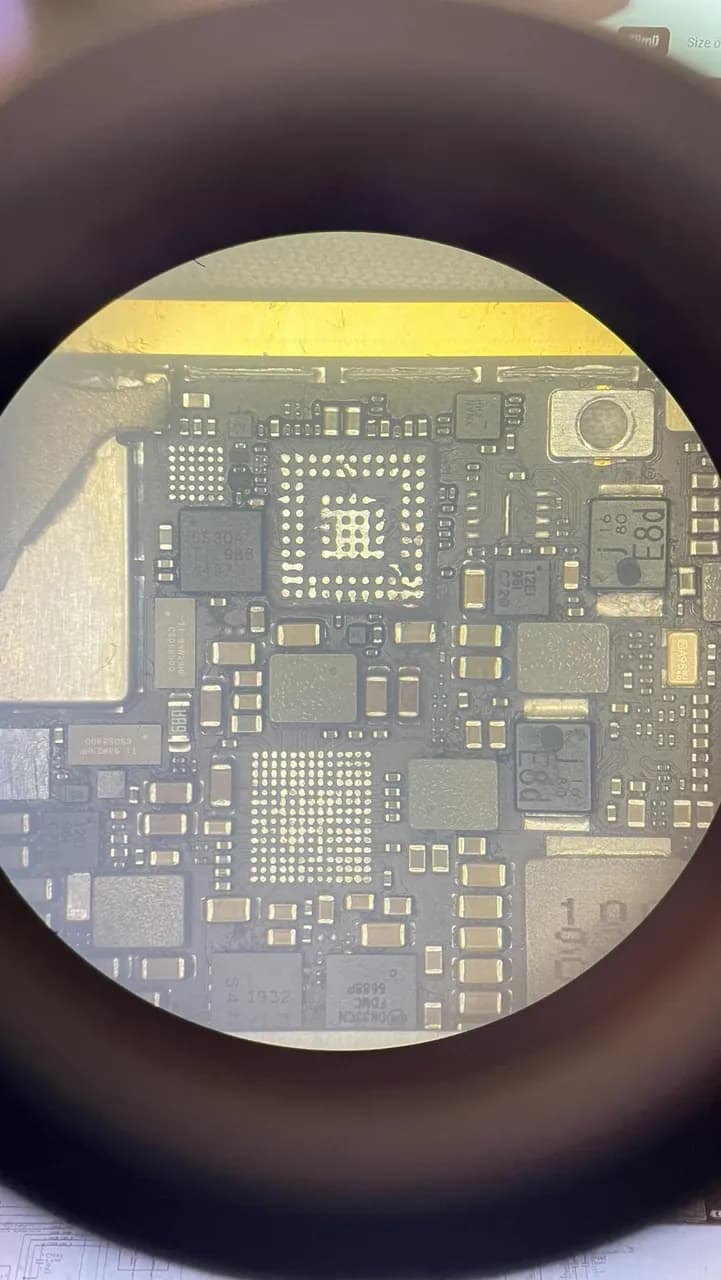
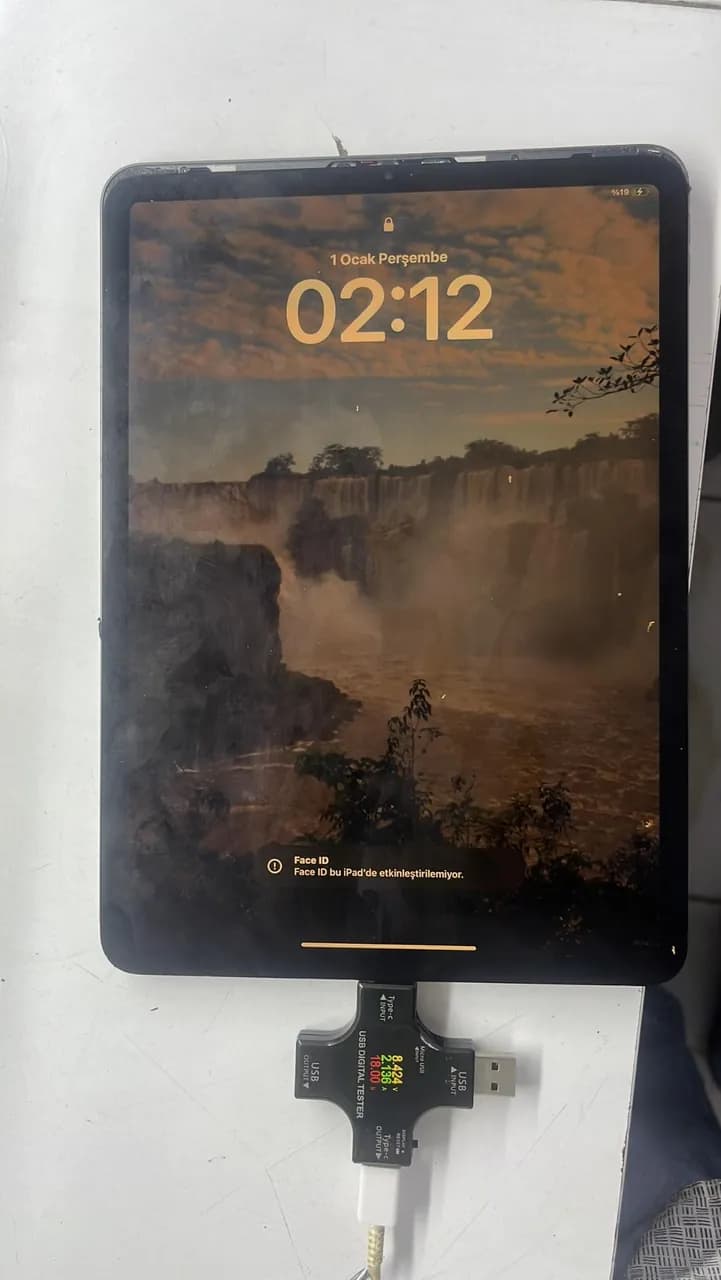
iPad Pro A1980 - Charging Problem Resolved This device was initially taken for repair with the complaint of not charging at all, but the issue wasn’t fully resolved. Upon arriving at our service, we conducted a detailed diagnosis and found the following: The device couldn’t charge with a fast adapter when turned off and only charged with a 5V adapter. When the device was powered on, charging stopped entirely. After identifying the root cause, we performed the necessary repairs to fully restore its charging functionality. Result: The device now charges seamlessly with both fast and regular adapters, whether it’s turned on or off. At our service, we focus on providing thorough analyses and lasting solutions to all issues.
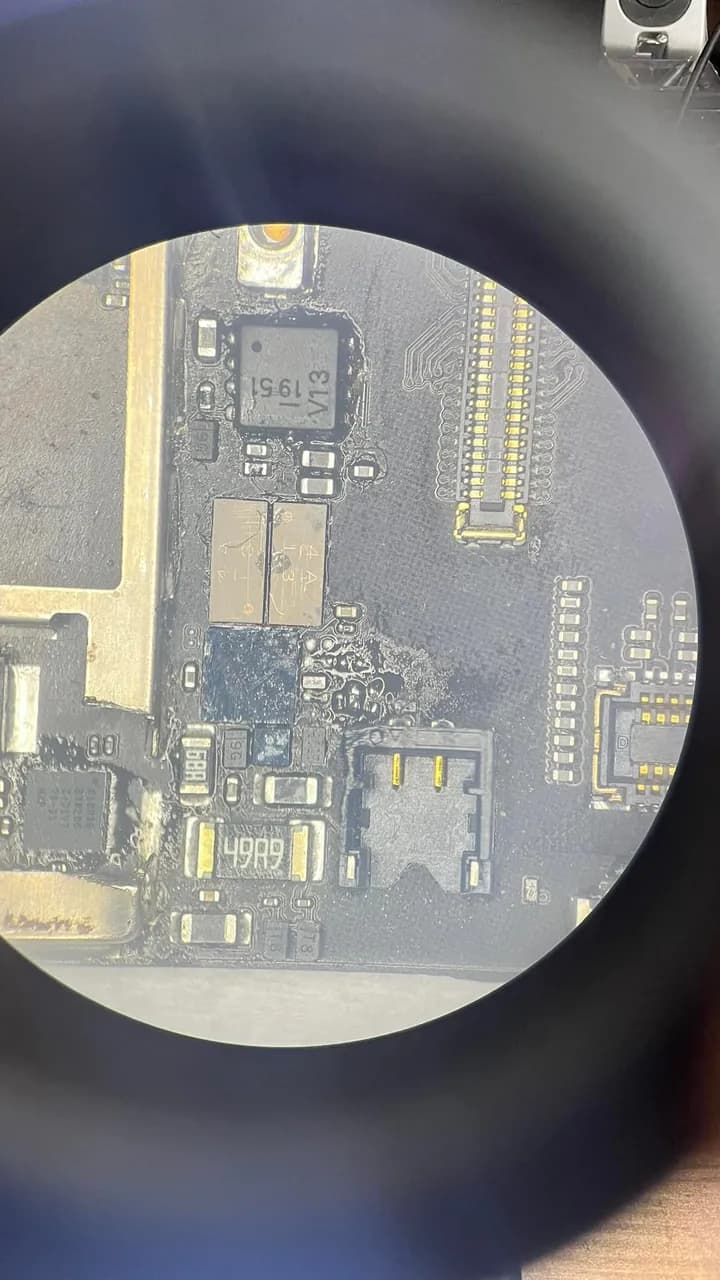
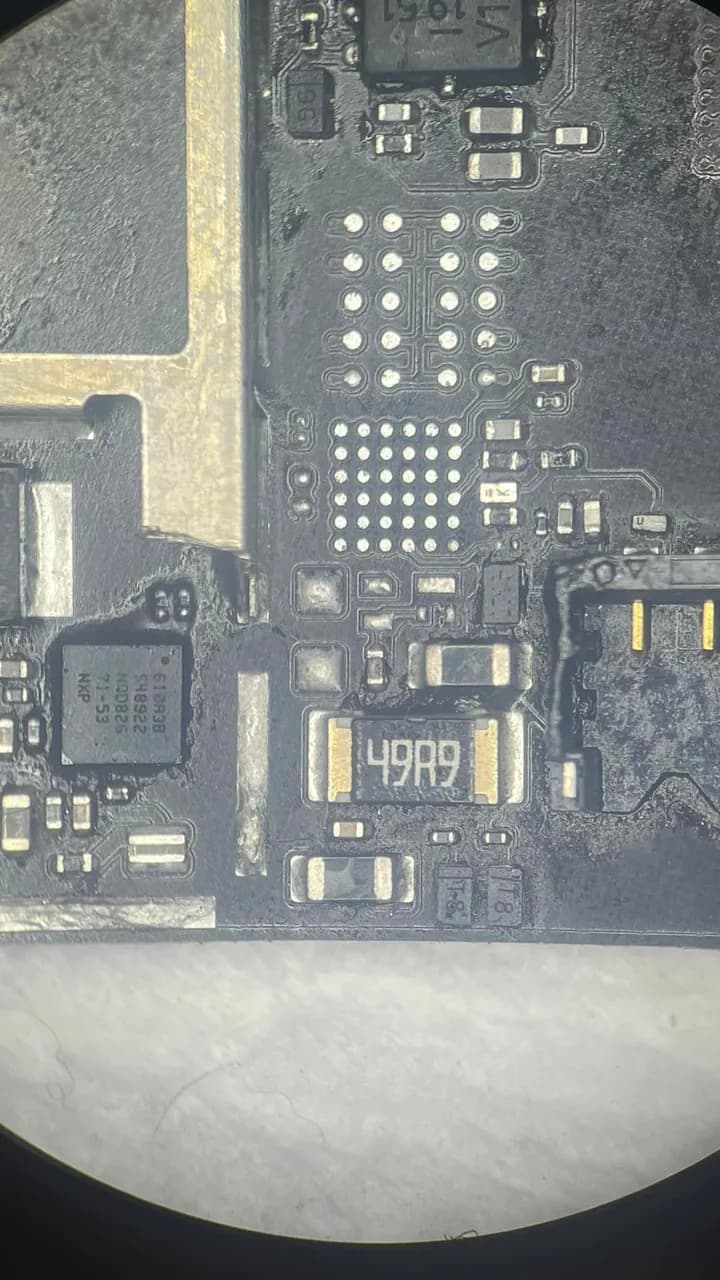
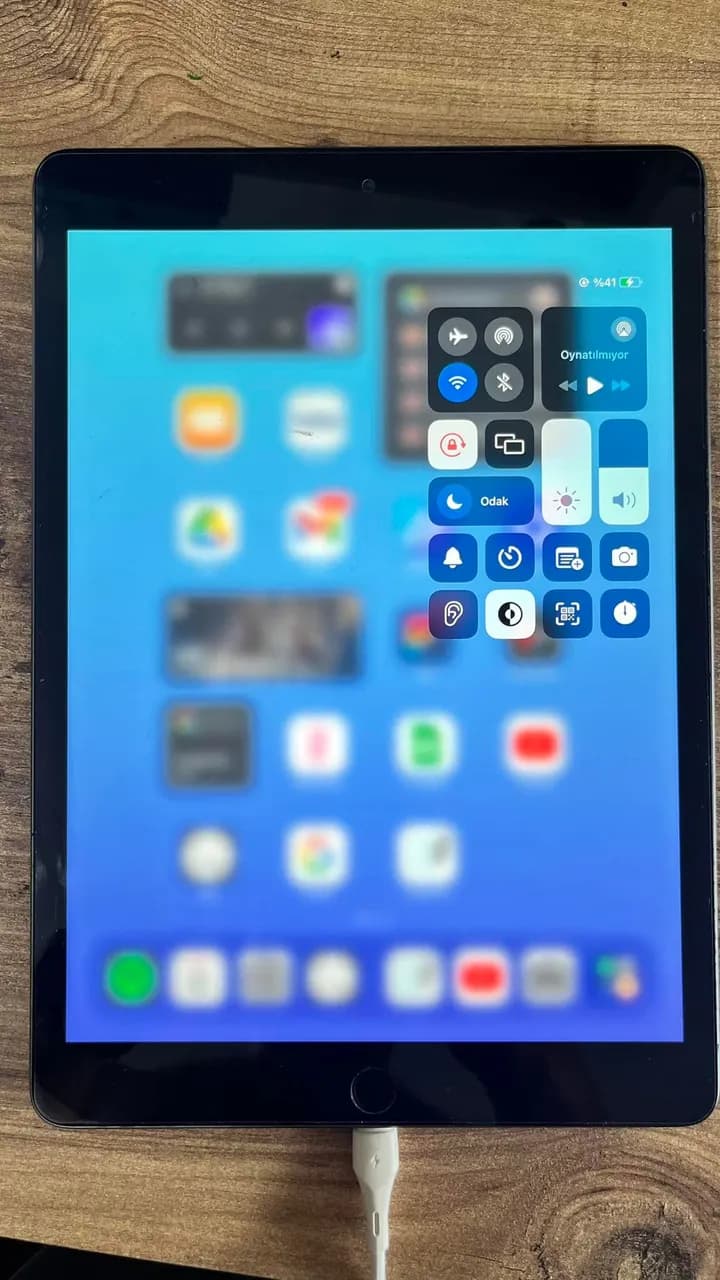
IPad 8 A2270 şarj sorunu bizden önce bakan arkadaş sahte şarj filmi takmış ondan sonra ne düşünmüşse bunlai yapmış. Bizim yaptığımız işlem i̇lk olarak eksik parcalar tamamlamaq ve orijinal şarj filmini takmak. İlk ölçümde OVP_SW_EN_L hatdında kısa devre bulundu ondan U3500 ve U1707 ve etrafı komple tamamlandı. USB algılıyor ama şarj almıyor. PPBat çıkış 1.5V U3300 değişti şarjda tamam.
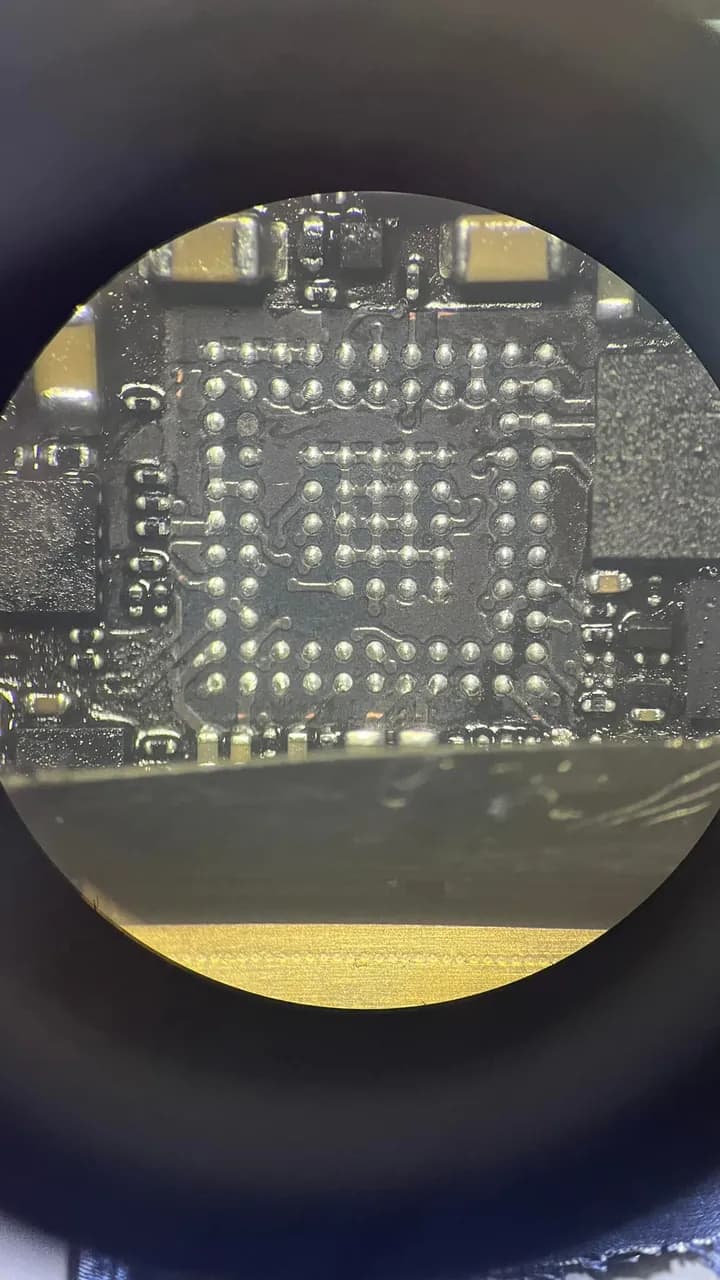
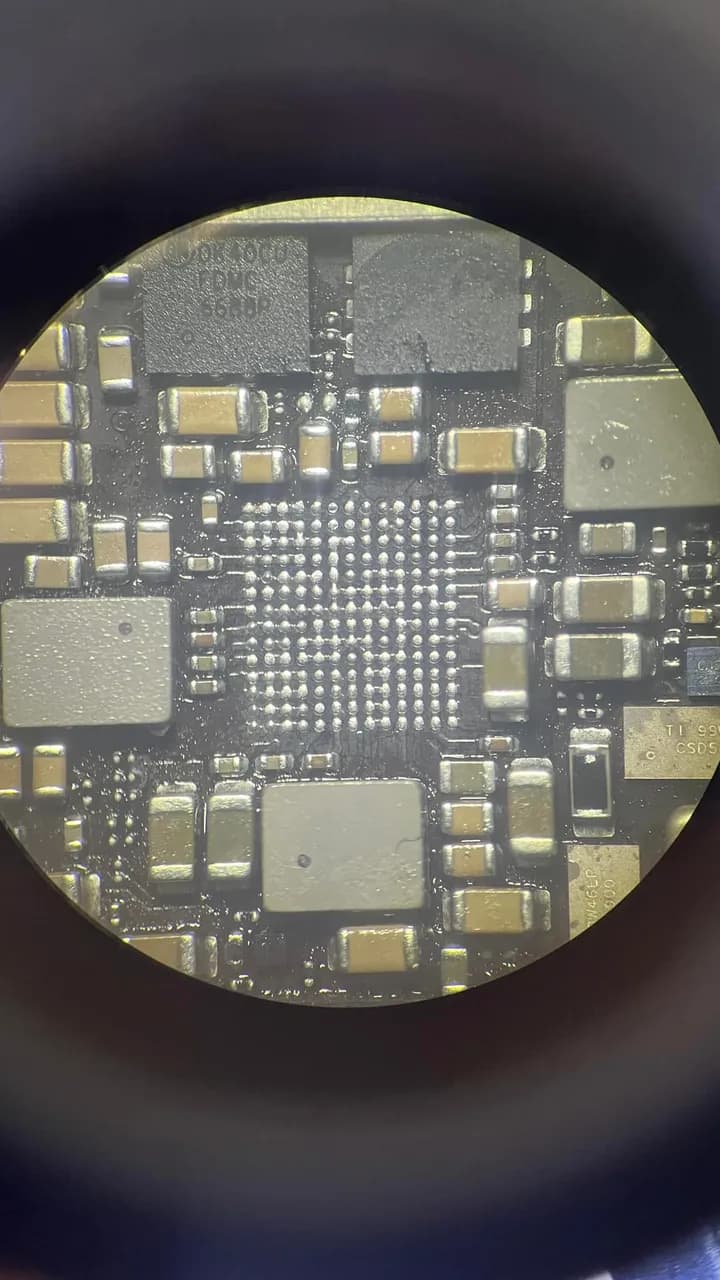
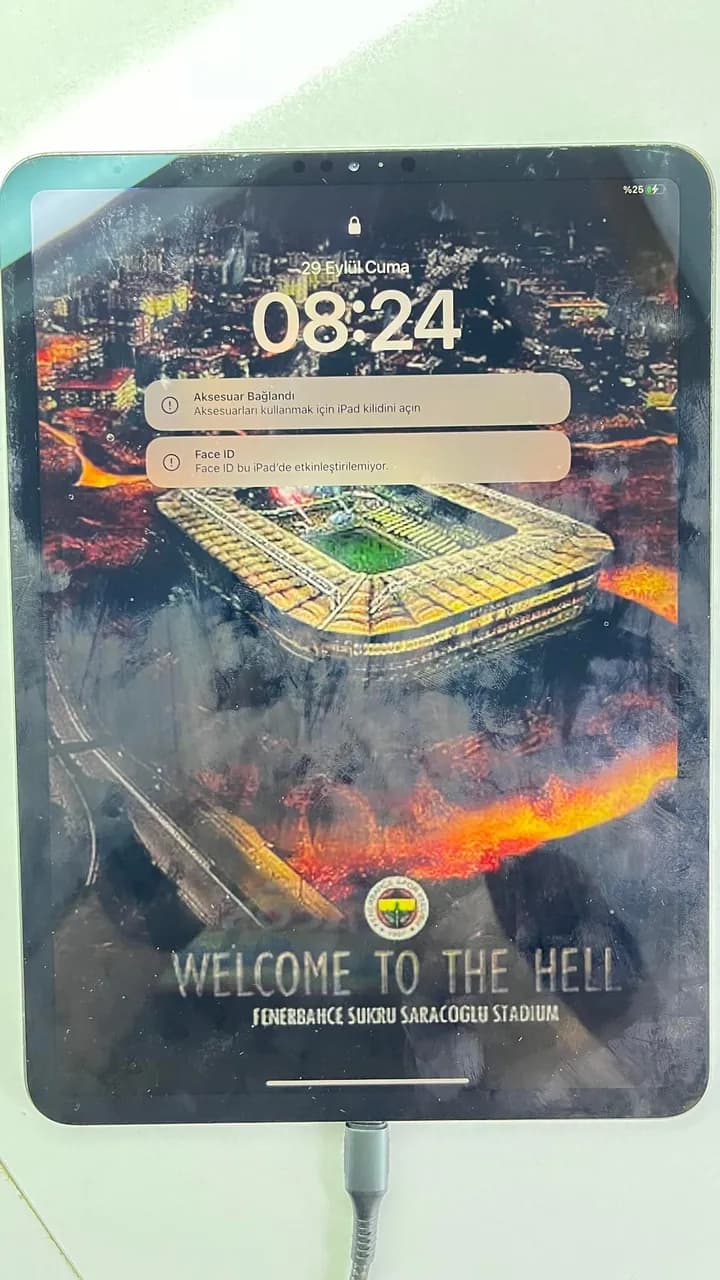
iPad Pro A1980 sorun açılmıyor ilk bakışta CD3215 ısınıyor entegre söküldü ölçüm zamanı PP3V3_S2_ACE hattı kısa devreye yakın. Hatda bağlı U2 ve C3800 10 UF değiştirildikten sonra CD entegresinin yenisi takıldı cihaz çalıştı ama bu seferde şarj olmuyordu U8500 şarj entegresi değiştirilerek tamamlanmıştır
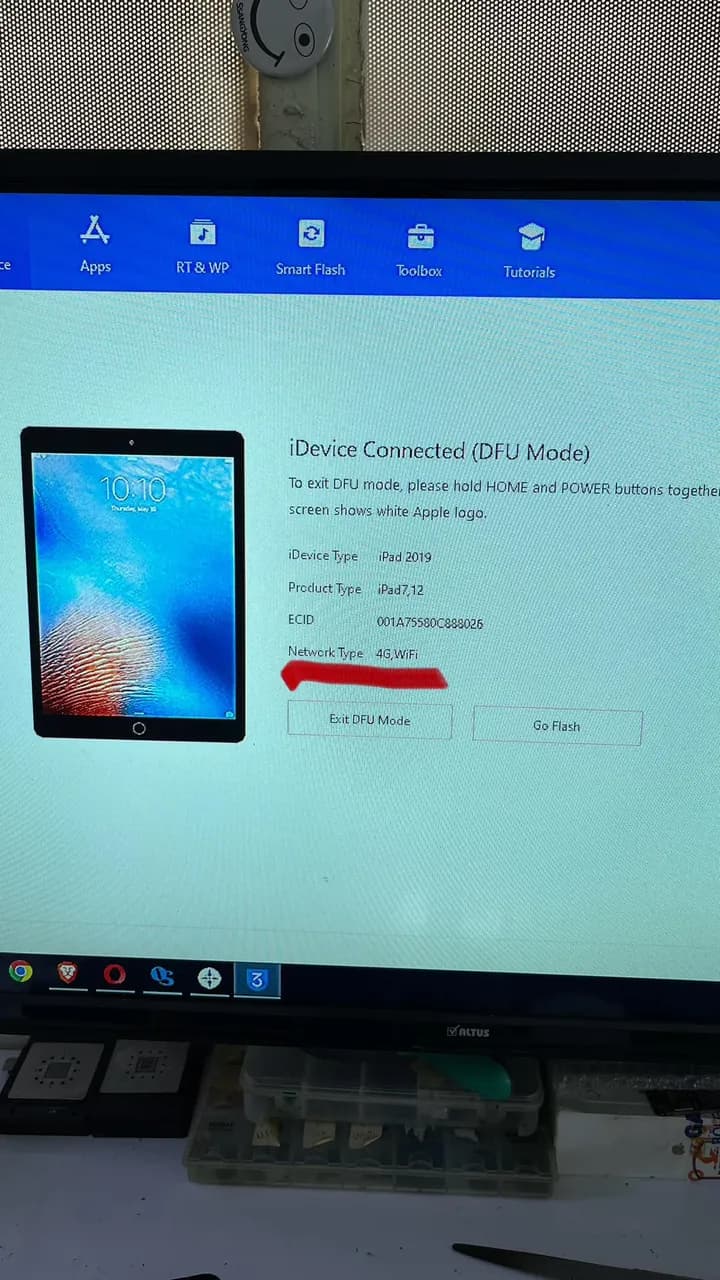
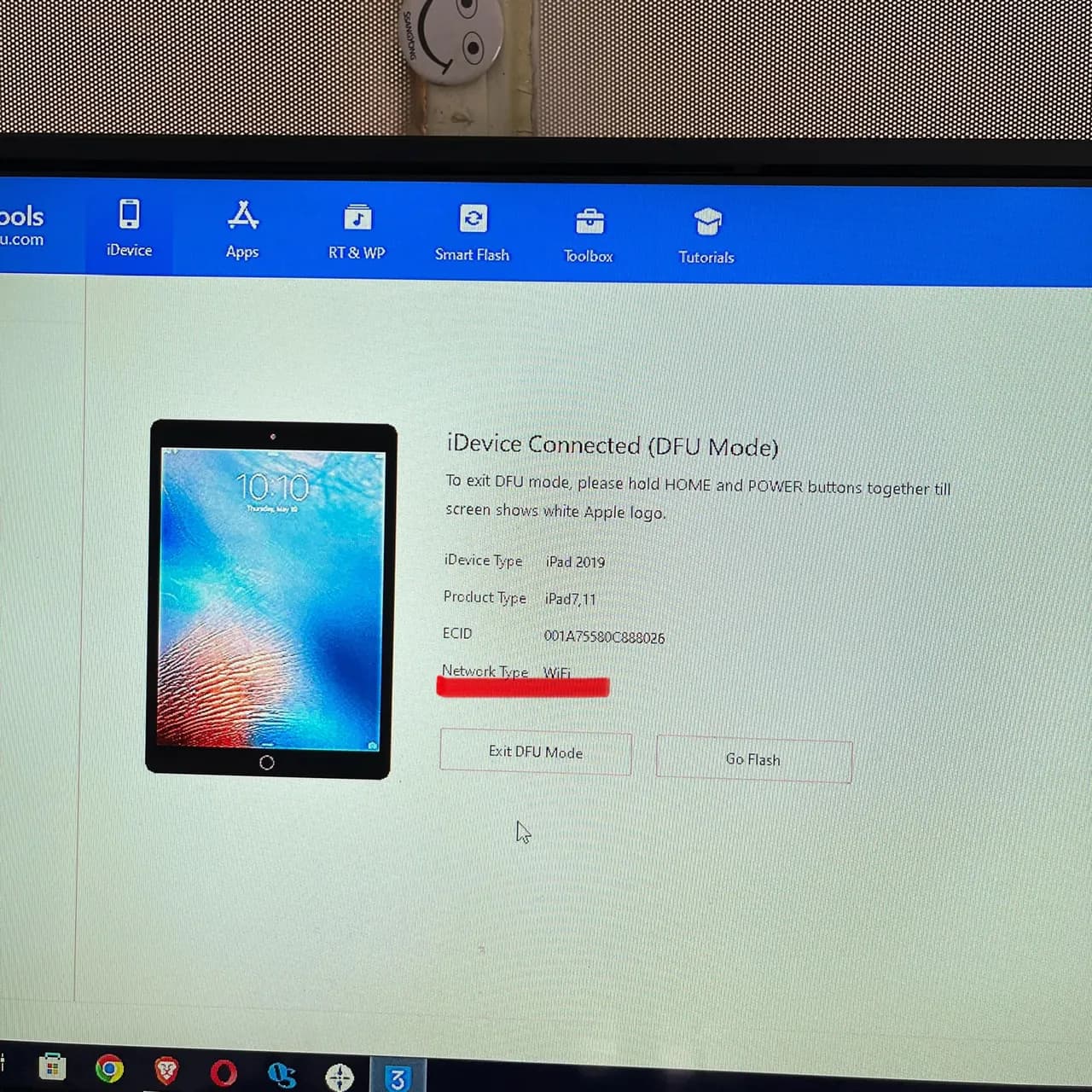
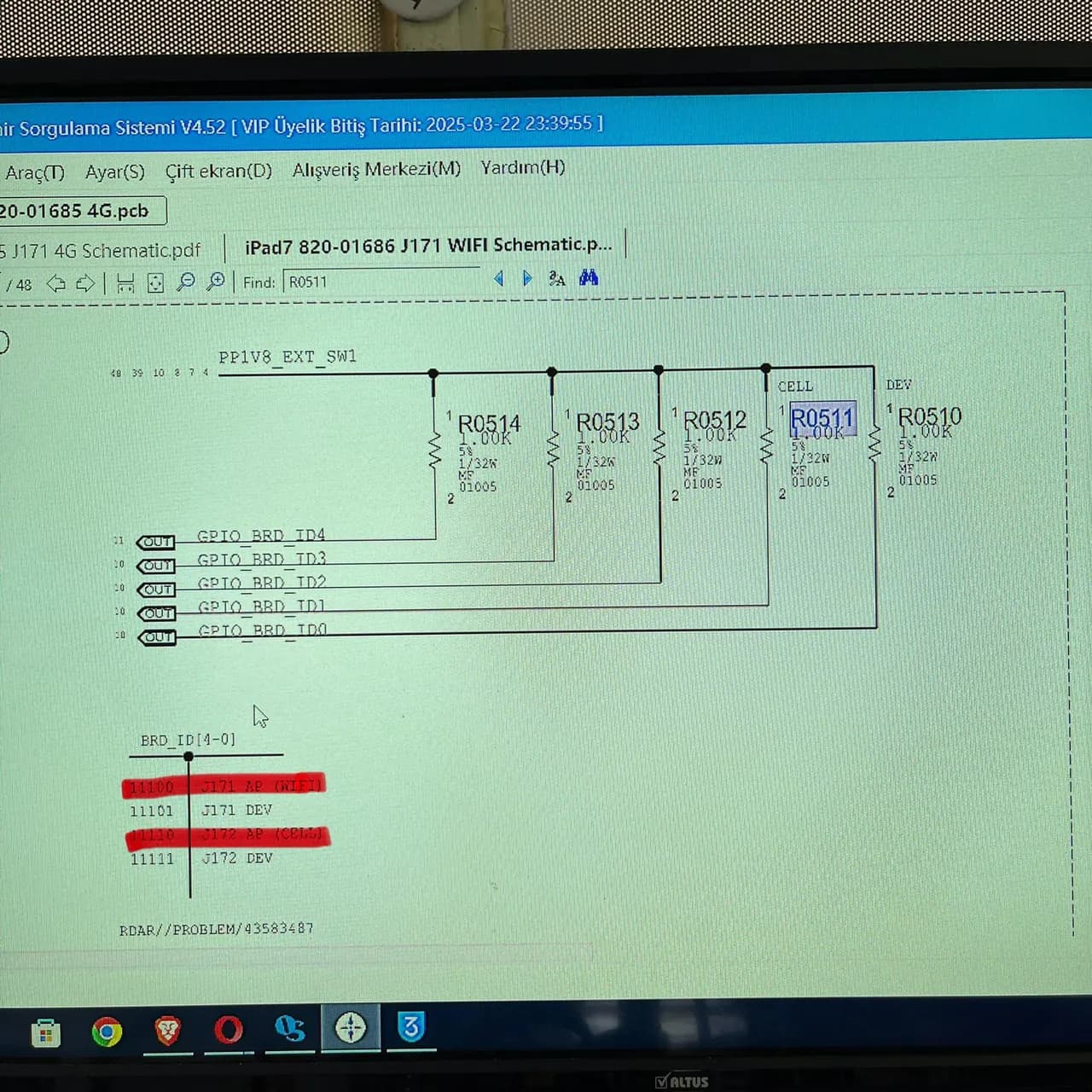
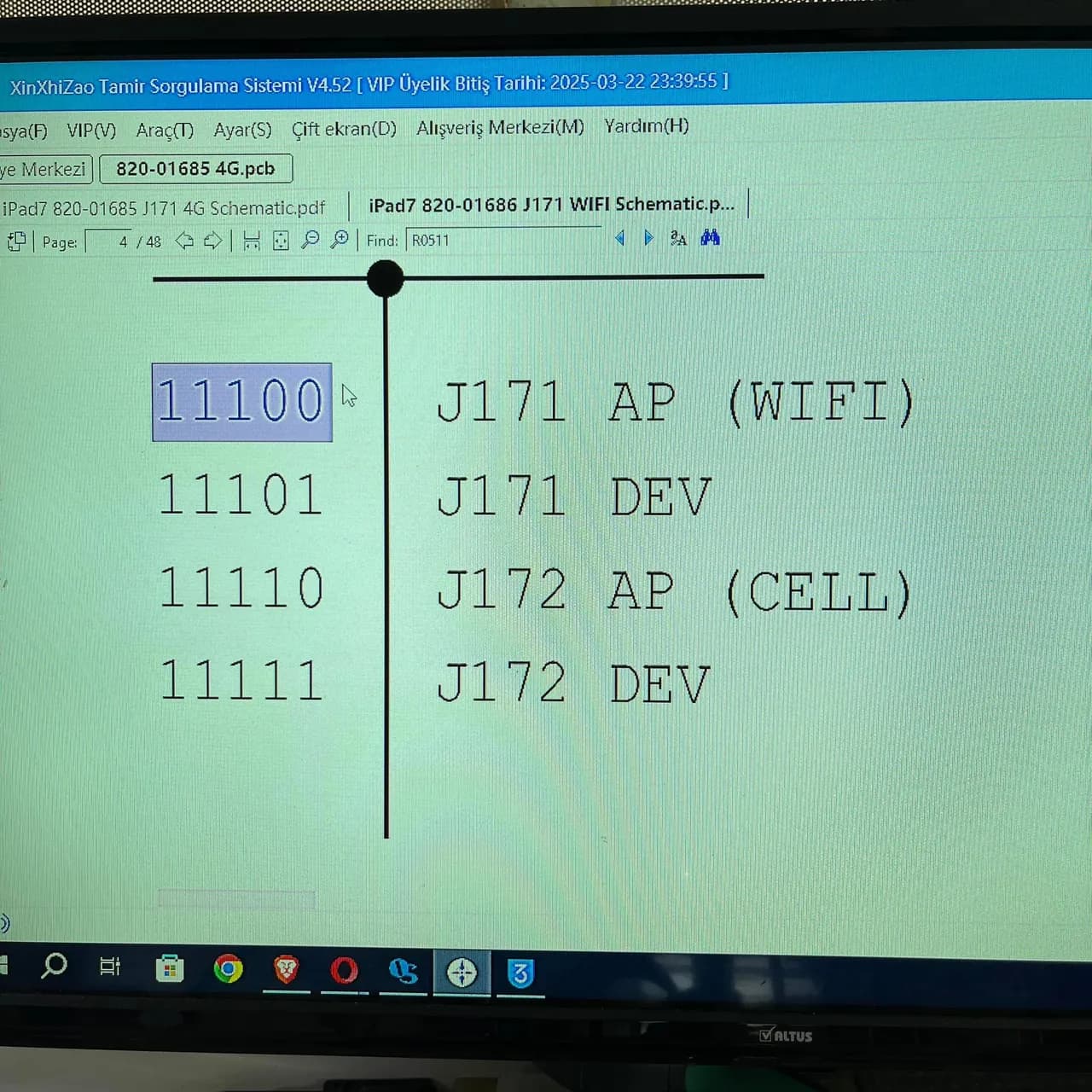
iPad 7 A2198 iCloud sorunu son zamanlarda çok soran oldu internette de bunla ilgili paylaşım yok ben nasıl yaptığımı anlatayım. 1) ilk olarak simli modelimizi boot ayarlamasını yapmamız gerek ikinci fotoğraftaki gibi sadece WiFi yazılması gerek bunun için şemaya baktığın zaman bu kartı 4 tane modu olduğunu görüyoruz bize lazım olan WiFi (11100) moduna geçmek bunun içinde dördüncü direnci (R0511) kaldırarak sıfıra çekiyoruz. 2) cihaz otomatik olarak DFU modda açacak 3uToolsdan kontrol edıyoruz WiFi yazıyorsa buraya kadar her şey normal. Yeni Mac adres yazıp Wi-Fi entegresi Değişiyoruz.üzerinde gelen (339S00445) çalışması için değiştirmemiz gereken (Wi-Fi 339S00446) Son bir ekleme yapayım sürümle alakalı olarak farklı WiFi numaraları çıkabilir bu konu uzun olduğu için başka bir zaman onu da paylaşırım.
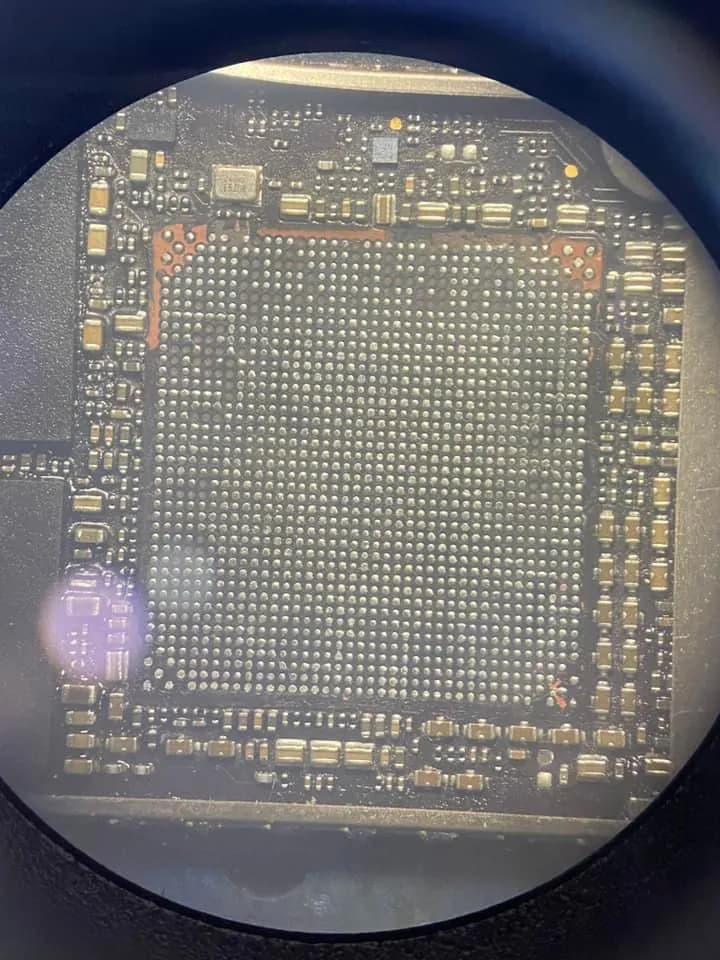
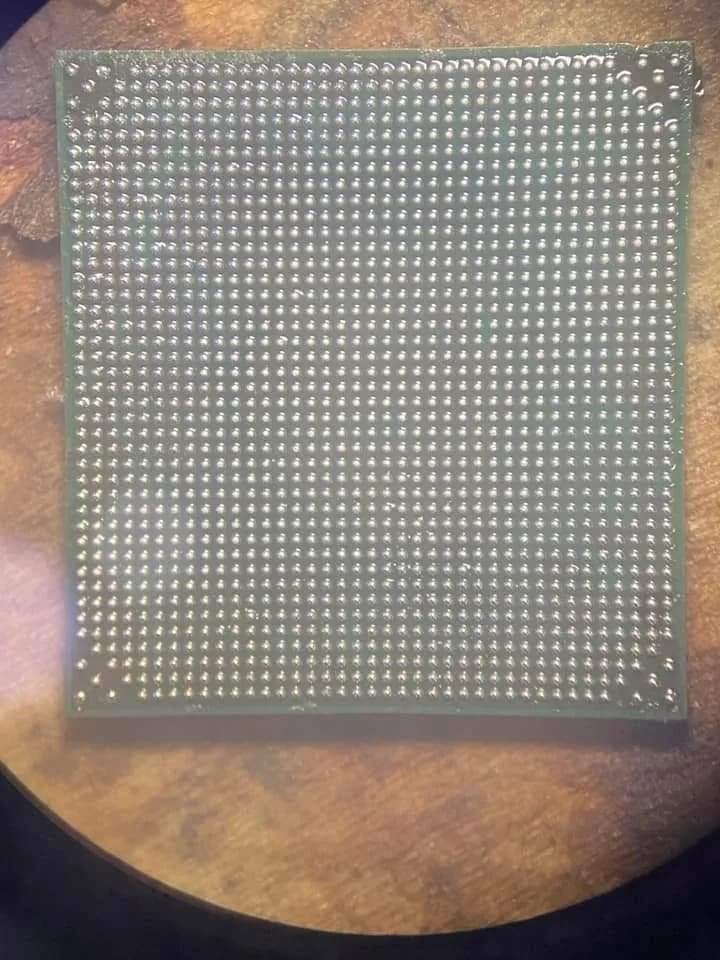
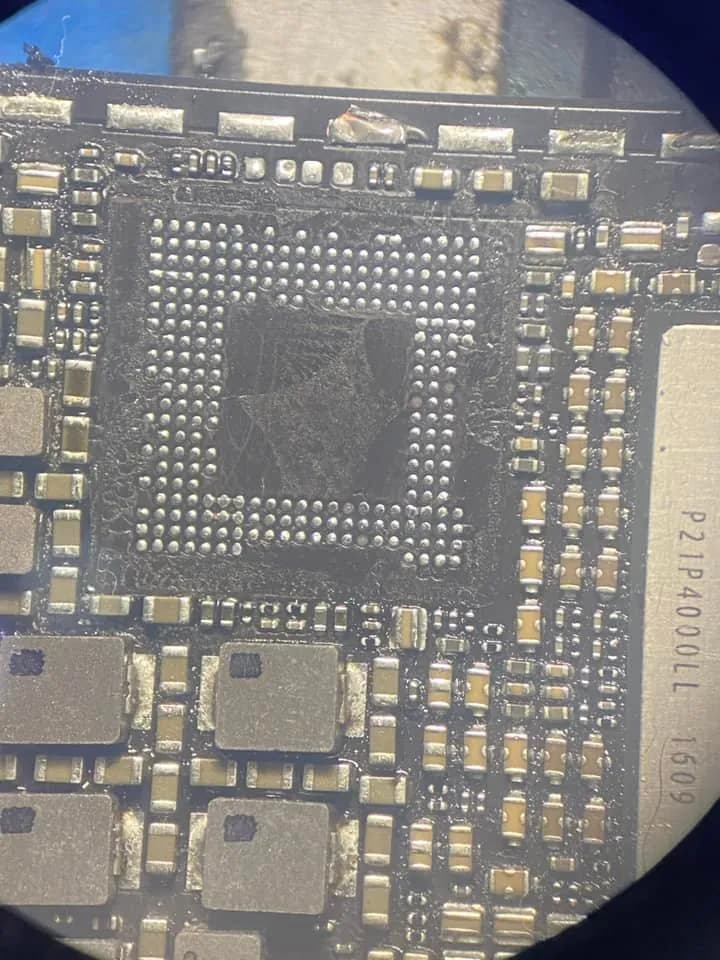
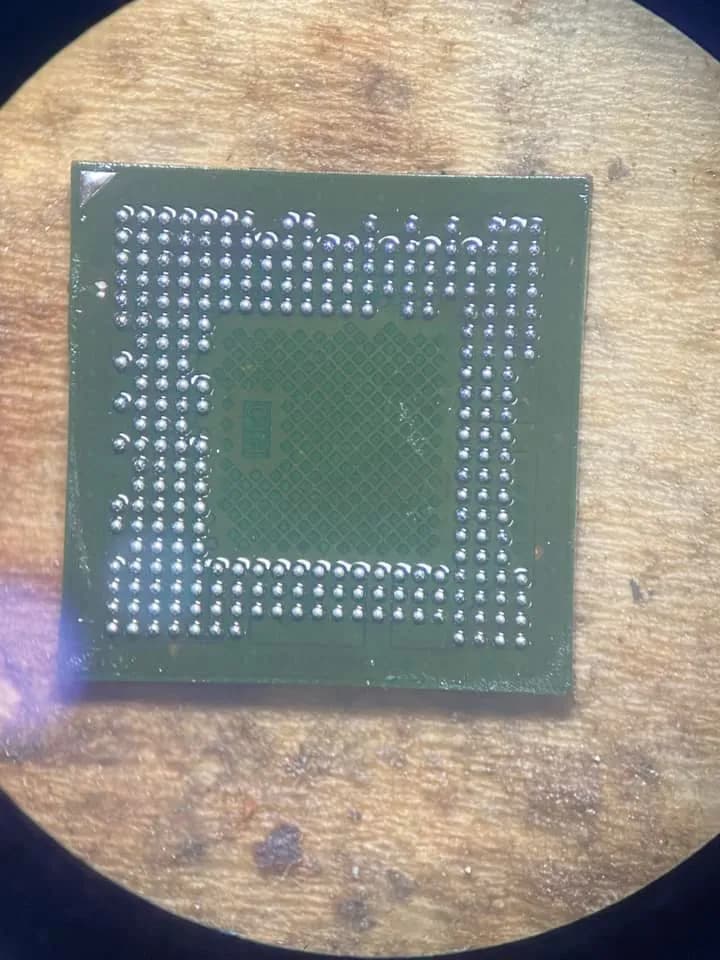
iPad Air 2 A1566 Şarjda iken susmuş bakılmış olmamış şarjını hallettim cihaz dfu Moda iTunes işareti bile gelmiyor yazılım atıldı 4 hatası verdi nandı kaldırdım altından omaj aldım J7 G3 hatlarında omaj yok hatlar işlemcıden geliyor İşlemci söküldü kalıpandı bu seferde 11 kalıyor ram hatası ramlarda söküldü kalıptandı en sonda bitdi artık nandıda pazartesi takarım bu hafdayıda boyle bitirdik
Sık sorulanlar
My iPad won't turn on — is the battery dead?
Not necessarily. First try a capable, known-good adapter for a few minutes and watch for any sign of power. If there's no response, the issue is more likely in the main power backbone or the boot sequence than the battery; board-level diagnosis is needed.
It charges but won't fill up — should I replace the battery?
First verify the battery path. If the charge IC has its supply and the backbone comes up but the battery won't fill, the issue may be the battery FET or the signal line that reports battery voltage; diagnosis separates these.
Is the screen or the board at fault on my iPad?
The iPad panel is a large load; the connector/panel side can pull the backbone down. Disconnecting the display connector and checking whether the backbone recovers is a practical way to separate a screen fault from a board fault.
Is a bench power supply mandatory?
For professional board-level diagnosis, almost. Without seeing the current draw it's very hard to tell 'open vs short'; replacing parts by guesswork gets expensive.
- · Board-level diagnosis methodology — outside-in elimination and trace-following principle
- · USTA Academy repair curriculum — iPad main power backbone and charge chain module
- · USTA Academy repair curriculum — power-on/wake chain and current-signature diagnosis
Want to learn this systematically?
AkademiUsta · Apple Board-Level Repair — 6 Modules · 80 Days. Module 1 (8 days) is completely free — no time limit, no credit card.
This topic in the program · Module 1 · Day 4Map the power tree from its source to its loadsStart FreeSource: USTA Academy repair curriculum — iPad power/charge backbone diagnosis order (teaser)