Liquid Spilled on Your MacBook: The First 24 Hours and the Board-Level Diagnostic Order
If water, coffee or tea got into your MacBook, what you do first decides the damage. Instead of panic: the correct first response and the board-level diagnostic order, step by step.
By İlham Hüseynov · Device repair since 2005 · Apple board-level specialist
Content updated:
Liquid contact is the most common — and the most insidious — cause of MacBook logic board failures. Insidious, because the machine can keep working for days after the spill while corrosion silently spreads.
This guide makes two things clear: what to do (and not do) in the first 24 hours, and the order board-level diagnosis follows once the machine reaches a bench. The goal is not panic, but a systematic approach.
1. First response: do's and don'ts
The minutes after the spill are critical:
- Shut it down immediately. Hold the power button, then unplug the charger. Liquid + electricity = accelerated electrochemical corrosion.
- Leave it open in an inverted V. Tent position, keyboard facing down, slows liquid from flowing toward the board.
- Do NOT put it in rice. Rice is a myth; it doesn't draw out moisture, it wastes time. Every lost day works in corrosion's favor.
- Do NOT try to charge it. The "does it still work?" curiosity can burn lines that were still healthy. Keep the machine off.
The right move: keep it powered off and get it to a workshop that can do board-level cleaning as soon as possible.
2. On the bench: clean first, diagnose second
In liquid damage, diagnosing before cleaning is misleading. The correct order:
- The board comes out and damage zones (liquid traces, white/green oxide, salt residue) are mapped under the microscope.
- Ultrasonic cleaning plus isopropyl alcohol removes corrosion residue.
- The board is dried — and only then does electrical diagnosis begin.
Measuring an uncleaned board can show phantom shorts created by oxide bridges as if they were real faults.
3. Power-sequence check: where does the board stall?
A MacBook logic board follows a defined power sequence at startup: adapter detection → main power rails → core supplies → power-on signal. Liquid damage can break any link in that chain.
Diagnosis means following the chain from the start: does the adapter voltage reach the board, are the main rails up, at which step does the sequence stall? Each stage has its own measurement points; the stage where it stalls narrows down the faulty area.
4. Short-circuit check (diode mode)
Liquid loves to short power rails to ground. With the multimeter in diode mode, each main rail is measured against GND:
- A reading near 0 V → suspected short on that rail; the area is narrowed with thermal methods.
- A reading in the expected range → the rail passes the first screening.
When a short is found, the source is usually an oxidized capacitor or a liquid-hit IC. Finding the hot spot (thermal camera / isopropyl evaporation test) pinpoints the source.
Why "it still works" isn't enough
Even if a liquid-damaged MacBook boots after cleaning, the story may not be over. Corrosion is progressive: a line that looks fine today can fail six months later.
That's why, in serious liquid damage, a good workshop doesn't just say "it turned on" — it maps the damage, reports the risky areas and applies protective work where needed. The systematic order (power off → clean → sequence → short check) works by measurement, not guesswork.
How this fault looked on the bench
Real repairs from İlham's bench, published on Facebook 2021–2025. The text is the original post, unedited.
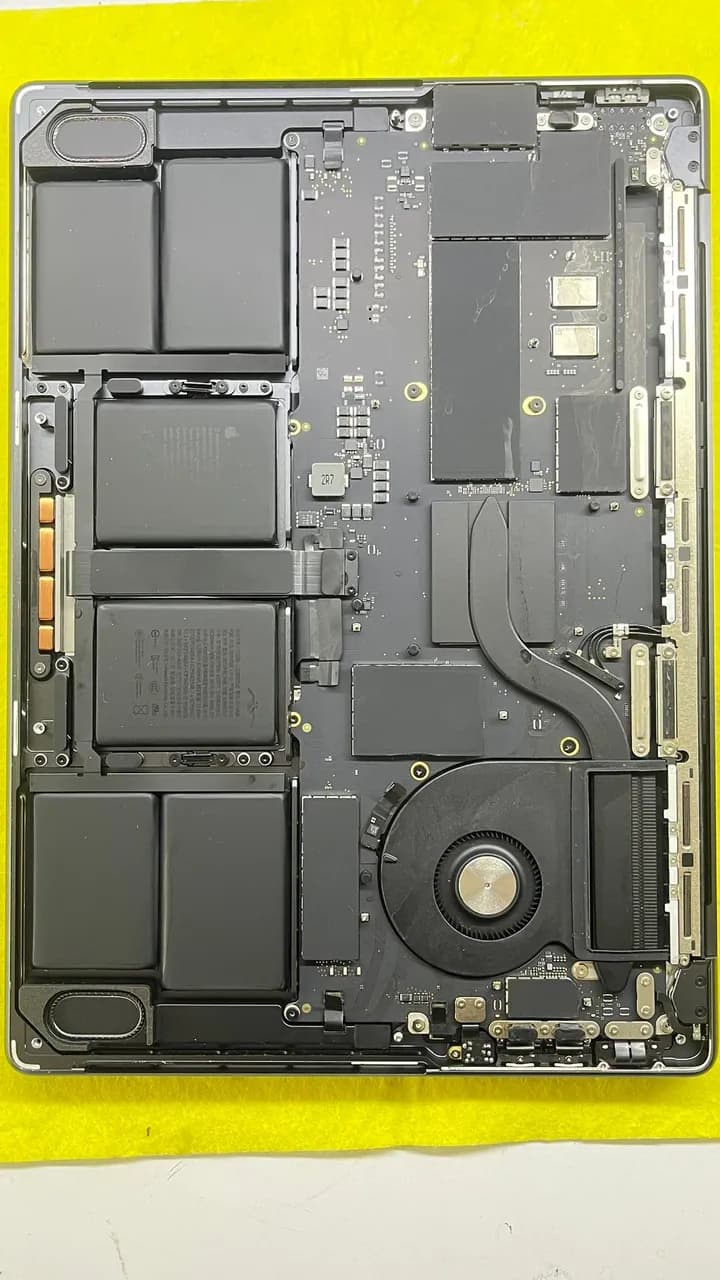
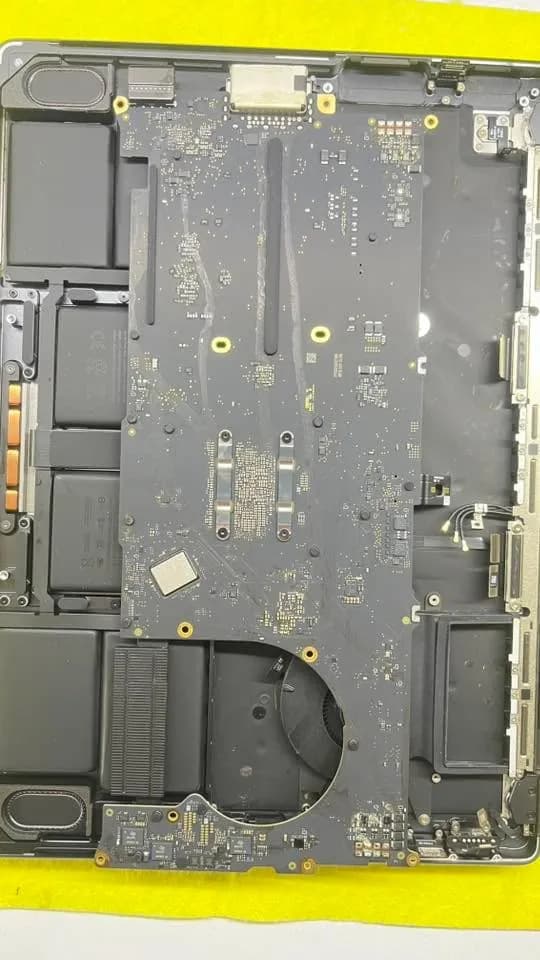
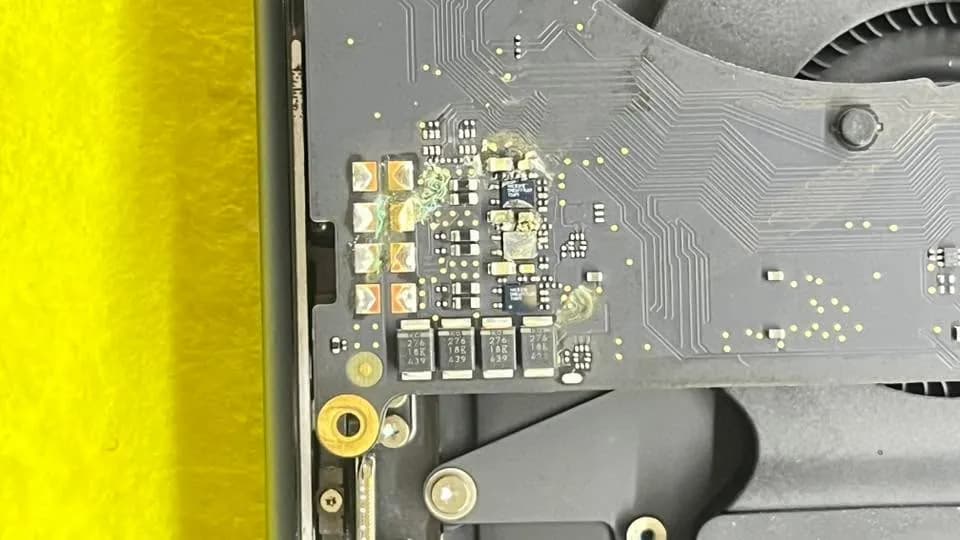
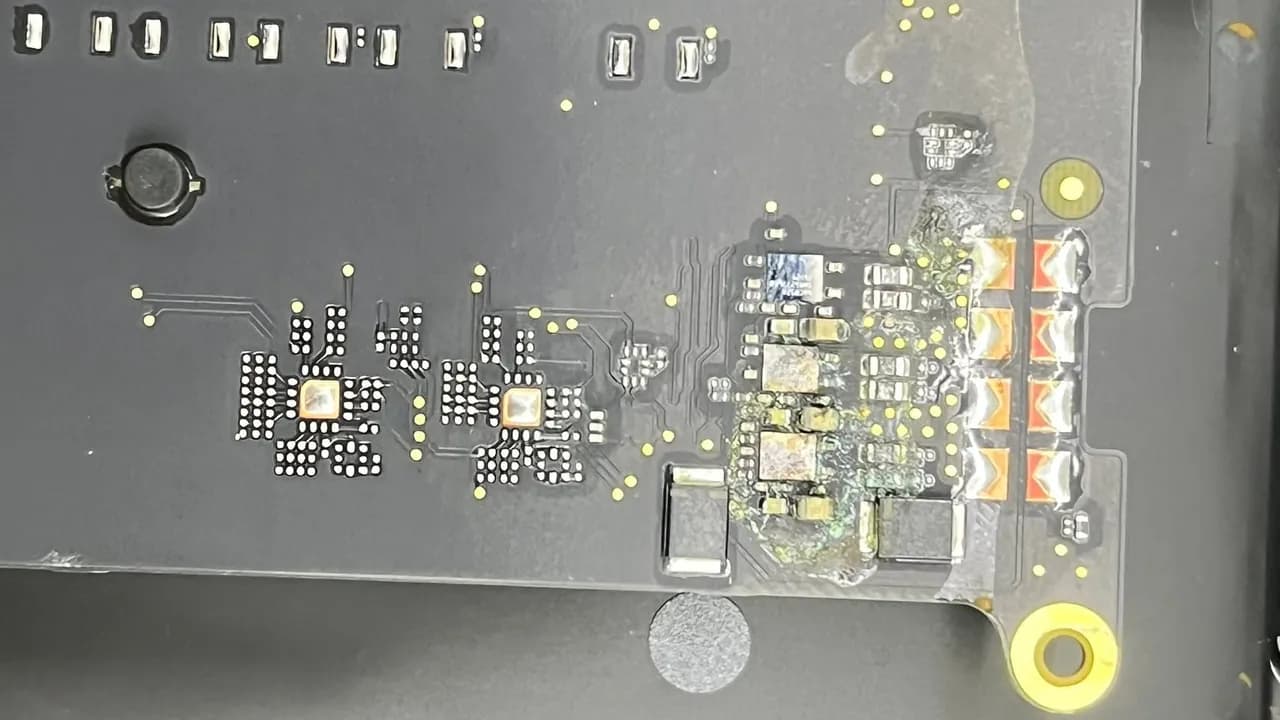
MacBook Pro A3112 M4 – Severe Liquid Damage 💧 | Not Powering On ⚠️ | Short Circuit Detected The device was completely dead. Detailed logic board inspection revealed severe corrosion around the audio IC – some components were literally melted under fluid damage. With expert-level repair, all shorts were cleared and the MacBook is back to life!
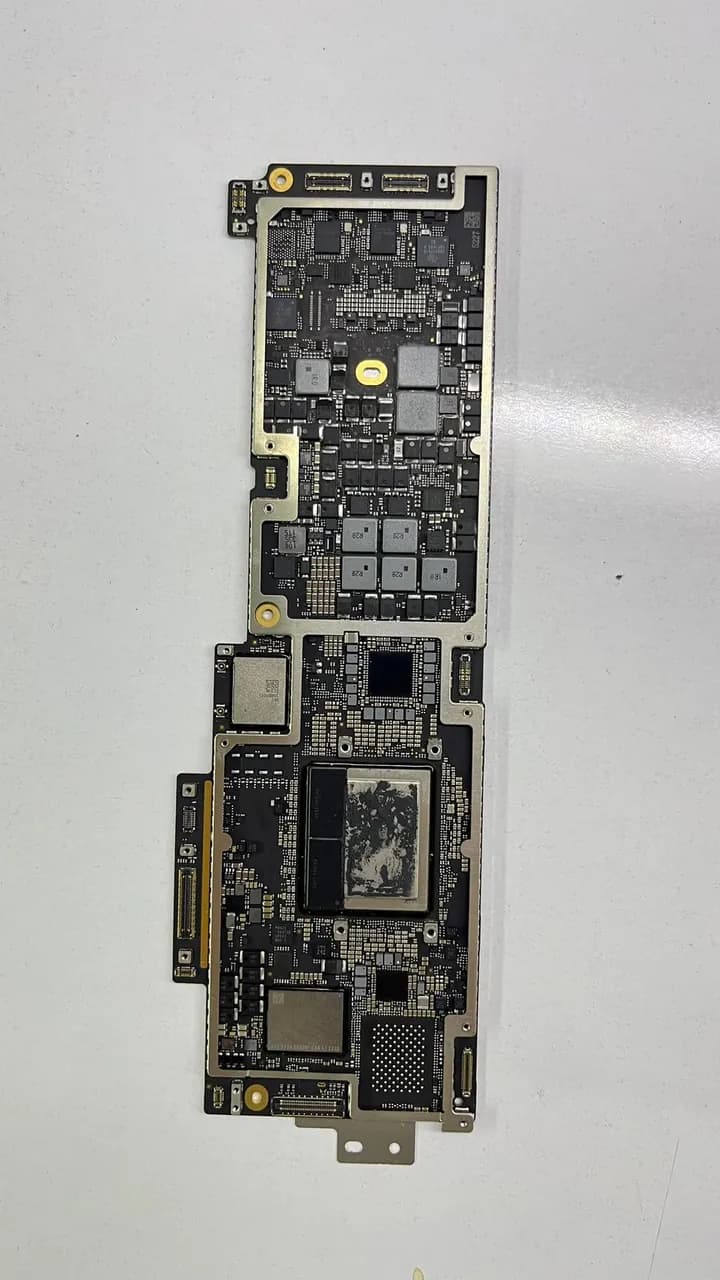
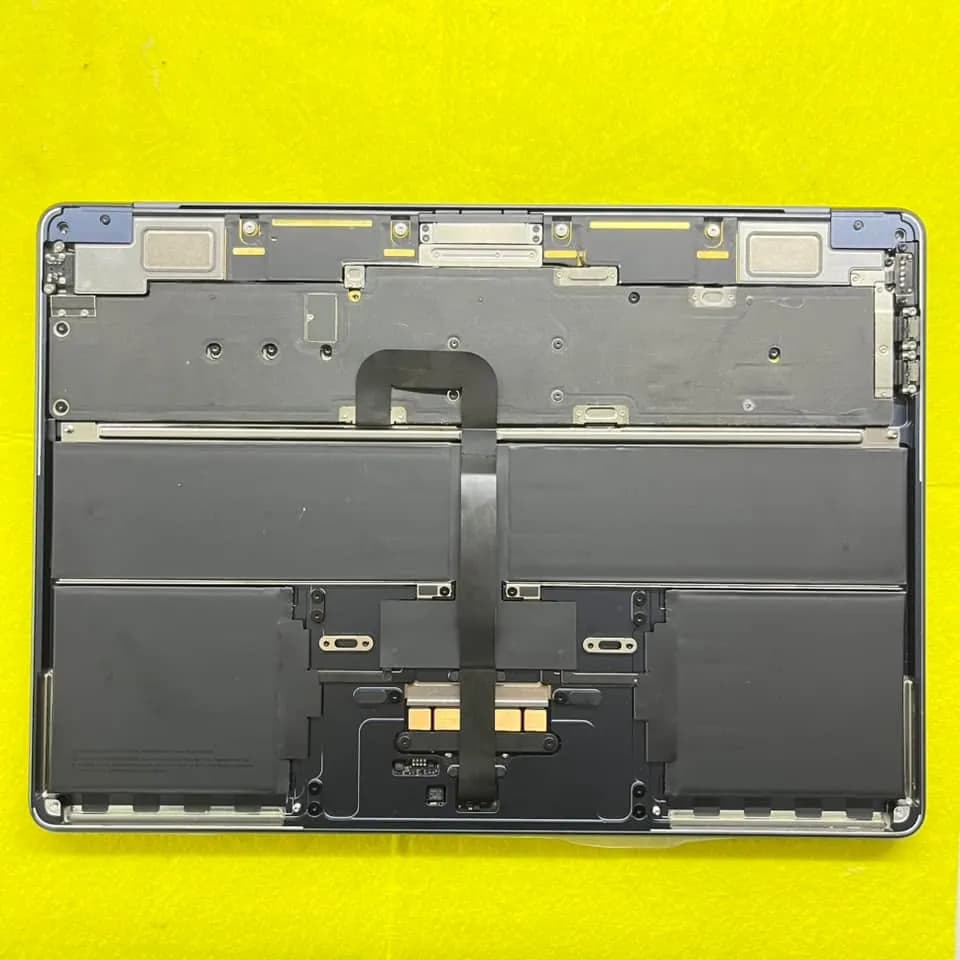
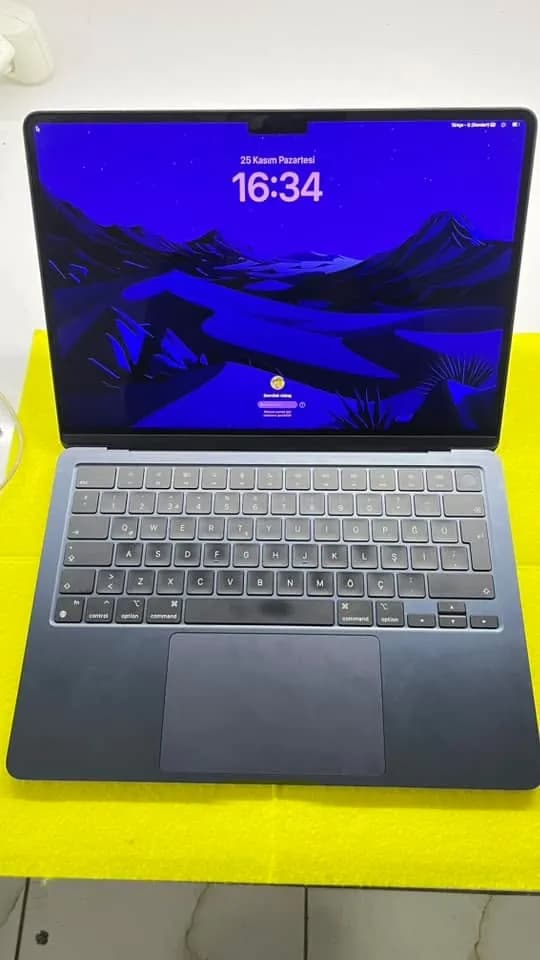
MacBook Air M2 2022 A2681 - Liquid Damage Repair Today’s device, a MacBook Air M2 2022 A2681, arrived at our service after experiencing liquid damage and failing to power on. Initial diagnostics revealed a reset loop every 10 seconds on the Type-C JE700 port, detected via USB tester. The issue was traced to the UF400 component, which was replaced, and the device powered on again. However, no display was present upon powering on. Further analysis revealed the need for a screen replacement. Result: With the screen replacement completed, the device is now fully functional. Thanks to our meticulous repair process, the MacBook powers on and displays properly.
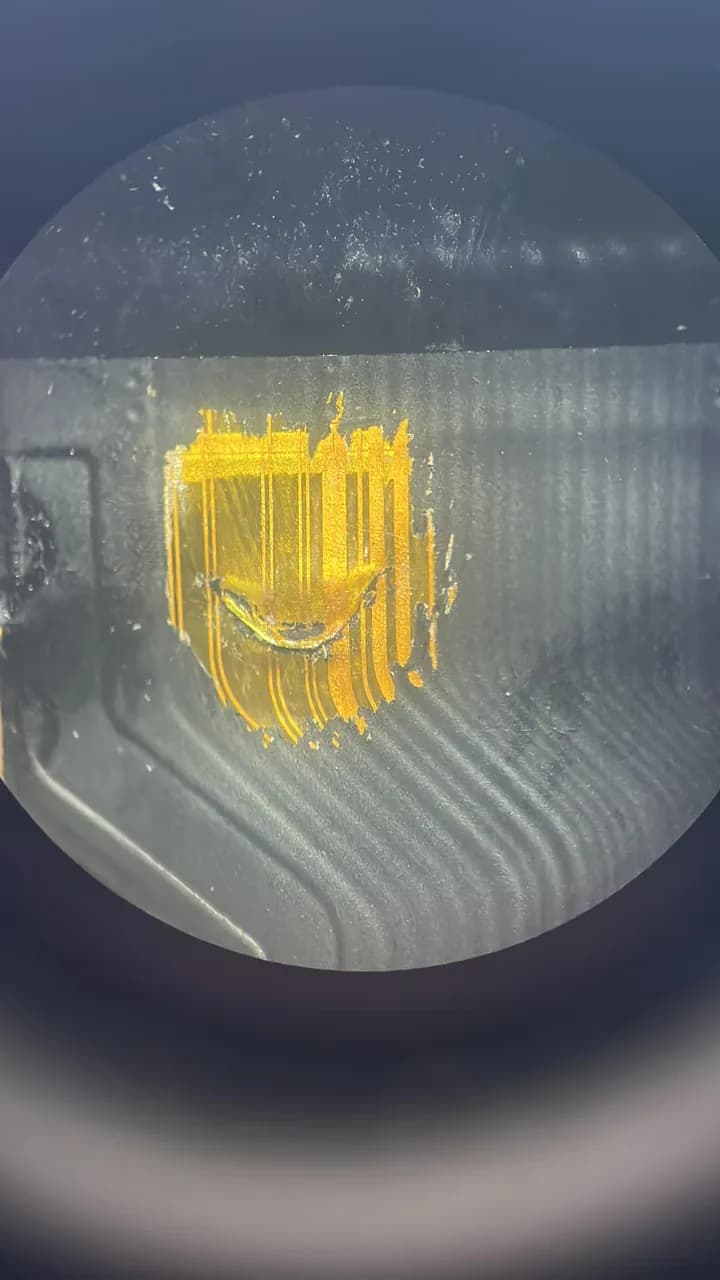
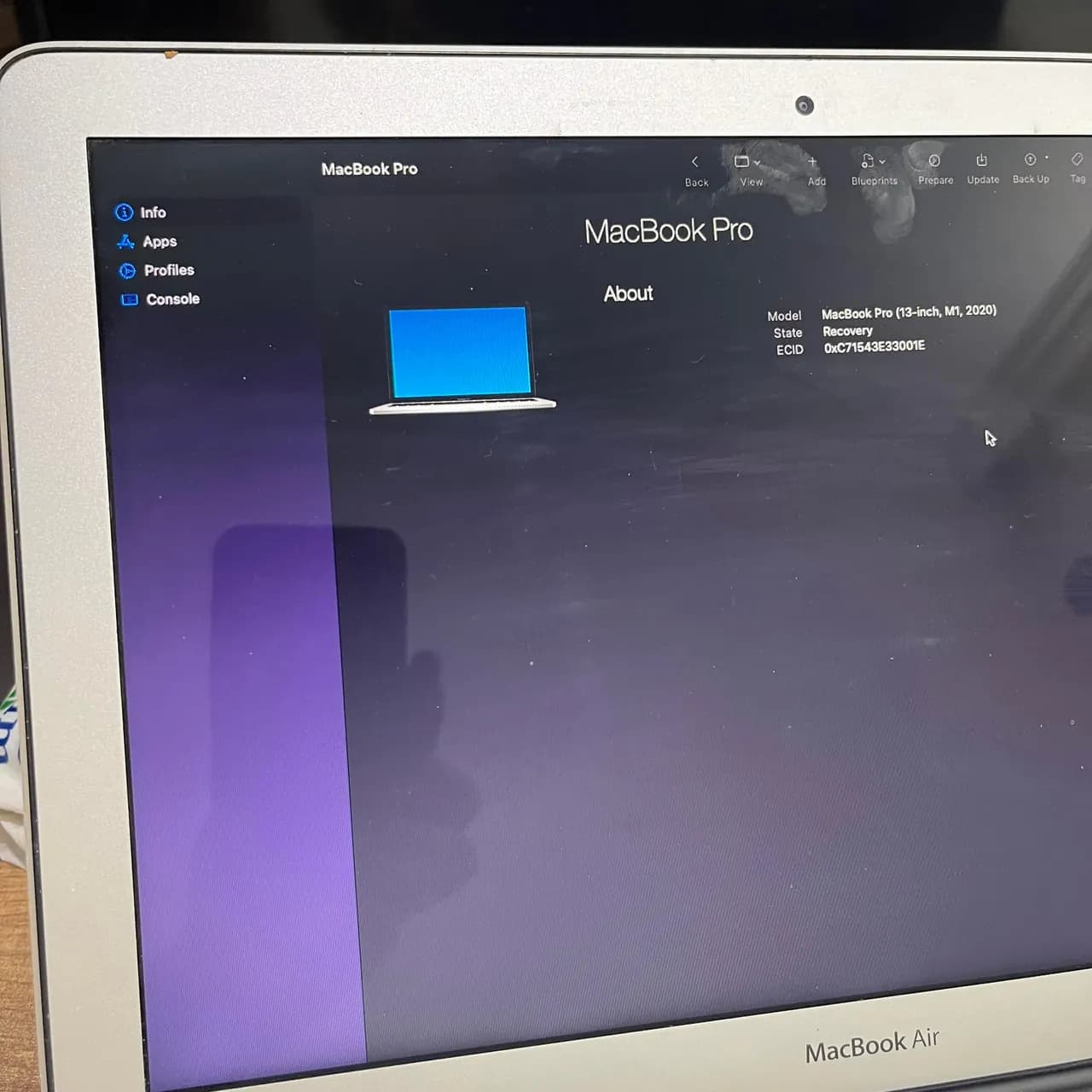
MacBook Pro A2338 (M1 , 2020). Sıvılı cihaz Tamir için bakılmış ama yapılamamış. Ekstra ekran filmi delinmiş filmin kendisini temizledim ama ekran paneli ısındığından dolayı ekranı kurtaramadım. Sorun : USB takıldığı zaman ana kartın ses yapıp 5V takılı kalması açılmıyor. Çözüm : Bu seride böyle kronik hata var.Hatanın ana sebebi Big power etrafında eksik Voltaj nedeniyle açılış vermez.
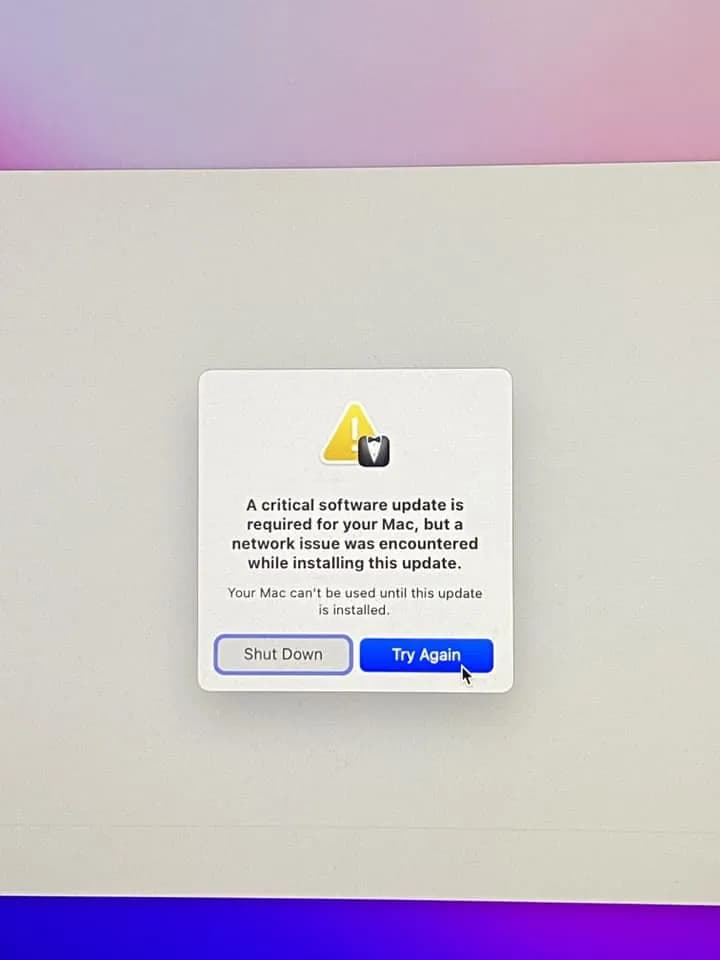
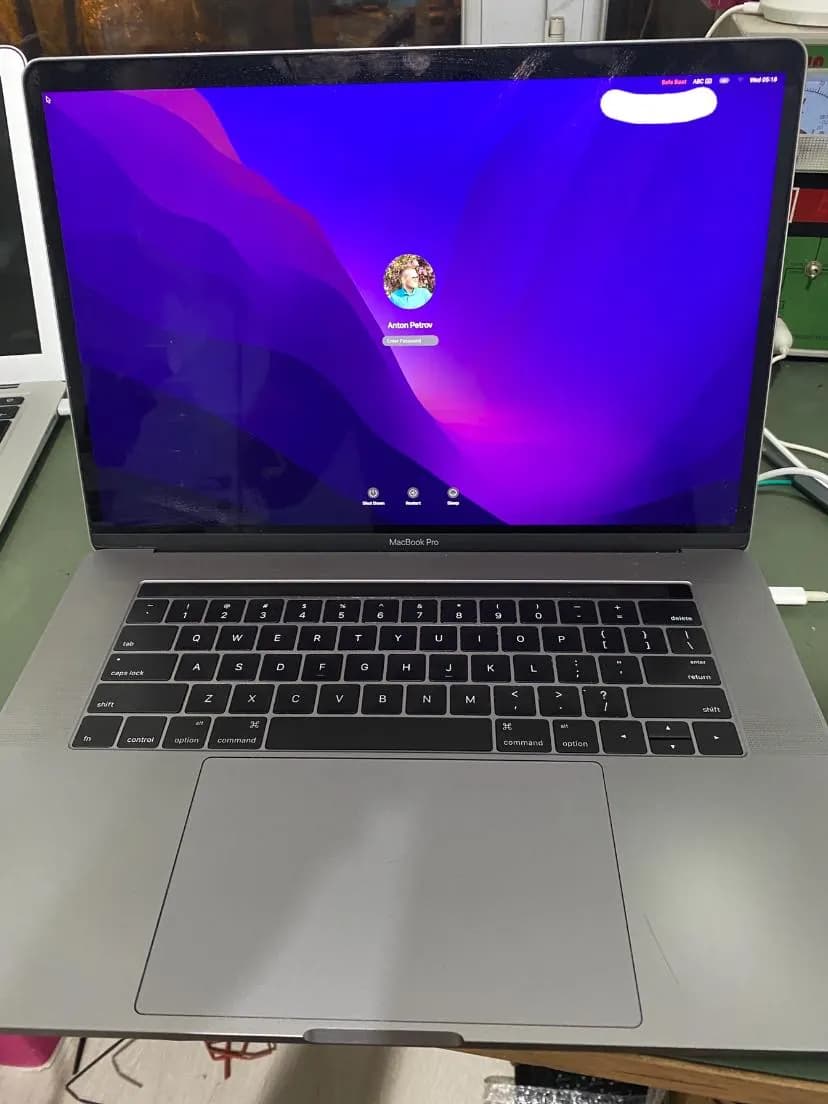
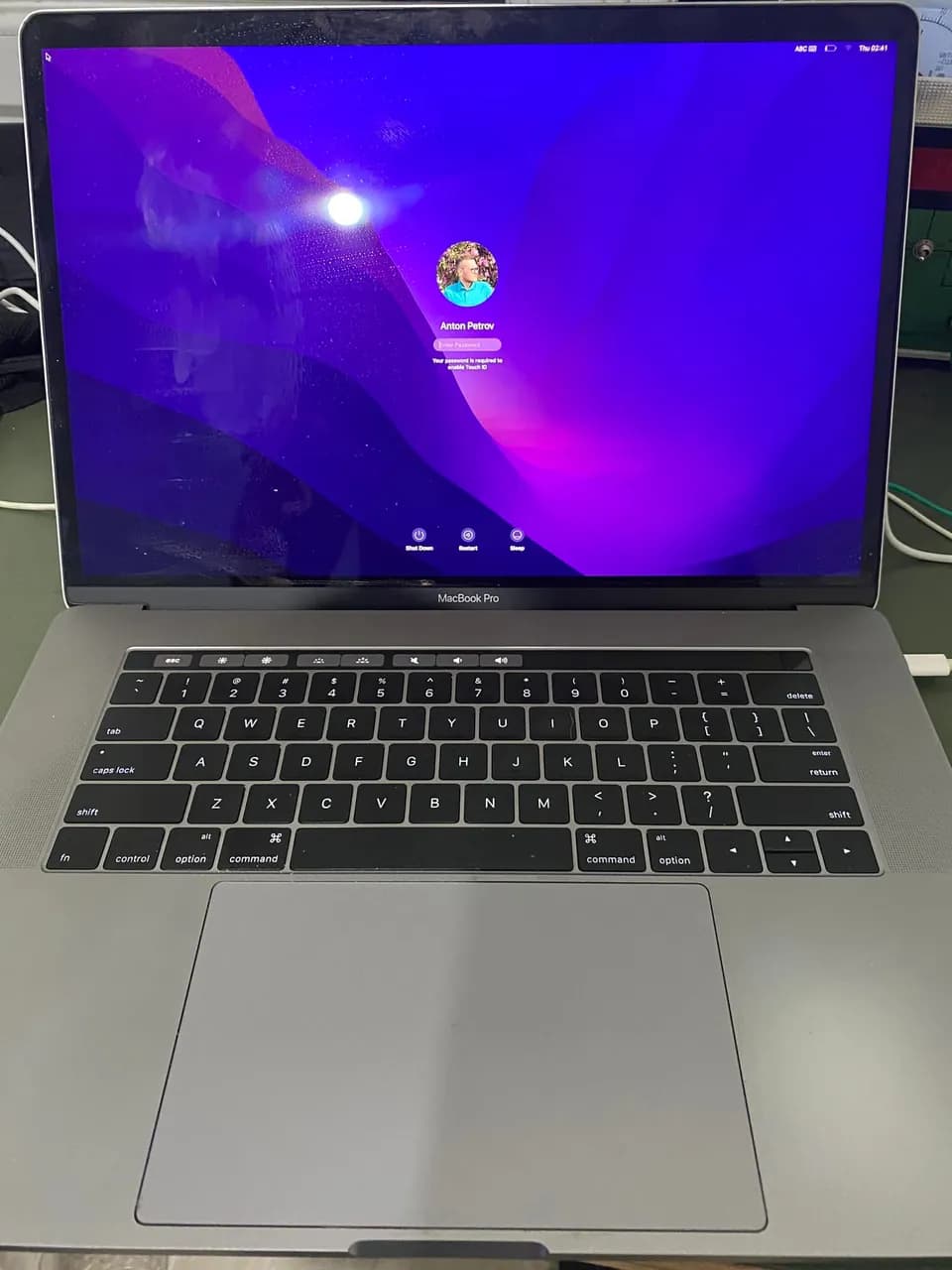
MacBook pro A1707 Sıvılı cihaz açılışta yazılımla alakalı hata vererek cihazı kapatıyor aslında sorun yazılımla alakalı deyil güvenli modda açıldı zaman sorunsuz çalışıyor Touchbarlı modellerde görülen sorun 1 gün İçinde yapılarak müşterisine teslim edilmiştir hayırlı olsun
Frequently asked questions
Water spilled on my MacBook but it still works — should I bring it in?
Yes. Working after a spill doesn't mean corrosion hasn't started. Residue left inside can eat through power lines within weeks. Early cleaning can prevent a far more expensive board repair later.
Does the rice trick really not work?
It doesn't. Rice can't meaningfully extract moisture from inside the machine, and the lost time lets corrosion advance. The right approach is keeping the machine off and getting professional cleaning.
Can a liquid-damaged board always be repaired?
Not always; it depends on how widespread the damage is. But in a large share of cases the problem is confined to a few areas and board-level work can save the machine. Declaring 'board replacement' without diagnosis is usually unnecessary expense.
- · Board-level liquid damage methodology — clean-before-diagnose principle
- · USTA Academy — power sequence and short-circuit diagnosis modules
Technical reference documents
These manufacturer and project documents explain the measurement methods or support procedures discussed here. Board-specific values still require the correct model schematic and measurement conditions.
Related guides
Want to learn this systematically?
AkademiUsta · Apple Board-Level Repair — 6 Modules · 80 Days. Module 1 (8 days) is completely free — no time limit, no credit card.
This topic in the program · Module 1 · Day 7Read the visual evidence and make the rework decisionStart FreeOr write to İlham on WhatsAppSource: USTA Academy methodology — liquid damage diagnostic order (teaser)